




Code Profiler Pro 1.7.7 – WordPress Performance Profiling and Debugging
Code Profiler Pro 1.7.7 – WordPress Performance Profiling and Debugging
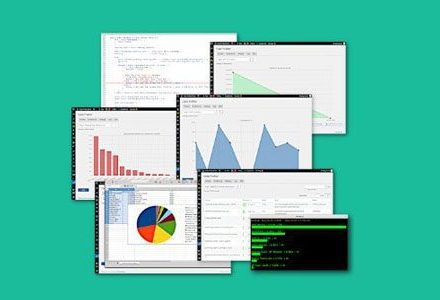
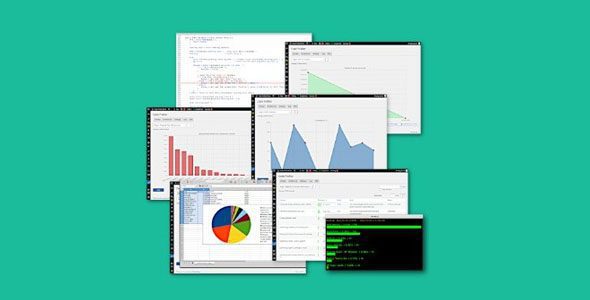
Code Profiler Pro brings advanced code profiling and performance debugging directly to your WordPress admin dashboard, making it easy to identify bottlenecks and optimize your site, even on shared hosting environments.
Code Profiler Pro Plugin WordPress Features
- Identify and remove slow plugins or themes
- Compare similar plugins and choose the fastest
- Speed up your website and improve SEO
- Compare web hosting plans for optimal performance
- Detect performance issues and bottlenecks in your code
- Find and fix slow classes, methods, functions, excessive file I/O, and slow queries
- Profile from WP-CLI
- Plugins & themes performance profiling
- Scripts performance profiling
- Methods & functions performance profiling
- Database queries performance monitoring
- File I/O operations monitoring and statistics
- Disk I/O monitoring
- Profile WordPress frontend and admin backend
- Export charts as PNG images
- WP-CLI integration (basic)
- Export all tables and charts in CSV format
- Monitor GET/POST methods and custom cookies
- Filtering options for targeted profiling
Download Code Profiler Pro WordPress Plugin
Note: If you are having trouble with the Free Code Profiler Pro WordPress Plugin Download, try disabling AdBlock or use another web browser. If the problem persists, please contact support.