
Boost your sales with a free WooCommerce Wishlist feature. Let your customers save and share their favorite p...
Free
100k+ installs 4.7★ (499)
Wishlist for WooCommerce helps to manage Wishlist and save for later feature in a WooCommerce store

The Wishlist and Save for later for WooCommerce plugin allows customers to add and manage products in a wishlist on WooCommerce stores. This feature is useful for shoppers who may want to save items for future purchases or share their wishlists with others, potentially increasing store traffic and sales.
Once activated, you can manage settings through the Wishlist menu in WordPress. The plugin includes options for unauthenticated users, customizable button placements, and various display settings for the wishlist functionality.
Best for: This plugin is suitable for WooCommerce store owners looking to enhance customer engagement and sales through wishlist functionality.
What it does well
Where it falls short
This plugin offers a straightforward solution for adding wishlist features to WooCommerce stores. It may be beneficial for those aiming to improve customer retention and sales conversion.
acowebs's own description of Wishlist and Save for later for Woocommerce, lightly tidied.
WooCommerce Wishlist Plugin enables the customers to add and manage the e-commerce products in their Wishlist. WooCommerce product wishlist plugin can help you to transform the store visitors into your loyal customers.
There are many instances where the customers cannot purchase a product at a particular point in time or wish to buy it in the future. When they have a feature that helps them to save the products for later, it can let them return to your site when required to make the purchase.
It is easy and convenient to add products to the Wishlist for WooCommerce since it can let your customers buy more products than those they plan to purchase. Users can also share the WooCommerce wishlists, for instance, they can help their friends to choose a gift for the holiday or an event. Wishlist sharing options bring you new potential customers. Altogether, this brings new conversions and an increase in sales.
Try the Demo | Documents | Pro Version
Once you activate the Aco Wishlist for the WooCommerce plugin, navigate to the Wishlist menu in the WordPress left menu bar. Now, you can manage the WooCommerce Wishlist settings with the available options.
In the wishlist plugin for WooCommerce, you can save the customer’s time with options to create or choose a Wishlist every time you add a product to the Woocommerce Wishlist. This best wishlist plugin for Woocommerce gives complete control to the customers over the Wishlist: they can create, rename, delete, or set the privacy settings in the Manage wishlist page.
Here are the basic features that the WooCommerce Wishlist offers:
🔹 Select the Woocommerce Wishlist page
🔹 Feature to let the use of Wishlist for unauthenticated users.
🔹 Select the “Add to wishlist” button position on the product page and loop that enables Woocommerce add to wishlist option
🔹 Shortcode option accessible to place “Add to wishlist” button anywhere on the page.
🔹 Select “Add to wishlist” button styles.
🔹 Select what to display after the product is added to the Wishlist (Add, remove, etc.)
Other plugins for wishlists and comparisons.
Boost your sales with a free WooCommerce Wishlist feature. Let your customers save and share their favorite p...

WPC Smart Wishlist is a simple but powerful tool that can help your customer save products for buying later.

WooCommerce builder for Elementor & Gutenberg, offering product templates, product sliders, shopping cart,...
ShopLentor – More than a WooCommerce builder. A complete growth plugin to boost conversions, UX, and sales for...
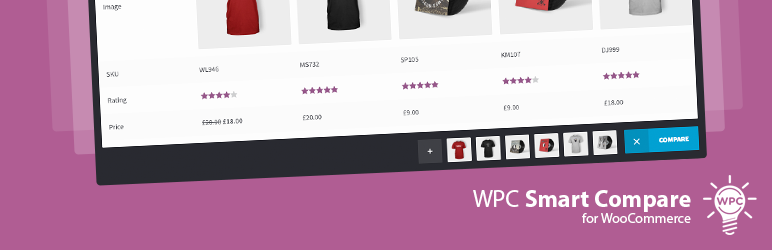
It helps customers compare products with mighty AJAX, doesn't require opening a new page or iframe, and a...
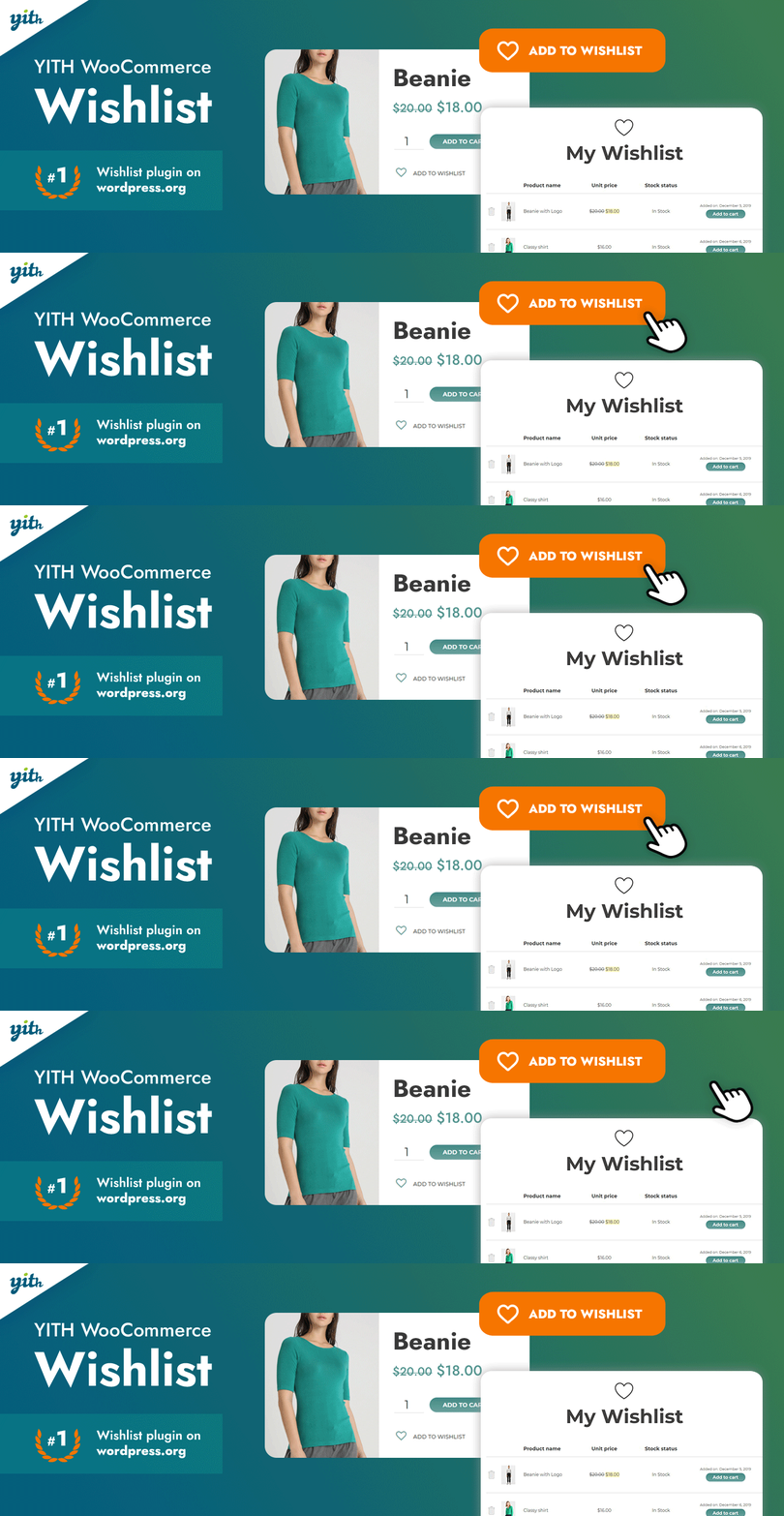
YITH WooCommerce Wishlist add all Wishlist features to your website. Needs WooCommerce to work. WooCommerce 11...