Add to Calendar Button
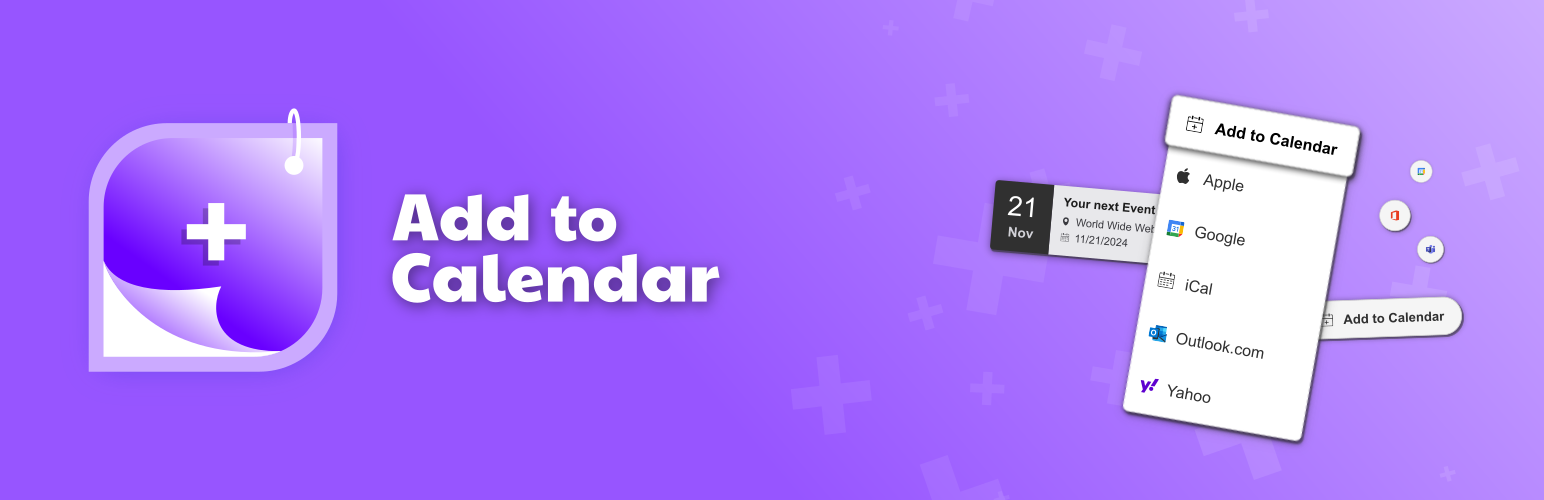
Create beautiful buttons, where people can add events to their calendars. Highly customizable. As shortcode or via a convenient block.
The facts
- Rating
- 5★ from 11
- Active installs
- 3k+
- Price
- Free
- Last updated
- 7 Aug 2026
- Added
- Jan 2023
- Requires WP
- 5.7
- Tested up to
- WP 7.0.4
- Requires PHP
- 7.4
- Downloads
- 107,342
Our analysis
AI-assistedThe Add to Calendar Button is a WordPress plugin that allows you to create buttons for adding events to various calendar applications. It offers a shortcode and a Gutenberg Block for easy integration into your site, enabling users to save events with just a few clicks.
This plugin is suitable for anyone looking to enhance their event management on a WordPress site, particularly those who want to provide users with a straightforward way to add events to their personal calendars.
Best for: This plugin is best for event organisers and website owners who want to facilitate event saving for their users.
What it does well
- ✓Creates buttons for adding events to calendars
- ✓Supports multiple calendar platforms including Google Calendar and Outlook
- ✓Offers shortcode and Gutenberg Block for easy integration
- ✓Highly customizable with various attributes
Where it falls short
- •Limited information on advanced features without the PRO version
- •No direct support for using certain characters in shortcodes
Verdict
The Add to Calendar Button provides a simple solution for adding events to calendars, making it a useful tool for event-focused WordPress sites.
From the developer
Add to Calendar's own description of Add to Calendar Button, lightly tidied.
Make your events get saved.
This WordPress plugin lets you create beautiful buttons with calendar links, where people can add events to their calendars.
All of this with just a few clicks and highly customizable, using the popular Add to Calendar Button script.
Check out the official website for a comprehensive demo and overview.
🛠️ integrated in seconds
You can either use the shortcode [add-to-calendar-button] or the Gutenberg Block.
With the PRO version, it only takes the ID to make it fly.
In the no-PRO case, you simply place the necessary attributes directly in the shortcode, or at the Gutenberg Block settings.
(Mind that you cannot use ‘[‘ and ‘]’ characters, when going for the shortcode option! For content formatting, you can use {‘{‘}xxx{‘}’} instead of [xxx] there.)
🚀 go pro
Go even further with the PRO version…
→ Manage all details and styling via a convenient web app.
→ Use the same button to let people RSVP to your events – fully managed.
→ Get auto-generated landing pages and shareable links for your events.
→ Have better guidance for your users, when they add events to their calendars and things don’t go as expected.
✨ supported calendars
- Google Calendar.
- Yahoo Calender.
- Microsoft 365, Outlook, and Teams.
- Automatically generated iCal/ics files (for all other calendars, like Apple).
📆 supported event types
- Timed and all-day events.
- One-time, multi-date, recurring.
- Most robust time zone and daylight saving management.
- Dynamic dates (like “today + 3”).