
Easily manage events and sell tickets on your WordPress site. Sugar Calendar is easy-to-use, reliable, and exc...
Free
10k+ installs 4.5★ (24)
Easily embed your events calendar on your WordPress site with AddEvent's embeddable calendar plugin.
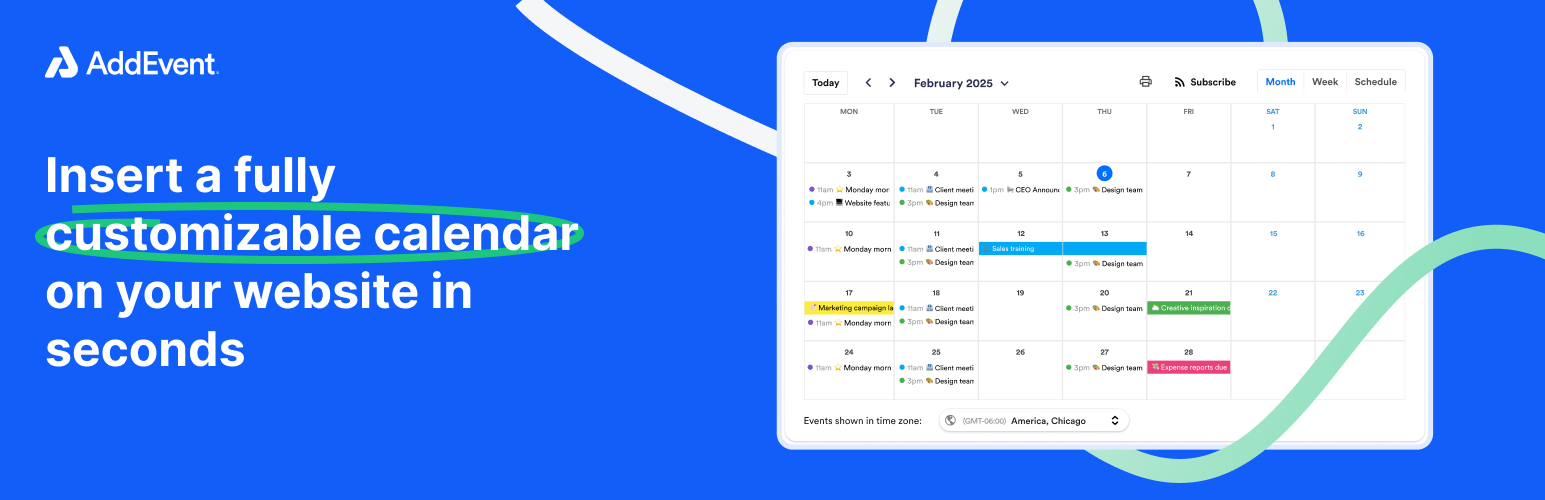
The Events Calendar by AddEvent is a WordPress plugin that allows you to embed a customizable events calendar on your website. It is designed for showcasing upcoming events, conferences, and schedules, making it suitable for various users such as businesses, nonprofits, educators, and marketers.
You can easily add the calendar to your site using the AddEvent Event Calendar block and your CalendarID. The plugin offers features like real-time event updates, timezone support, and various calendar display settings, ensuring that your audience stays informed about your events.
Best for: This plugin is suitable for anyone hosting events who wants to share their schedule on a WordPress site.
What it does well
Where it falls short
The Events Calendar by AddEvent provides a straightforward solution for embedding event calendars, though it requires an external account for full functionality.
AddEvent's own description of Events Calendar by AddEvent, lightly tidied.
AddEvent’s Events Calendar Plugin for WordPress makes it simple to embed a fully responsive, customizable events calendar on your website. Perfect for showcasing upcoming events, conferences, and schedules.
Don’t have an AddEvent account yet? Sign up for your own AddEvent Calendar.
Embed a beautiful event calendar on your website – display your upcoming events and keep your visitors up to date without any extra effort on their part.
AddEvent’s Embeddable Events Calendar plugin lets you display your AddEvent-powered Events Calendar on your website. Install the plugin, add the AddEvent Event Calendar block, and put in the CalendarID of your AddEvent Calendar.
Key Features:
✅ Easy Embedding – Add beautiful, fully responsive event calendars anywhere on your site.
✅ Customize Your Events Calendar – Customize the event calendar through block settings such as inclusion or removal of the calendar name, print button, timezone selector, subscribe buttons, and so forth
✅ Subscribe Button – Let visitors save your event calendar feed in their calendar of choice (Google, Outlook, Apple, etc.).
✅ Real-Time Event Updates & Syncing – Automatically sync event changes without needing manual updates to your website calendar. Events that are added and updated in AddEvent will be reflected on your website in real-time.
✅ Timezone Support – Ensure event times display accurately for global audiences.
✅ Calendar Display Settings – Supports various calendar views (month, week, schedule)
Perfect for businesses, nonprofits, educators, coaches, marketers, and anyone hosting events who wants to share their schedule and calendar on their website! AddEvent’s WordPress plugin makes calendar sharing simple, professional, and effective. Start engaging your audience today!
If you aren’t familiar with AddEvent, check out our YouTube channel filled with getting started videos or our Help Center.
This plugin integrates with the AddEvent Calendar to display and manage custom event calendars.
https://cdn.addevent.com/libs/cal/js/cal.embed.t1.init.js.By using this plugin, you agree to the terms and privacy policy of AddEvent.
We are not taking donations at this time.
This plugin is licensed under the GPLv2 or later. For more details, visit GNU GPL.
Other plugins for event and conference organisers.
Easily manage events and sell tickets on your WordPress site. Sugar Calendar is easy-to-use, reliable, and exc...

Sell event tickets with WooCommerce. Event registration, recurring events, RSVP, attendee management & eve...

The all in one Events Manager for WordPress: create and manage events, sell event tickets online easily. No Co...

Simple Event Registration & RSVP Management for WordPress
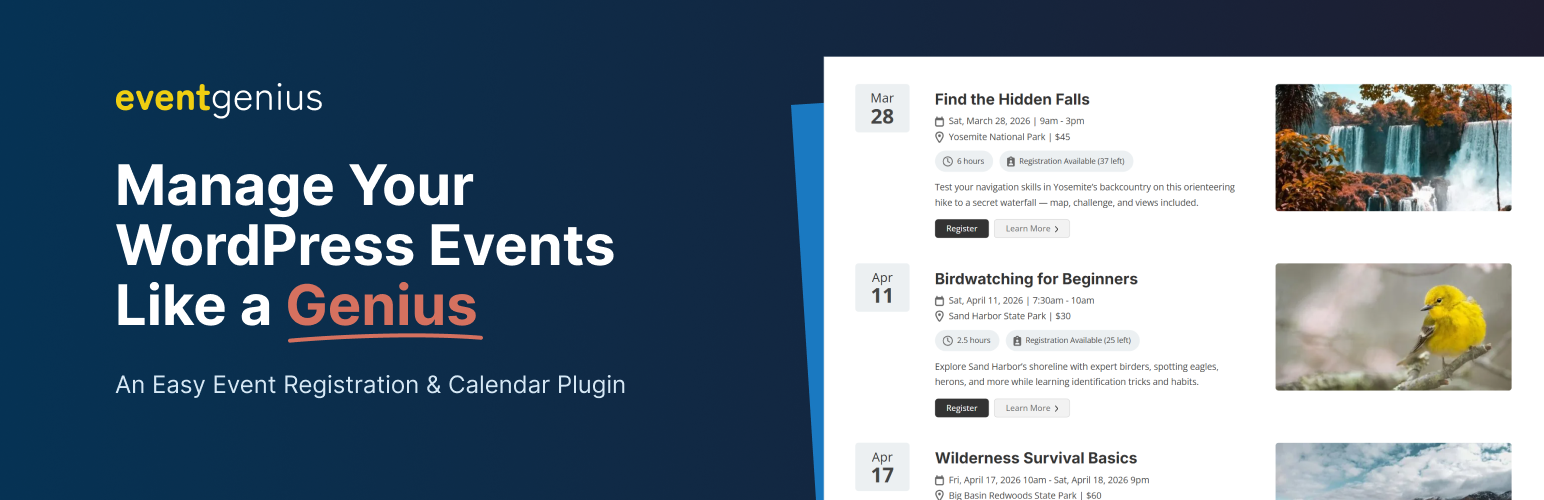
Event management plugin for WordPress with built-in registrations, recurring events, tickets, and calendars. R...

Xylus WP Event Aggregator: Easy way to import Eventbrite events, MeetUp events, Social site Events into your W...