Advanced Category and Custom Taxonomy Image
Add Custom Image To Your Category / Custom Taxonomy Field With Advanced Category and Custom Taxonomy Image Plugin.
The facts
- Rating
- 5★ from 5
- Active installs
- 1k+
- Price
- Free
- Last updated
- 22 May 2026
- Added
- Mar 2019
- Requires WP
- 5.6
- Tested up to
- WP 7.0.4
- Requires PHP
- 8.0
- Downloads
- 28,048
Our analysis
AI-assistedAdvanced Category and Custom Taxonomy Image is a WordPress plugin that allows you to upload and manage images for categories and custom taxonomies. It offers the ability to select different images for various devices, optimising image sizes for mobile bandwidth. You can use built-in template tags and shortcodes to display these images in your theme easily.
This plugin is suitable for users who want to enhance their site's taxonomy visuals without compromising performance. It is particularly useful for those managing multiple taxonomies and needing device-specific images.
Best for: This plugin suits WordPress users looking to enhance category and taxonomy presentation on their site.
What it does well
- ✓Allows custom image uploads for different taxonomies
- ✓Supports different images for various devices
- ✓Includes a built-in template tag for theme integration
- ✓Provides a shortcode for easy usage anywhere
- ✓Utilises WordPress default media uploader
Where it falls short
- •Limited information on additional features or user support
Verdict
Advanced Category and Custom Taxonomy Image offers straightforward functionality for managing taxonomy images, making it a useful tool for enhancing site aesthetics.
From the developer
Sajjad Hossain Sagor's own description of Advanced Category and Custom Taxonomy Image, lightly tidied.
Now its easier to include category / custom taxonomy image with this plugin for different platforms. No need to overload mobile bandwidth with high pixel image size. You can now select different image for different devices. Upload Different Image For Different Devices ex: Mobile, Tablet, Desktop, iOS, Android, Windows Phone.
Built-in Template Tag To Use Anywhere You Want In Your Theme : get_taxonomy_image( $term_id, $return_img_tag, $class );
Documentation
$taxonomy_img = get_taxonomy_image( int $term_id = get_queried_object()->term_id , boolean $return_img_tag = false , string $class = '' );

get taxonomy image url if $return_html = true then return  tag

Parameters :
$term_id
(int) (Required) Taxonomy ID of the term.

$return_img_tag
(boolean) (Optional) Formatted Image with  tag for the field during output.

$class
(string) (Optional) A space separated string of CSS classes to add to the  tag. classes ex: "your custom class list separated by space" but $return_img_tag should be true to add image class.

echo $taxonomy_img; // taxonomy image url
where $term_id is ‘category / term id’
Shortcode : use the shortcode anywhere to get taxonomy image. If you don’t provide “term_id” value then it will be current queried page taxonomy automatically.
echo do_shortcode( '[ad_tax_image term_id="" return_img_tag="true" class="your custom class list seperated by space"]' ); // keep term_id empty if you want to show current visited taxonomy archive image.
Features
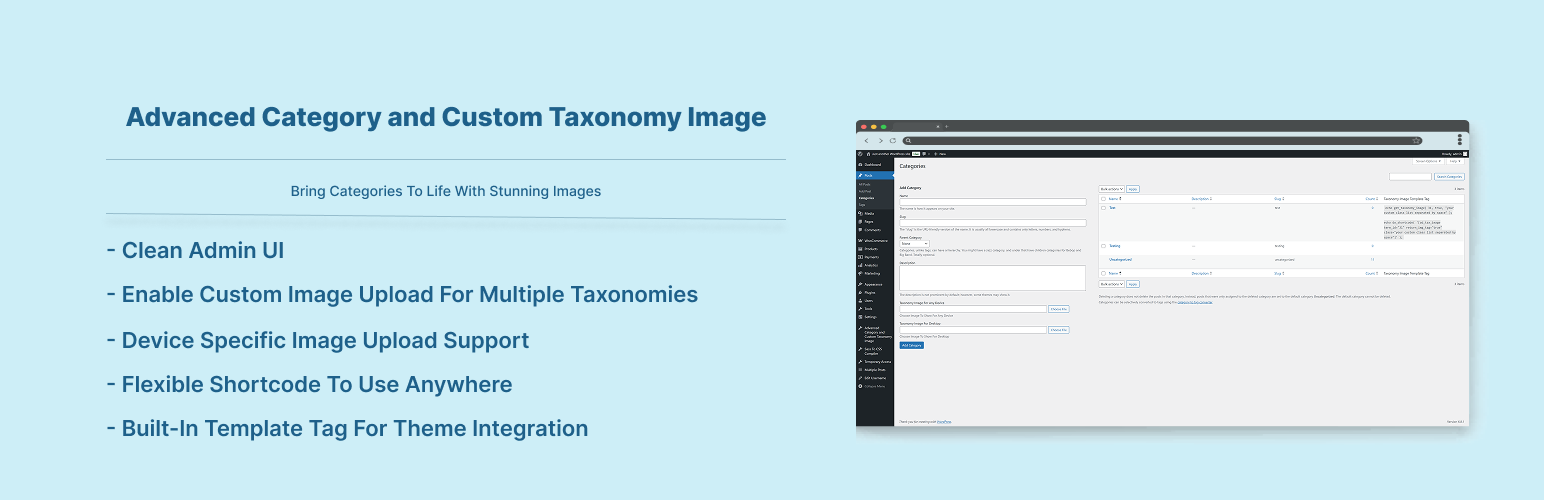
- Option To Enable Custom Image Upload for different taxonomies
- Option To Enable Custom Image Upload for different devices
- Very simple to use & WP Default Media Uploaded to upload image
- Built-in Template Tag to use in your theme template
- Shortcode to use anywhere.