
WPCode
93Easily add code snippets in WordPress. Insert header & footer scripts, add PHP code snippets with conditio...
Free
3M+ installs 4.9★ (1,873)
The ultimate solution for resetting your WordPress database or specific components to their default settings using the advanced reset features.
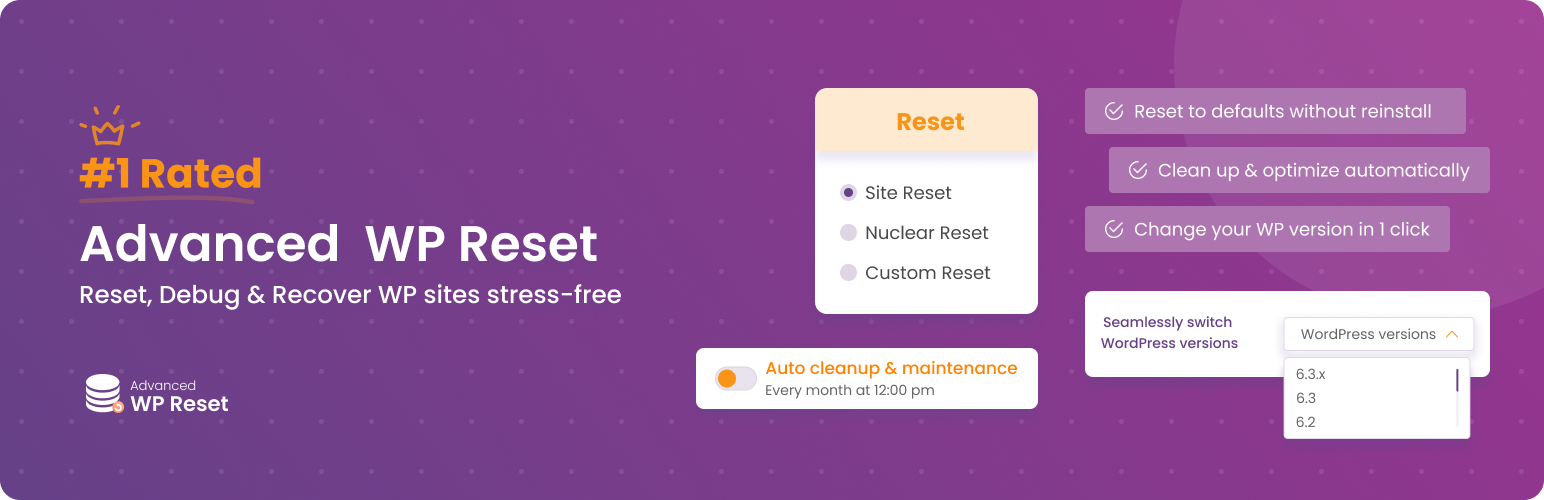
Advanced WordPress Reset is a WordPress plugin designed for developers and enthusiasts to reset, debug, recover, and automate their WordPress sites. It offers a Site Reset option that preserves certain data while removing posts, pages, comments, and custom tables, making it easier to start fresh without losing all media and settings.
The plugin is suitable for those who need a straightforward way to clean up their WordPress installation, allowing for a more productive workflow. It is particularly useful for users who want to manage their site effectively without the need for extensive reconfiguration.
Best for: This plugin suits developers and WordPress enthusiasts looking to manage and reset their sites efficiently.
What it does well
Where it falls short
Advanced WordPress Reset provides essential tools for resetting and managing WordPress sites, particularly beneficial for developers. However, the lack of detailed information on some features may limit its appeal to some users.
Younes JFR.'s own description of Advanced WordPress Reset, lightly tidied.
Advanced WordPress Reset is the ultimate WordPress productivity and troubleshooting plugin for developers and enthusiasts.
With this plugin, you can Reset, Debug, Recover, and Automate your WordPress like never before, all in one place!
Whether you’re a seasoned developer or an ambitious beginner, our plugin will make your life easier and your workdays more productive.
📢 For users looking primarily to clean up their database and delete orphaned items, we recommend using the Advanced Database Cleaner plugin.
Whether you’re seeking simplicity or in-depth customization, this plugin offers you 3 powerful core Reset options that cater to most WordPress Reset needs:
This is the most commonly used website Reset option as it preserves your data and focuses the Reset on the database and its content.
Elements that are removed are:
Elements that are kept are:
Site Reset is the ideal way to start over fresh without having to re-upload all your images & videos, reconfigure user access, reinstall themes and plugins…
Choose this option for a total reboot. This in-depth reset removes almost everything, from files to custom settings and database tables. It’s the closest you’ll get to a fresh WordPress install without the hassle.
The only things that are kept after a Nuclear Reset are:
Other plugins for developer tooling.
Easily add code snippets in WordPress. Insert header & footer scripts, add PHP code snippets with conditio...

Easily add tracking code snippets, conversion pixels, or other scripts required by third party services for an...

Duplicate post, post order, image resize, email via SMTP, admin menu editor, custom css / code, disable gutenb...

Create custom "Shortcodes" easily for HTML, JavaScript, CSS code snippets and use the shortcodes wit...

Add PHP code to your pages and posts easily using shortcodes.

An easy, clean, and simple way to enhance your site with code snippets.