
WPCode
93Easily add code snippets in WordPress. Insert header & footer scripts, add PHP code snippets with conditio...
Free
3M+ installs 4.9★ (1,873)
The Agency Toolkit plugin provides a lightweight way for agency owners, freelancers and website owners to quickly debug, optimize, and streamline the …
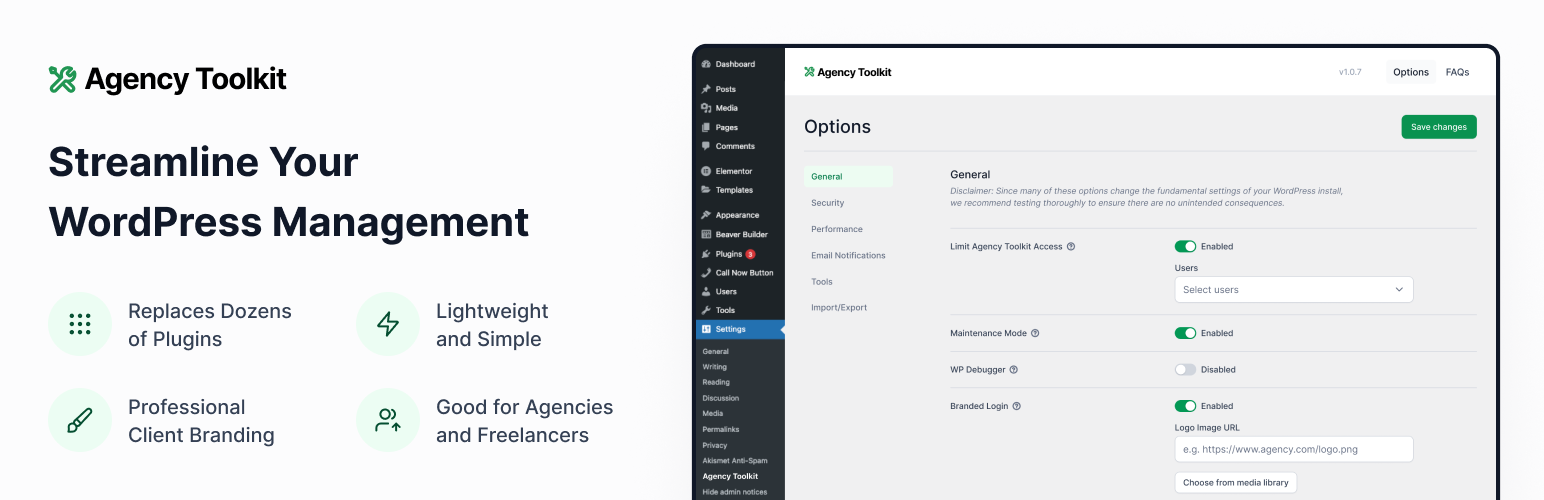
Agency Toolkit is a WordPress plugin designed for agency owners, freelancers, and website owners to manage and optimise their WordPress experience. It consolidates various functionalities into a single plugin, reducing the need for multiple third-party plugins. The plugin allows users to enable or disable settings tailored to their specific needs, enhancing both security and performance.
Key features include user access control for settings, maintenance mode, debugging options, and email notification management. It also supports exporting and importing settings across multiple sites, making it suitable for those managing numerous WordPress installations.
Best for: This plugin is ideal for agency owners and freelancers managing multiple WordPress sites.
What it does well
Where it falls short
Agency Toolkit offers a streamlined approach to managing WordPress settings, making it a practical choice for users looking to simplify their workflow.
inspry's own description of Agency Toolkit, lightly tidied.
The Agency Toolkit plugin provides a lightweight way for agency owners, freelancers and website owners to quickly debug, optimize, and streamline the WordPress experience without needing a dozen or more additional plugins. This plugin came out of a need for our own agency to standardize the WordPress settings across all of our maintenance clients. This plugin saves time and maintenance by reducing the need for many other third party plugins and ensures only privileged users can access these settings.
Each setting can be enabled or disabled as needed to keep things light and customized to your own needs. Currently, we support the following with more to be added:
General Settings:
Security Settings:
Performance Settings:
Email Notifications Settings:
You can also export and import plugin settings via .json file to ensure you have the same settings across all of your websites.
What if I lock myself out of the Agency Toolkit interface?
We have you covered. Simply go to ‘domain.com/wp-admin/admin.php?page=inspry-agency-toolkit&rescue=email’ where ‘domain.com’ is the WordPress website root domain and ’email’ is the email associated with your WordPress admin user account. This will send a new email to your email address with a link to reset the ‘Limit the users who can view the Agency Toolkit Settings Page’ setting. This way all WordPress admin users can access access the Agency Toolkit plugin interface. You can then re-select the users who should be able to access the interface in that setting.
See an option or tweak that you would find useful? Just email us and let us know.
Enjoy!
Other plugins for developer tooling.
Easily add code snippets in WordPress. Insert header & footer scripts, add PHP code snippets with conditio...

Easily add tracking code snippets, conversion pixels, or other scripts required by third party services for an...

Duplicate post, post order, image resize, email via SMTP, admin menu editor, custom css / code, disable gutenb...

Create custom "Shortcodes" easily for HTML, JavaScript, CSS code snippets and use the shortcodes wit...

Add PHP code to your pages and posts easily using shortcodes.

An easy, clean, and simple way to enhance your site with code snippets.