Iconos Alérgenos Alimentarios
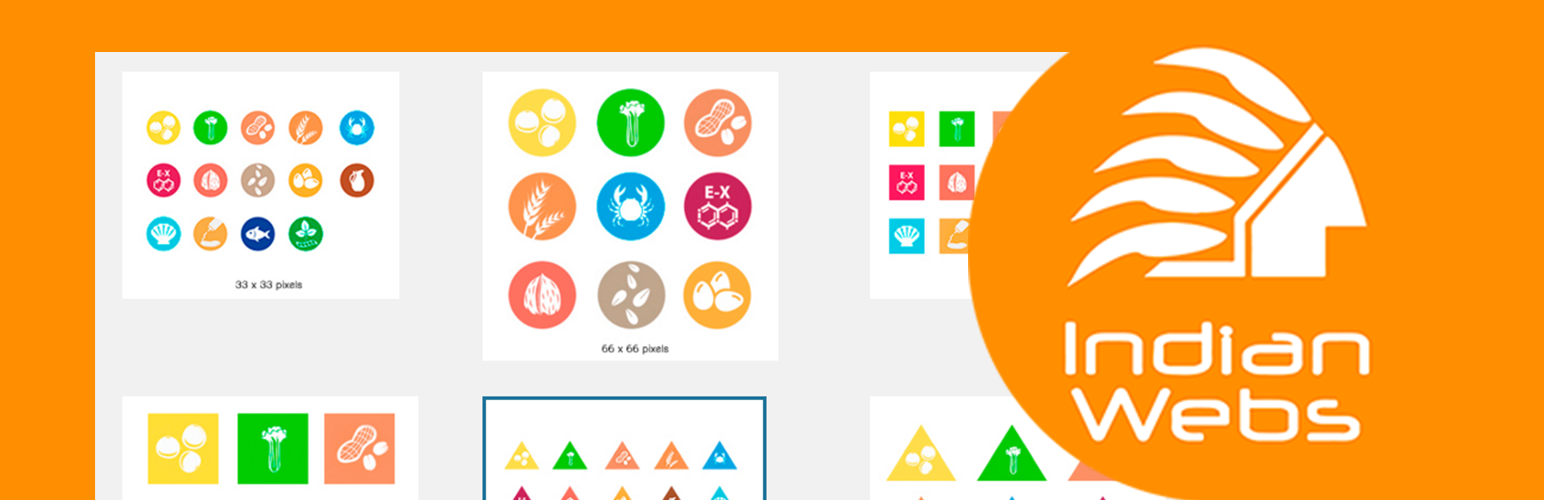
Inserta iconos de alérgenos compatibles con Gutenberg y el editor clásico.
The facts
- Rating
- 5★ from 1
- Active installs
- 200+
- Price
- Free
- Last updated
- 13 Jun 2025
- Added
- Dec 2015
- Requires WP
- 4.7
- Tested up to
- WP 6.8.8
- Requires PHP
- 7.0
- Downloads
- 5,680
Our analysis
AI-assistedIconos Alérgenos Alimentarios is a WordPress plugin that allows you to insert allergen icons into your content using both the Gutenberg and Classic editors. For Gutenberg users, it adds an option in the content block for inserting these icons alongside formatting buttons. If you are using the Classic editor, it provides a movable dropdown menu for selecting allergen icons.
This plugin is suitable for anyone who needs to display allergen information on their WordPress site, such as food bloggers, restaurant owners, or any site that requires allergen awareness for their audience.
Best for: This plugin is best for food-related websites needing to display allergen information.
What it does well
- ✓Compatible with both Gutenberg and Classic editors
- ✓Provides a dropdown menu for easy icon insertion
- ✓Automatically detects if Gutenberg is active
- ✓Free to use from the WordPress.org directory
Where it falls short
- •Limited information on additional features or customisation options
Verdict
Iconos Alérgenos Alimentarios offers a straightforward solution for inserting allergen icons in WordPress content. It is useful for those focused on food safety and allergen awareness.
From the developer
IndianWebs's own description of Iconos Alérgenos Alimentarios, lightly tidied.
Inserta iconos de alérgenos compatibles con Gutenberg y el editor clásico.
Descripción
Este plugin permite insertar iconos de alérgenos en el contenido de WordPress, tanto con el editor Gutenberg como con el editor clásico.
Con Gutenberg:
– Añade una opción en el bloque de contenido para insertar iconos de alérgenos junto a los botones de negrita e hipervínculo.
Sin Gutenberg:
– Añade un botón en el editor clásico que despliega un menú movible con los iconos disponibles.
Requisitos
- WordPress 5.0 o superior
- PHP 5.6 o superior
Para uso con Gutenberg:
* Gutenberg activado
Para uso sin Gutenberg:
* Plugin Editor Clásico instalado y activado
Instalación
Opción 1: Con Gutenberg
- Subir la carpeta del plugin a
wp-content/plugins/. - En la raíz del plugin, ejecutar
npm installpara instalar dependencias.
Opción 2: Sin Gutenberg (Editor Clásico)
- Subir la carpeta del plugin a
wp-content/plugins/. - Instalar y activar el plugin Editor Clásico.
Funcionalidades
- Inserción de iconos de alérgenos en ambos editores.
- Menú desplegable y movible en el editor clásico.
- Detección automática de si Gutenberg está activo.
- Icono flotante en el área de administración si no está activado Gutenberg.