
Membership & community plugin with user profiles, registration & login, member directories, content re...
Free
200k+ installs 4.4★ (1,444)
Email notifications done right. No BCC lists, no added page load time, better performance.

AsynCRONous bbPress Subscriptions is a WordPress plugin designed to enhance email notifications for bbPress subscriptions. By default, bbPress sends subscription notifications as a single email with multiple BCCs, but this plugin changes that by sending individual emails to users. It operates in the background using WP cron, which helps maintain page load speeds and improves notification performance, especially on larger sites.
The plugin allows for customization of email details through various filters, enabling users to tailor the sender information, subject lines, and message content. It is suitable for website owners who use bbPress and want to improve the user experience by providing more personalised email notifications.
Best for: This plugin is best for WordPress site owners using bbPress who want to enhance their email notification system.
What it does well
Where it falls short
AsynCRONous bbPress Subscriptions offers a straightforward solution for improving email notifications in bbPress. It is a practical choice for those looking to enhance user engagement through personalised communication.
Markus Echterhoff's own description of AsynCRONous bbPress Subscriptions, lightly tidied.
Per default, bbPress is sending subscription notification emails as one email with a bunch of BCCs. There are various reasons why it would make more sense to send individual emails. This plugin does that, quietly in the background via WP cron, without slowing down page load times. Also increases notification performance and reduces database load on large sites.
Translations by @mauriciogarofalo and @mechter
If you don’t customize this plugin, this is what you’ll get:
"MyBlog <admin@MyBlog.foo>" (with your Blog’s name and admin email)"Markus <markus@example.com>" (with the name being the user’s display name on the forums, not their username)You can install and activate this plugin and it just works, but you have full control over the details if you want to. Below are some filters and code snippets that help you do what you want. If you’re new to working directly with code, please see the example at the bottom of this page.
bbp_subscription_email_from( $from ) // $from can be a string or array('name'=>string, 'address'=>string)
bbp_subscription_email_recipients( $recipients ) // $recipients is array of array('name'=>string, 'address'=>string)
bbp_subscription_email_headers( $headers )
bbp_forum_subscription_email_subject( $subject, $forum_id, $topic_id )
bbp_forum_subscription_email_message( $message, $forum_id, $topic_id )
bbp_topic_subscription_email_subject( $subject, $forum_id, $topic_id, $reply_id )
bbp_topic_subscription_email_message( $message, $forum_id, $topic_id, $reply_id )

bbp_bounce_address( $bounce_address )

bbp_subscription_disable_async( false )
bbp_forum_subscription_disable_async( false )
bbp_topic_subscription_disable_async( false )
bbp_forum_subscription_notify_author( false )
bbp_topic_subscription_notify_author( false )
Here are some pointers to get the data you might want in your notifications:
$blog_name = get_bloginfo( 'name' );

$forum_title = bbp_get_forum_title( $forum_id );

$topic_author_user_id = bbp_get_topic_author_id( $topic_id );
$topic_author_display_name = bbp_get_topic_author_display_name( $topic_id );
$topic_title = wp_specialchars_decode( strip_tags( bbp_get_topic_title( $topic_id ) ), ENT_QUOTES );
$topic_content = wp_specialchars_decode( strip_tags( bbp_get_topic_content( $topic_id ) ), ENT_QUOTES );
$topic_url = get_permalink( $topic_id );

$reply_author_user_id = bbp_get_reply_author_id( $reply_id );
$reply_author_display_name = bbp_get_topic_author_display_name( $reply_id );
$reply_content = strip_tags( bbp_get_reply_content( $reply_id ) );
$reply_url = bbp_get_reply_url( $reply_id ); // note that it's not get_permalink()
To have a nice subject line for new topic notifications, add this to your theme’s functions.php. If your theme does not have this file, you can simply create it and it will be loaded automatically. Note how the example is basically just one of the filters above, mixed with some of the snippets and a return statement. It’s that simple.
add_filter( 'bbp_forum_subscription_email_subject', function( $subject, $forum_id, $topic_id ) {
    $blog_name = get_bloginfo( 'name' );
    $topic_author_display_name = bbp_get_topic_author_display_name( $topic_id );
    $topic_title = wp_specialchars_decode( strip_tags( bbp_get_topic_title( $topic_id ) ), ENT_QUOTES );
    return "[$blog_name] $topic_author_display_name created a new topic: $topic_title";
}, 10, 3); // first is priority (10 is default and just fine), second is number of arguments your filter expects
Other plugins for community building.
Membership & community plugin with user profiles, registration & login, member directories, content re...

One-click like buttons your visitors actually use, plus a built-in analytics dashboard that shows what your au...

Real-time messaging and chat rooms for WordPress ecosystem: private conversations, public and private chat roo...

Number one WordPress forum plugin with AI features. Full-fledged forum solution with modern forum design. Comm...

Your content is worth sharing. Let's makes it easier!
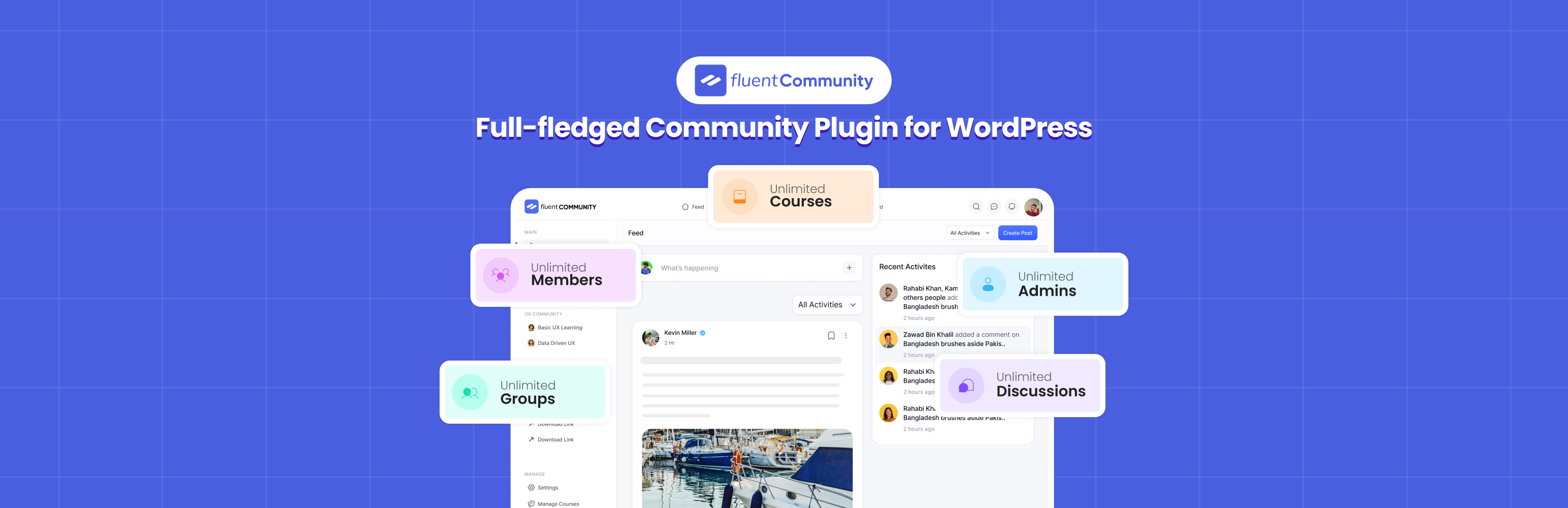
Get a fast & all-in-one community plugin. Create unlimited communities, and courses with robust social net...