
Formerly "Instagram Feed". Display clean, customizable, and responsive Instagram feeds from multiple...
Free
1M+ installs 4.9★ (4,350)
Login by Auth0 provides improved username/password login, Passwordless login, Social login and Single Sign On for all your sites.
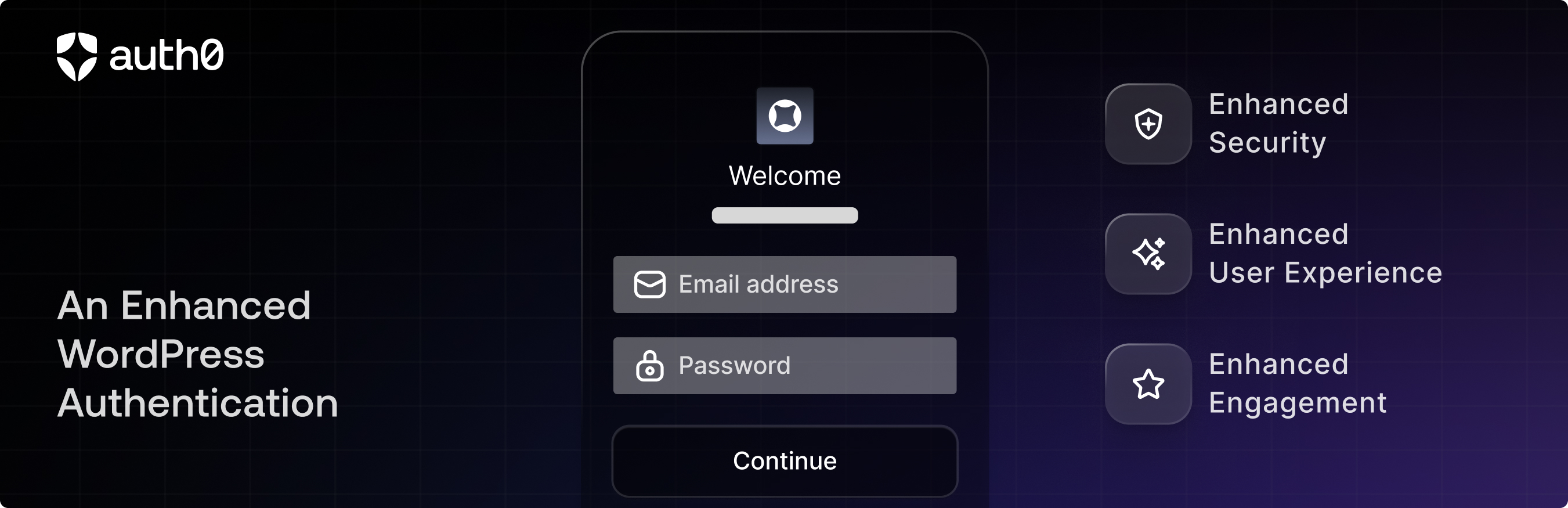
Login by Auth0 is a WordPress plugin that replaces the standard login forms with an Auth0-powered authentication system. It supports universal authentication through over 30 social login providers and enterprise connections, allowing users to log in using various methods, including passwordless options via email or SMS.
This plugin is suitable for websites that require enhanced security and user management features, as it includes multifactor authentication, password policies, and email validation. However, it delegates user authentication and profile handling to Auth0, meaning standard WordPress login functionalities are not used.
Best for: This plugin suits websites that need advanced authentication and user management capabilities.
What it does well
Where it falls short
Login by Auth0 provides a robust solution for enhancing user authentication on WordPress sites. However, it may not be suitable for those who prefer to keep user management within the WordPress ecosystem.
Auth0's own description of Login by Auth0, lightly tidied.
This plugin replaces standard WordPress login forms with one powered by Auth0 that enables:
IMPORTANT: By using this plugin you are delegating the site authentication and profile handling to Auth0. That means that you won’t be using the WordPress database to authenticate users and the default WordPress login forms will be replaced.
Please see our How It Works page for more information on how Auth0 authenticates and manages your users.
Auth0 allows multiple authentication providers. You can have social providers like Facebook, Twitter, Google+, and more, a database of users and passwords (just like WordPress but hosted in Auth0), or you can use an Enterprise directory like Active Directory, LDAP, Office365, Google Apps, or SAML. All those authentication providers might give you an email and a flag indicating whether the email was verified or not. We use that email (only if it is verified) to associate a previous existing user with the one coming from Auth0.
If the email was not verified and there is an account with that email in WordPress, the user will be presented with a page saying that the email was not verified and a link to “Re-send the verification email.” For either scenario, you can choose whether it is mandatory that the user has a verified email or not in the plugin settings.
Please note: In order for a user to log in using Auth0, they will need to sign up via the Auth0 login form (or have an account created for them in Auth0). Once signup is complete, their Auth0 user will be automatically associated with their WordPress user.
You can enable Auth0 as a WordPress widget in order to show it in a sidebar. The widget inherits the main plugin settings but can be overridden with its own settings in the widget form. Note: this form will not display for logged-in users.
Also, you can use the Auth0 widget as a shortcode in your editor. Just add the following to use the global settings:
[auth0]
Like widgets, shortcode login forms will use the settings of the plugin. It can be customized by adding the following attributes:
Other plugins for social media.
Formerly "Instagram Feed". Display clean, customizable, and responsive Instagram feeds from multiple...

One click registration & login plugin for Facebook, Google, X (formerly Twitter) and more. Quick setup and...

Most popular WooCommerce product feed plugin supporting Google shopping feed, meta/facebook feed, bing product...

Formerly "Custom Facebook Feed". Display completely customizable Facebook feeds of a Facebook page....

Display X posts (Twitter tweets) from any public user account in a clean, attractive looking feed that updates...

Social icons, share buttons & a floating Click to Chat button for WhatsApp, Telegram, Messenger & Vibe...