Auto Featured Image
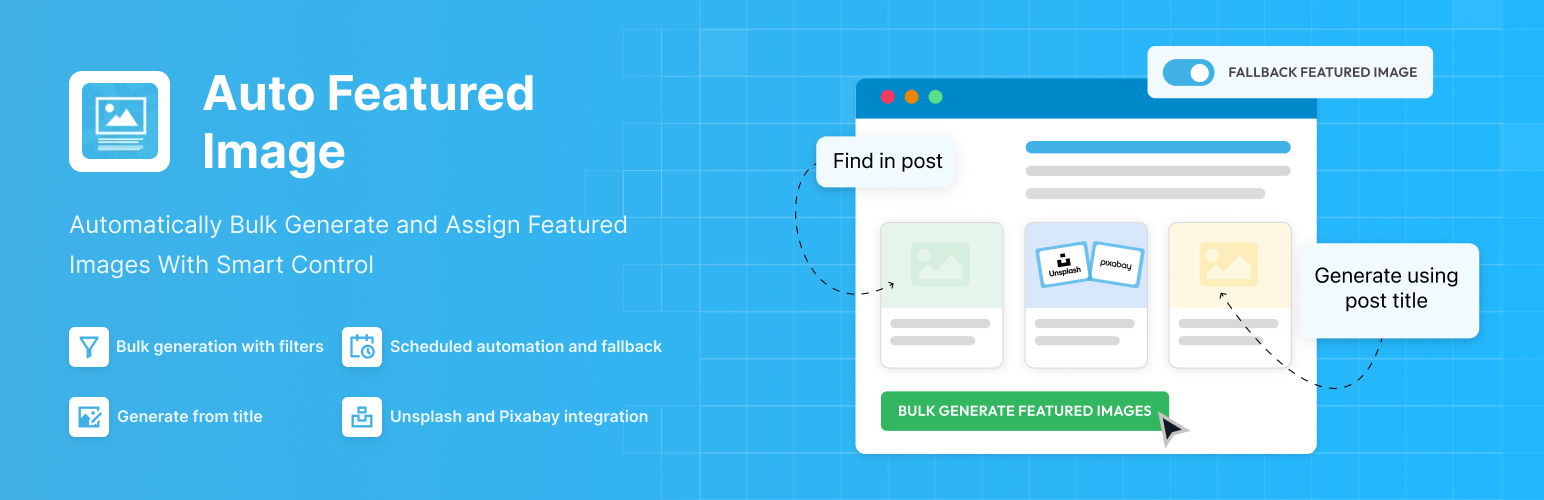
Automatically generate, assign, and manage featured images in bulk so every post on your site has a featured image.
The facts
- Rating
- 3.8★ from 118
- Active installs
- 40k+
- Price
- Free
- Last updated
- 21 Aug 2026
- Added
- Apr 2010
- Requires WP
- 5.6
- Tested up to
- WP 7.1
- Requires PHP
- 7.4
- Downloads
- 1,906,906
Our analysis
AI-assistedAuto Featured Image is a WordPress plugin that automatically assigns featured images and thumbnails to posts on your site. It can generate images from post titles, extract images from post content, or bulk assign thumbnails using various filters and scheduling options.
This plugin is suitable for anyone managing a WordPress site, whether it's a small blog or a larger site with numerous posts. It aims to save time by eliminating the need for manual uploads and ensuring that posts are visually consistent with featured images.
Best for: This plugin suits WordPress users who need to manage featured images efficiently across multiple posts.
What it does well
- ✓Automatically fixes missing featured images
- ✓Generates images from post titles
- ✓Extracts images from post content
- ✓Supports bulk image assignment
- ✓Works with various editors and custom post types
Where it falls short
- •Limited information on specific features or limitations
- •No details on support or documentation quality
Verdict
Auto Featured Image provides a straightforward solution for automating featured image assignments, making it useful for users with many posts. However, more detailed information on support and specific limitations would be beneficial.
From the developer
Themeisle's own description of Auto Featured Image, lightly tidied.
Auto Featured Image automatically fixes missing featured images and thumbnails across your WordPress site.
Generate featured images from post titles, extract images from post content, or bulk assign thumbnails using advanced filters and scheduling — all in just a few clicks.
It works seamlessly with Gutenberg, Elementor, Classic Editor, and any custom post type.
No more manual uploads. No more posts going live without featured images.
With Auto Featured Image, you can:
- Generate featured images in bulk
- Create dynamic images from post titles
- Detect and assign images already inside post content
- Automatically apply default fallback images
- Set advanced filters and control generation rules
- Schedule bulk image generation
Whether you run a small blog or manage thousands of posts, Auto Featured Image saves hours of repetitive work and keeps your website visually consistent — automatically.
⚡ Quick Links
🚀 How It Works
Step 1: Choose a Generation Method
Select how featured images should be created:
- Find in post – Uses the first image found inside the content.
- Generate from title – Creates a featured image dynamically using the post title.
- Find or generate – Uses existing images, otherwise generates one.
- Find or use default image – Falls back to a predefined image if none is found.
Step 2: Filter Your Posts
Apply filters to control exactly where images should be generated:
- Post Type
- Post Status
- Post Category
- Date Range