
WPForms
98The best WordPress contact form plugin. Drag & Drop form builder to create beautiful contact forms, paymen...
Free
5M+ installs 4.8★ (14,369)
Add a Google Address Autocomplete field to Contact Form 7 forms. Powered by Google Places API for real-time address suggestions and accurate data coll …
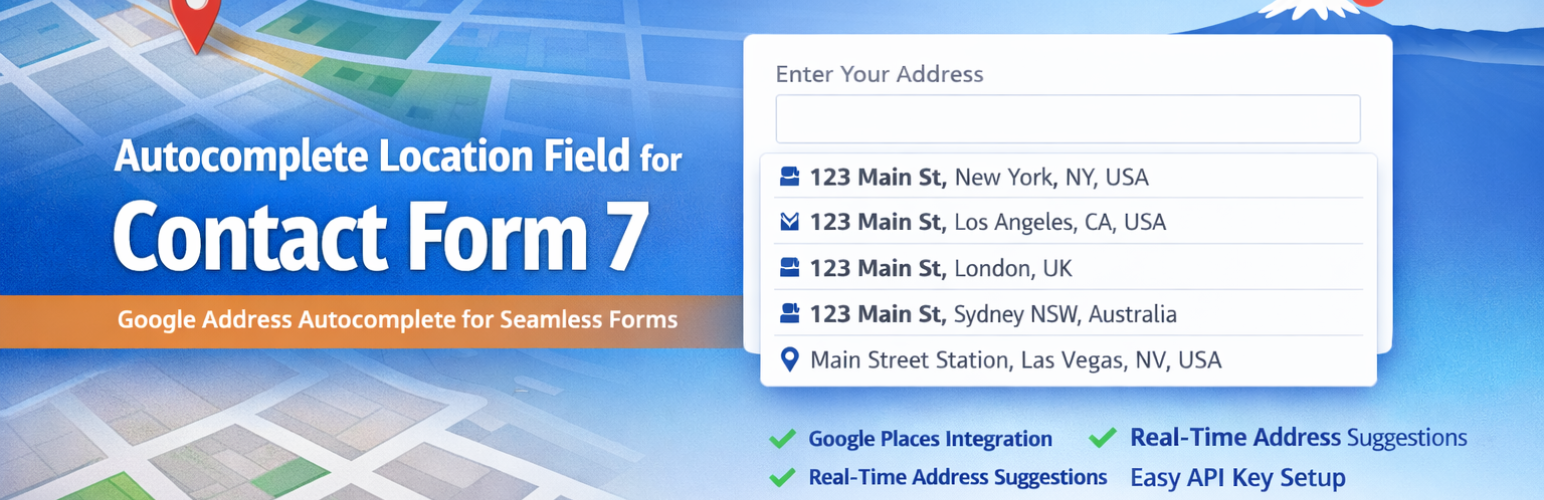
Autocomplete Location Field for Contact Form 7 is a WordPress plugin that adds a Google Address Autocomplete field to Contact Form 7 forms. It uses the Google Places API to provide real-time address suggestions as users type, helping to reduce errors in address entry.
This plugin is suitable for various types of websites, including delivery services, real estate agencies, booking platforms, and local businesses, as it helps collect accurate location data efficiently.
Best for: This plugin is best for websites that need to collect accurate location data through forms.
What it does well
Where it falls short
Autocomplete Location Field for Contact Form 7 offers a straightforward solution for enhancing address input in forms. It is particularly useful for businesses that rely on precise location information.
theme funda's own description of Autocomplete Location Field for Contact Form 7, lightly tidied.
Autocomplete Location Field for Contact Form 7 is the easiest way to add a smart Google Address Autocomplete field to any Contact Form 7 form on your WordPress website.
Powered by the Google Places API, this plugin delivers real-time address suggestions as users type — reducing typos, incomplete submissions, and user frustration. Whether you run a delivery service, real estate agency, booking platform, or local business, this plugin helps you collect accurate location data effortlessly.
🔗 Pro Version | Support | Get a Google Places API Key
Manually typed addresses are prone to errors. This plugin eliminates that problem by integrating Google’s powerful address intelligence directly into your CF7 forms. Users get instant, accurate suggestions — and you get clean, reliable data.
Perfect for:
– 📦 Delivery and shipping address forms
– 🏠 Real estate and property listing sites
– 📅 Booking and appointment forms
– 🛠️ Service area and local business websites
– 📬 Business contact and inquiry forms
That’s it — your form now has intelligent address autocomplete!
Get your free Google API Key: Step-by-step guide | Official Google Docs
Other plugins for building forms.
The best WordPress contact form plugin. Drag & Drop form builder to create beautiful contact forms, paymen...

The best anti-spam protection to block spam comments and spam in a contact form. The most trusted antispam sol...

Get a fast contact form plugin. Create advanced forms using drag and drop form builder with all smart features...

Best WordPress form builder plugin. Create contact forms, payment forms & order forms with 1000+ integrati...

Save and manage Contact Form 7 messages. Never lose important data. It is a lightweight contact form 7 databas...

Elementor forms builder to create WordPress forms like contact form, booking form, feedback form, survey form,...