
Easy to use Under Construction Page & Coming Soon Page. Enable Under Construction Mode in seconds & sh...
Free
600k+ installs 4.8★ (1,285)
Lock your Website from external access if your website is under construction. Only admins can see the website. You can also define a timespan.

AWEOS WP Lock is a WordPress plugin designed to put your site in maintenance mode. It allows you to lock your website so that only logged-in Administrators or Editors can view it, while guests will see a customizable notice instead of the site content.
You can control the locking mechanism through an admin bar widget, with options to enable or disable the lock permanently or for a specific timeframe. This can be useful for showing work to clients or colleagues while keeping the site hidden from the public.
Best for: This plugin is suitable for developers or site owners needing to temporarily hide their site during maintenance or development.
What it does well
Where it falls short
AWEOS WP Lock provides a straightforward solution for managing site visibility during development. It may be beneficial for those who require a simple way to control access to their site.
AWEOS GmbH's own description of AWEOS WP Lock, lightly tidied.
Is your website still under development? Have you broken anything on your webpage? WP Lock has you covered, use our simple admin bar widget to lock your site when needed.
We let you define a specific timespan to unlock and lock your site again, this can be useful if you want to show your work to a client, co-worker or friend.
After installation, you can use the “WP Lock” settings section inside your admin bar to lock or unlock your site. We indicate that your site is either locked or public by using a green or red color which makes it clear to the developer and site admins if “WP Lock” is activated at this moment.
If the plugin is enabled, you can only visit your website if you are logged in as an Administrator or Editor. Other people (‘guests’) will see a white page with just a short but customizable text notice rather than the website itself.
You can choose between 4 plugin states:
This plugin was developed by the advertising agency AWEOS.
Inprint (German): https://aweos.de/impressum/
THIS SOFTWARE IS PROVIDED BY THE COPYRIGHT HOLDERS AND CONTRIBUTORS “AS IS” AND ANY EXPRESS OR IMPLIED WARRANTIES, INCLUDING, BUT NOT LIMITED TO, THE IMPLIED WARRANTIES OF MERCHANTABILITY AND FITNESS FOR A PARTICULAR PURPOSE ARE DISCLAIMED. IN NO EVENT SHALL THE COPYRIGHT OWNER OR CONTRIBUTORS BE LIABLE FOR ANY DIRECT, INDIRECT, INCIDENTAL, SPECIAL, EXEMPLARY, OR CONSEQUENTIAL DAMAGES (INCLUDING, BUT NOT LIMITED TO, PROCUREMENT OF SUBSTITUTE GOODS OR SERVICES; LOSS OF USE, DATA, OR PROFITS; OR BUSINESS INTERRUPTION) HOWEVER CAUSED AND ON ANY THEORY OF LIABILITY, WHETHER IN CONTRACT, STRICT LIABILITY, OR TORT (INCLUDING NEGLIGENCE OR OTHERWISE) ARISING IN ANY WAY OUT OF THE USE OF THIS SOFTWARE, EVEN IF ADVISED OF THE POSSIBILITY OF SUCH DAMAGE.
Other plugins for maintenance pages.
Easy to use Under Construction Page & Coming Soon Page. Enable Under Construction Mode in seconds & sh...

Easy Drag & Drop Page Builder. A complete solution to create a WordPress Website, Custom Themes, Landing P...

Great looking maintenance, coming soon & under construction pages. Put your site under maintenance in minu...
Include inline javascript, stylesheets, CSS code or anything you want in Header and Footer areas of your WordP...
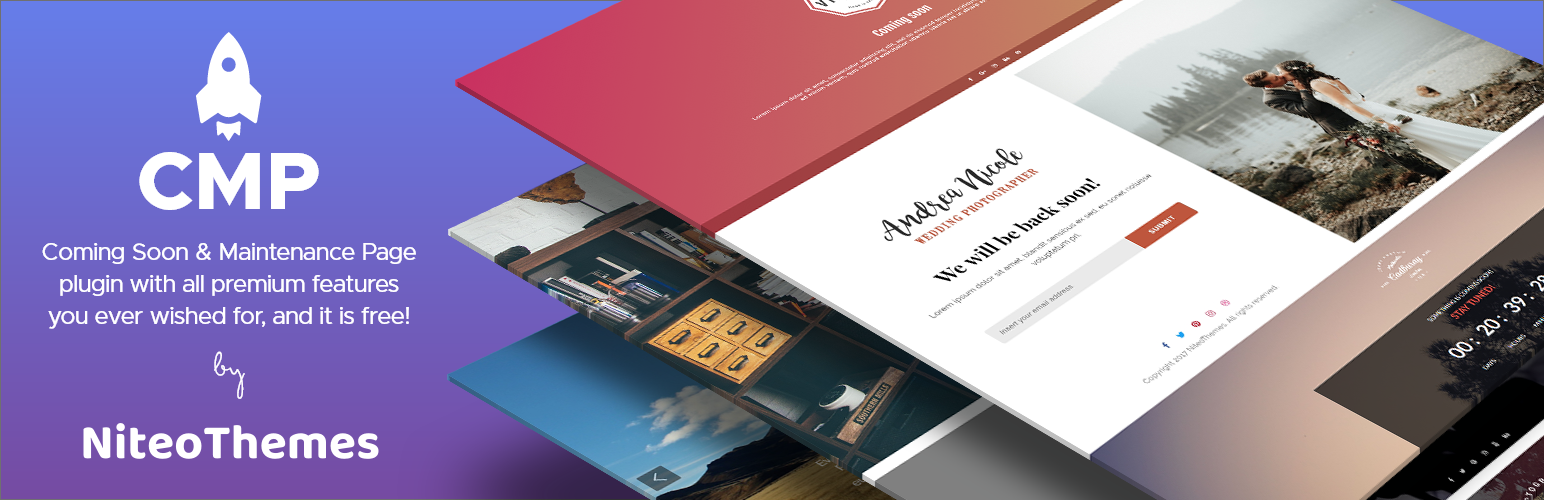
Beautiful Coming soon, Maintenance or Landing page on your website, packed with premium features for free.

Simplified WordPress management. Manage site info, maintenance, security, & redirects.