
Easy to use Under Construction Page & Coming Soon Page. Enable Under Construction Mode in seconds & sh...
Free
600k+ installs 4.8★ (1,285)
Puts your WordPress site into maintenance mode by sending a 'Error 503: Access Denied/Forbidden' status to all unauthenticated clients.

BEAPI – Maintenance Mode is a WordPress plugin designed to put your site into maintenance mode without any configuration options. It sends a '503 Service Unavailable' status to unauthenticated users, preventing search engines from indexing the maintenance page and protecting your SEO rankings.
The plugin allows logged-in users to view the site normally and includes features for developers, such as IP whitelisting and a customizable maintenance mode template. It is suitable for users looking for a straightforward solution to enable maintenance mode without the need for extensive settings.
Best for: This plugin is best for WordPress site administrators who need a simple maintenance mode solution.
What it does well
Where it falls short
BEAPI – Maintenance Mode offers a no-frills approach to enabling maintenance mode, making it suitable for users who prefer simplicity over extensive options.
BE API's own description of BEAPI, lightly tidied.
This simple and lightweight WordPress maintenance plugin puts the site into maintenance mode. The major advantage, compared to existing plugins, is that there are no options, it is ready to use!
It was think, while in maintenance mode, to :
– Not impact your SEO by sending a ‘503 Service Unavailable’ status to all unauthenticated clients. This means that it will inhibits search engines from both losing your site’s existing content and indexing your maintenance page as well, so your site will not lose its rankings while it is out of service. Content will even be hidden from consumers of the site’s RSS or Atom feeds.
– Make continually work the login/loggout process.
– It handle the activate process in multisite, which a lot of existing plugins don’t.
– If people are logged in they will have the site displayed as normal/expected.
We would like to precise that this plugin is simple as pie, anyone can use it but still dev-oriented. The idea is to not have a bunch of options to set before using it, in fact not only one! Because, it is a really pain when working on a multisite.
That is why there as still two filter for developers, which come in the section below.
In certain conditions, it is useful to not trigger the maintenance mode. That’s why you can add a file to your project (mu-plugins) to specify a range of IPs to whitelist. At the agency we use it with our VPN IP.
Please find an example of implementation on the following github;
By default it is the file located in the templates folder : maintenance.php
But you can customize this template using the following implementation on github, with a custom template placed wherever you want.
It is possible to activate the plugin by composer wp plugin activate beapi-maitenance-mode [--network]
If you are a developer and the plugin is not installed, you could also just use a dedicated composer command.
Created by Be API, the French WordPress leader agency since 2009. Based in Paris, we are more than 30 people and always hiring some fun and talented guys. So we will be pleased to work with you.
This plugin is only maintained, which means we do not guarantee some free support. Consider reporting an issue and be patient.
To facilitate the process of submitting an issue and quicker answer, we only use Github, so don’t use WP.Org support, it will not be considered.
Other plugins for maintenance pages.
Easy to use Under Construction Page & Coming Soon Page. Enable Under Construction Mode in seconds & sh...

Easy Drag & Drop Page Builder. A complete solution to create a WordPress Website, Custom Themes, Landing P...

Great looking maintenance, coming soon & under construction pages. Put your site under maintenance in minu...
Include inline javascript, stylesheets, CSS code or anything you want in Header and Footer areas of your WordP...
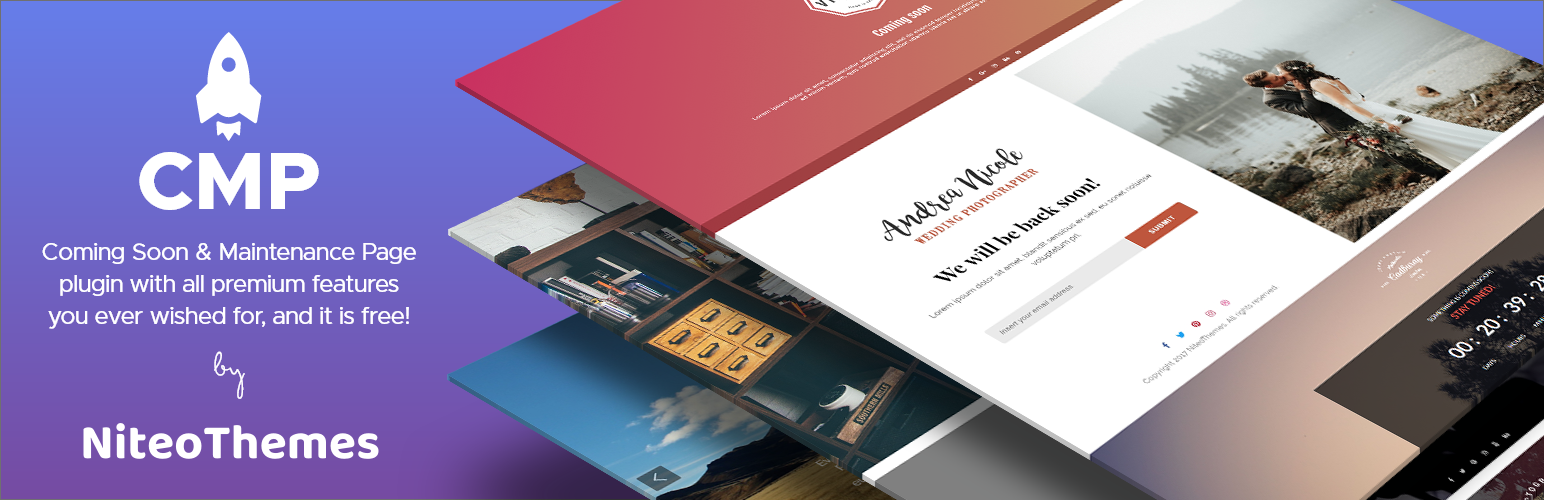
Beautiful Coming soon, Maintenance or Landing page on your website, packed with premium features for free.

Simplified WordPress management. Manage site info, maintenance, security, & redirects.