
Join millions who empower their websites with ElementsKit Elementor Addons. Get templates, & 100+ widgets...
Free
1M+ installs 4.9★ (2,036)
Create Header, Footer and Mega menu for your WordPress website using Elementor Page Builder for free.
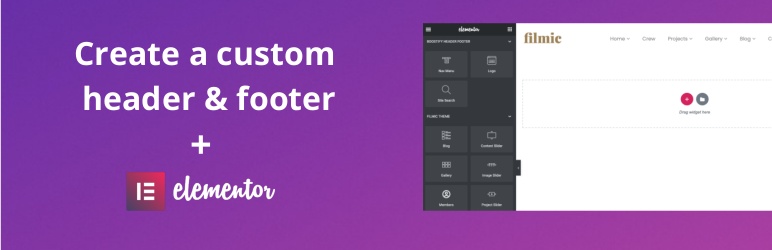
Boostify Header Footer Builder for Elementor is a WordPress plugin that enables you to create custom headers and footers using the Elementor Page Builder. It allows you to display these elements on specific pages or across your entire site. The plugin includes built-in widgets, eliminating the need for additional third-party plugins.
The plugin supports features such as a sticky header, mega menus, and various logo options, including retina images. It is compatible with all themes and works with WooCommerce, making it suitable for eCommerce sites and those looking to enhance their navigation and branding.
Best for: This plugin is ideal for users looking to create custom headers and footers on their WordPress sites, particularly those using Elementor.
What it does well
Where it falls short
Boostify Header Footer Builder for Elementor offers useful features for customising site navigation and branding. However, user satisfaction appears mixed, so consider your specific needs before use.
dylan ngo's own description of Boostify Header Footer Builder for Elementor, lightly tidied.
Create Header and Footer for your site using Elementor Page Builder for Free.
Boostify Header Footer Builder for Elementor is a powerful plugin that allows you to create
– Header
– Footer
A custom header & footer can be displayed on a specific page or all the pages from the custom field.
Not like other plugins, the plugin gives the built-in widgets for the header so You don’t need to install any 3rd party plugin for the add-on widget
Build a sticky header is easily with the plugin. It offers enabling the sticky in mobile, tablet or desktop.
Uploading custom logo for sticky menu, change the background menu, all can be done via Elementor.
View Tutorial
View Demo
Build a mega menu is easily with Elementor. Go to Boostify Header Footer builder -> Add new, in Type, select ‘sub mega menu’ option.
Then build this sub mega menu.
To add it to the header layout, in the header builder, select Nav mega menu, in this widget, select sub mega menu that’s in step one.
View Tutorial
View Demo
This widget helps create a button that click to show a vertical menu layout.
To add it to the header layout, in Elementor, select Vertical menu button
View Demo
Boostify Header Footer Builder for Elementor works with all themes. For some themes, that use action/filter in the header.php, you can intergrade it with a hook.
Other plugins for site navigation.
Join millions who empower their websites with ElementsKit Elementor Addons. Get templates, & 100+ widgets...

Elementor Carousel, Mega Menu, Posts List/Slider, WooCommerce Widgets, Display Conditions, AI Abilities, Prema...

Elementor templates, Header footer builder, Elementor Post Grid, Woocommerce Grid builder, Slider, Forms, Gall...

Adds breadcrumb navigation showing the visitor's path to their current location.
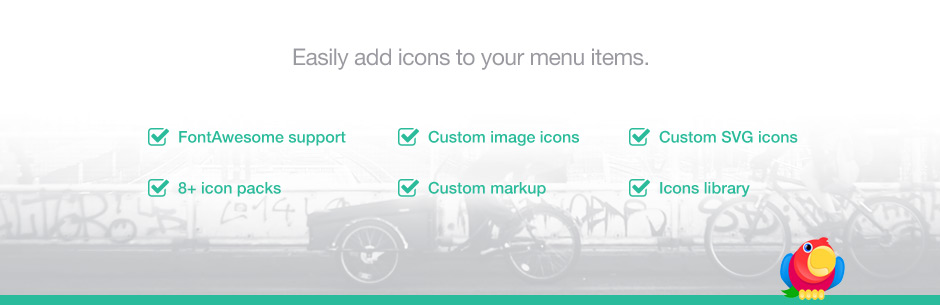
Add icons to WordPress navigation menus easily — pick from Font Awesome, Dashicons, image icons & more. St...

Create a welcome notification bar for your website. Also, My Sticky Bar plugin can make your menu or header st...