
The best anti-spam protection to block spam comments and spam in a contact form. The most trusted antispam sol...
Free
5M+ installs 4.7★ (1,186)
Captcha with Ajax method for sending code. Logins, Contact forms, Comments, WooCommerce. Firewall and REST API.

Captcha Ajax is a WordPress plugin designed to add anti-spam measures to various forms on your site, including login, registration, lost password, comments, and forms created with Contact Form 7, WPForms, and Forminator. It works asynchronously, ensuring compatibility with website caching methods. The plugin also includes firewall features to limit failed login attempts and provides options for custom captcha types and images.
This plugin is suitable for WordPress users looking to enhance the security of their forms and prevent spam submissions. It is particularly useful for sites that experience high traffic or have forms that are frequently targeted by bots.
Best for: This plugin suits WordPress site owners who need to secure their forms against spam.
What it does well
Where it falls short
Captcha Ajax provides essential anti-spam functionality for WordPress forms, making it a practical choice for users concerned about form security.
Alessandro Lin's own description of Captcha Ajax, lightly tidied.
Captcha works fine with website cache.
Adds Captcha Asynchronously anti-spam methods to WordPress. Include login form, registration form, lost passwordform and comments form. The asynchronously method allows captcha to work well when a page cache, server cache or plugin cache, is active.
Captcha for comments form
Captcha for Contact Form 7
Captcha for Forminators form.
Captcha for WooCommerce plugin. Login form, Lost Password form, Product Review form.
Select the letters type from the options – Capital letters, Small letters or Captial & Small letters.
Select the captcha image. Default image or Black and white or Multicolor or Icons ( 27 icons available from fontawesome.com ) or Arithmetics. See images in screenshots.
Firewall. Limit rate of failed login attempts for each IP.
Firewall. The “who is” feature for IP owner is active.
REST API
Firewall details:
Limit failed login attempts.
Temporary blocks an Internet address from making further attempts after a specified limit on failed retries is reached.
Option active for login form, login form embedded, registration form, lost password form. Select the feature in the dashboard.
REST API details:
The following address, reachable with a browser:
” https://your_site/wp-json/captcha-ajax/v1/transients_expired ”
will cause the cleaning of expired transients.
Performs this task no more than once every 2 hours, further requests will be ignored.
If your web site has a caching plugin installed or uses server-side caching, it is best to exclude the page from caching:
” https://your_site/wp-json/captcha-ajax/v1/transients_expired “
REST API Filter for Exposing Menus Publicly in WordPress. Optional.
Captcha for Contact Form 7 details:
1. Install and activate CF7 and Captcha Ajax.
2. Go to Captcha Ajax settings. CF7 yes and save.
3. Create your contact form with CF7.
4. Edit your new CF7 contact form:
Click on the line before [submit “Submit”]. This positions the cursor.
Click on the Captcha Ajax Tag.
Click on Insert Tag. This inserts the shortcode of Captcha Ajax.
Click on Save.
5. Add the CF7 shortcode to the page, post or text widget and save.
6. Cache. Purge if it is active.
Done
Captcha for WPForms details:
1. Install and activate WPForms and Captcha Ajax.
2. Go to Captcha Ajax settings. WPF yes and save.
3. Create your contact form with WPForms.
4. Add the WPForms shortcode to the page, post or text widget and save.
5. Cache. Purge if it is active.
Done
Captcha for Forminator form details:
1. Install and activate Forminator form and Captcha Ajax.
2. Go to Captcha Ajax settings. Forminator yes and save.
3. Create your contact form with Forminator.
4. Add the Forminator shortcode to the page, post or text widget and save.
5. Cache. Purge if it is active.
Done
Captcha for WooCommerce details:
This feature is synchronized with the WordPress Login.
If captcha for WordPress Login is enabled, captcha for WooCommerce Login module is also enabled.
Thanks for downloading and installing my plugin. You can show your appreciation and support future development by donating. https://www.paypal.me/a6419
Other plugins for stopping spam.
The best anti-spam protection to block spam comments and spam in a contact form. The most trusted antispam sol...

Allows administrators to globally disable comments on their site. Comments can be disabled according to post t...

Sophisticated antispam plugin for effective daily comment and trackback spam-fighting. Built with data protect...

Top-rated antispam for contact forms, comments, WooCommerce, eCommerce, and login. No CAPTCHAs, no friction, j...

Adds reCaptcha v2 from Contact Form 7 5.0.5 that was dropped on Contact Form 7 5.1
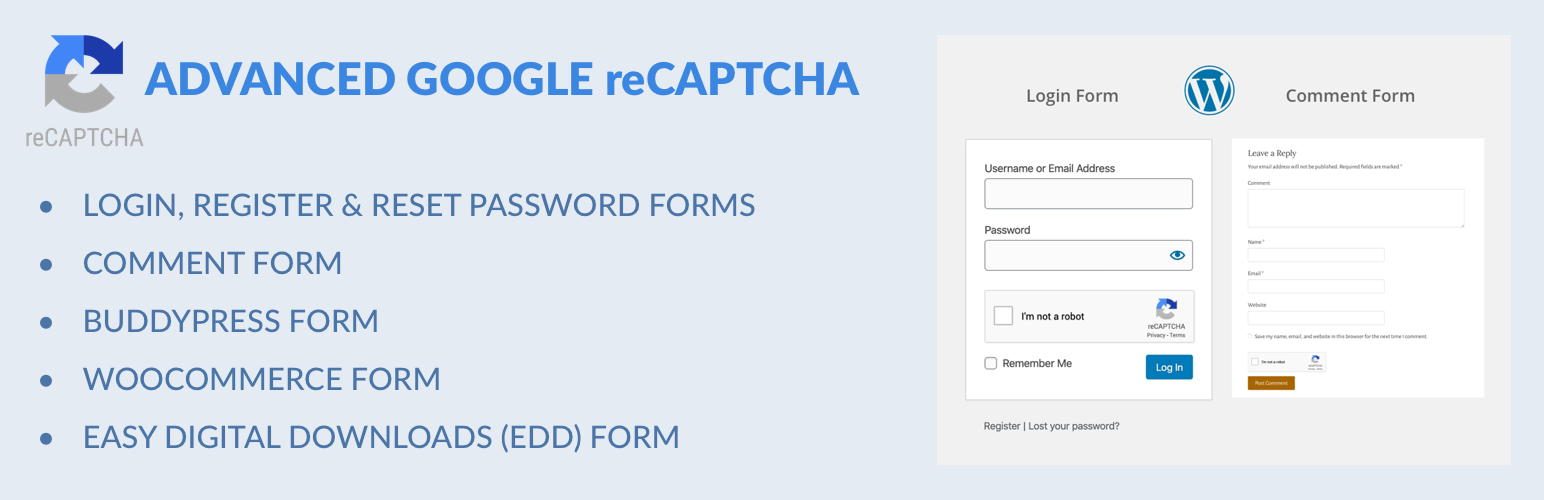
Captcha protection against spam comments & brute force login attacks using Google reCAPTCHA.