
WooCommerce
94Everything you need to launch an online store in days and keep it growing for years. From your first sale to m...
Free
7M+ installs 4.5★ (4,820)
FunnelKit Cart adds a beautiful sliding cart to your WooCommerce store. Let the buyers add items, edit quantity and add upsells on the side cart.
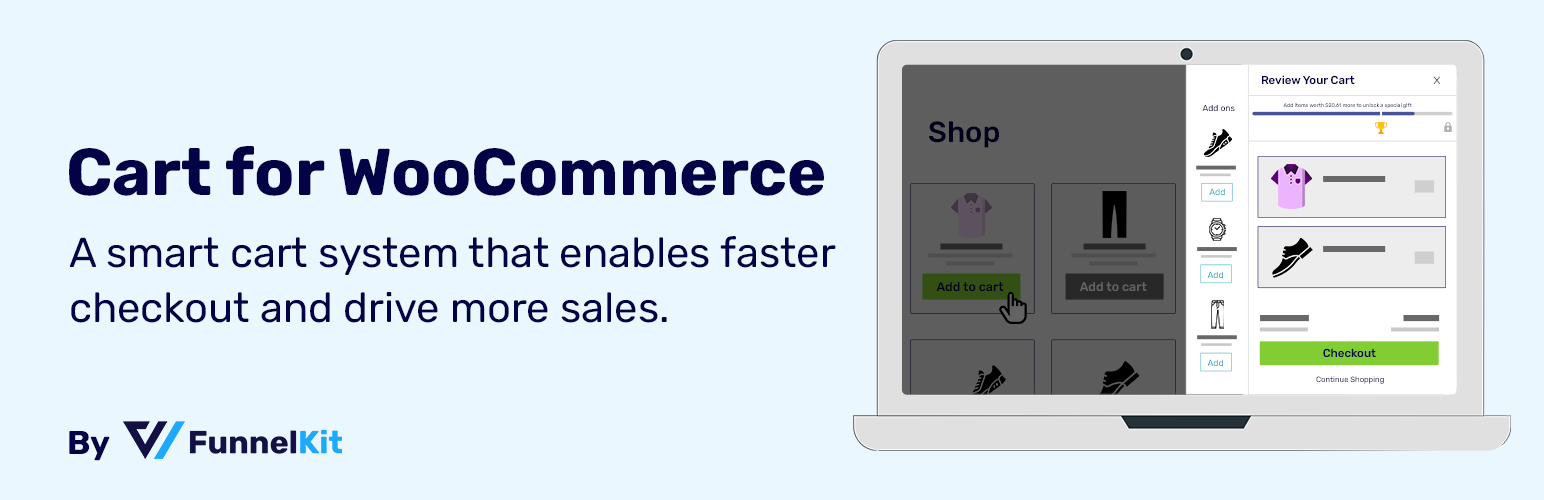
Sliding Cart for WooCommerce by FunnelKit is a WordPress plugin designed to enhance the shopping experience on WooCommerce stores. It introduces a sliding cart feature that allows users to add, edit, and view items without navigating away from their current page, thereby streamlining the checkout process. This plugin is suitable for WooCommerce store owners looking to improve cart accessibility and encourage additional purchases through upselling and rewards.
The plugin provides a mini cart icon that shoppers can use to access their cart at any time. Users can modify their cart items and are presented with options to unlock rewards, such as discounts or gifts, based on their purchases. The plugin also offers custom styling options to align the cart's appearance with the store's branding.
Best for: WooCommerce store owners seeking to enhance the checkout experience and increase sales through upselling.
What it does well
Where it falls short
Sliding Cart for WooCommerce by FunnelKit offers a practical solution for improving cart accessibility and encouraging additional purchases. It is a useful tool for those looking to optimise their WooCommerce checkout process.
FunnelKit's own description of Sliding Cart for WooCommerce by FunnelKit, lightly tidied.
FunnelKit Cart adds a beautiful sliding cart to your WooCommerce store. Let the buyers add items, edit quantity and add upsells (Pro) on the side cart.
Skip the WooCommerce cart page and direct users to the checkout page for a much faster checkout process.
Use the Mini Cart icon in the header to trigger the side cart and have all the cart-related information at your fingertips. Shoppers can even modify their cart items and add more items to unlock smart rewards like discounts, gifts, and more.
The Cart Icon gives shoppers access to their shopping cart items from wherever they are on the website.
Shoppers can easily add/remove items from their WooCommerce carts, providing them with a seamless buying experience.
Further, it gives users quick access to the checkout page by completely bypassing the conventional WooCommerce cart page.
If you need to transform your static WooCommerce cart into a dynamic, modern swipe cart – you need the FunnelKit Cart.
Since FunnelKit Cart has the option to enable or disable the AJAX-based side cart, you can configure whether you want to automatically update the cart items without hitting the refresh button or not.
FunnelKit Cart Lite gives you a host of customizations for your WooCommerce cart and myriad styling options to make your floating cart look on-brand.
A Cart Icon is a small icon at the bottom of your website that allows shoppers to access their shopping cart anytime, anywhere.
Other plugins for selling online.
Everything you need to launch an online store in days and keep it growing for years. From your first sale to m...

Top-rated antispam for contact forms, comments, WooCommerce, eCommerce, and login. No CAPTCHAs, no friction, j...

Weight based shipping methods for WooCommerce. Flexible shipping with table rate rules by cart weight and orde...

Every store loses sales to cart abandonment. But with Cart Abandonment Recovery for WooCommerce, you can win t...

Germanized extends WooCommerce to become a legally compliant shop for the german market. Must Have for every g...

🤩 Make popups & optin forms to get more email newsletter subscribers, leads, and sales - #1 most popular...