
The best anti-spam protection to block spam comments and spam in a contact form. The most trusted antispam sol...
Free
5M+ installs 4.7★ (1,186)
This plugins use for your website speed improvement and decrease your page request. When you have used contact form 7 and insert you Google Captcha( v …

CF7 Google Captcha Load After Page is a WordPress plugin designed to improve website speed by loading Google Captcha v3 only when a user scrolls the page. This can help decrease the number of page requests made during initial loading. It is specifically for users of Contact Form 7 who want to enhance their site's performance while using Google Captcha.
Best for: This plugin suits WordPress users looking to optimise their site speed while using Contact Form 7 with Google Captcha.
What it does well
Where it falls short
CF7 Google Captcha Load After Page offers a straightforward solution for improving site performance. It may be beneficial for those specifically using Contact Form 7 and seeking to reduce initial load times.
Amit bhalani's own description of CF7 Google Captcha Load After Page, lightly tidied.
This plugins use for your website speed improvement and decrease your page request. When you have used contact form 7 and insert you Google Captcha( v3 ) after this plugin active. When a user scrolls the page, then loading google captcha code.
How to use this plugin?
Now you visit your site and scroll your site.
Other plugins for stopping spam.
The best anti-spam protection to block spam comments and spam in a contact form. The most trusted antispam sol...

Allows administrators to globally disable comments on their site. Comments can be disabled according to post t...

Sophisticated antispam plugin for effective daily comment and trackback spam-fighting. Built with data protect...

Top-rated antispam for contact forms, comments, WooCommerce, eCommerce, and login. No CAPTCHAs, no friction, j...

Adds reCaptcha v2 from Contact Form 7 5.0.5 that was dropped on Contact Form 7 5.1
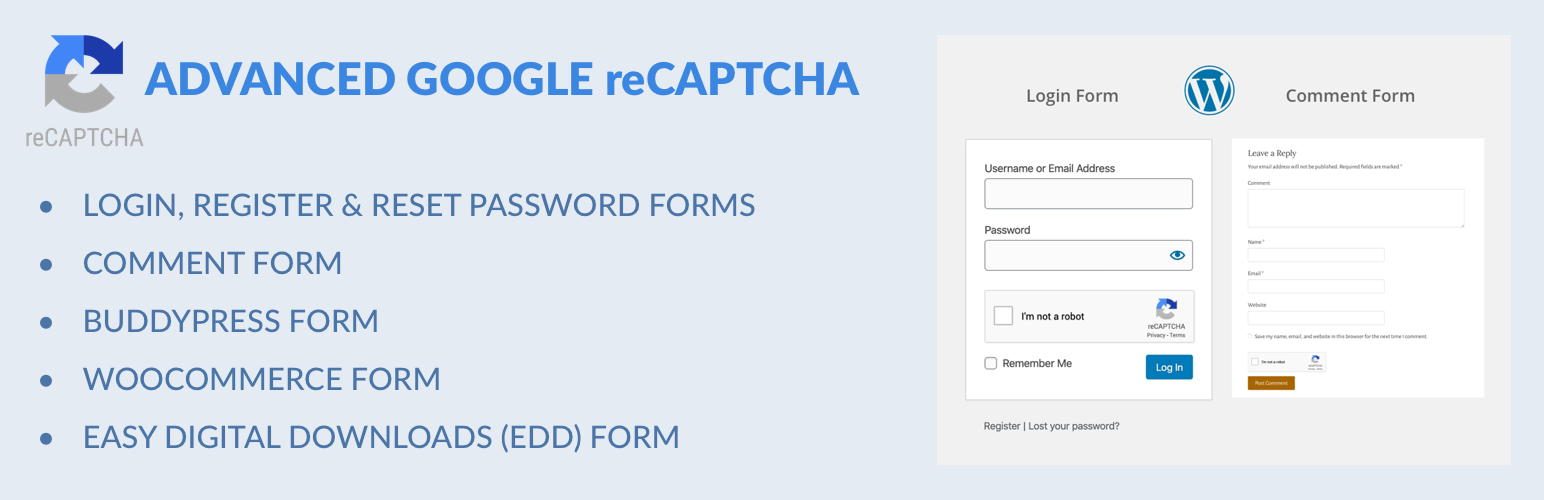
Captcha protection against spam comments & brute force login attacks using Google reCAPTCHA.