
WPForms
98The best WordPress contact form plugin. Drag & Drop form builder to create beautiful contact forms, paymen...
Free
5M+ installs 4.8★ (14,369)
Send Contact Form 7 submissions to Google Sheets automatically in real time and keep every form entry organized and easy to access.
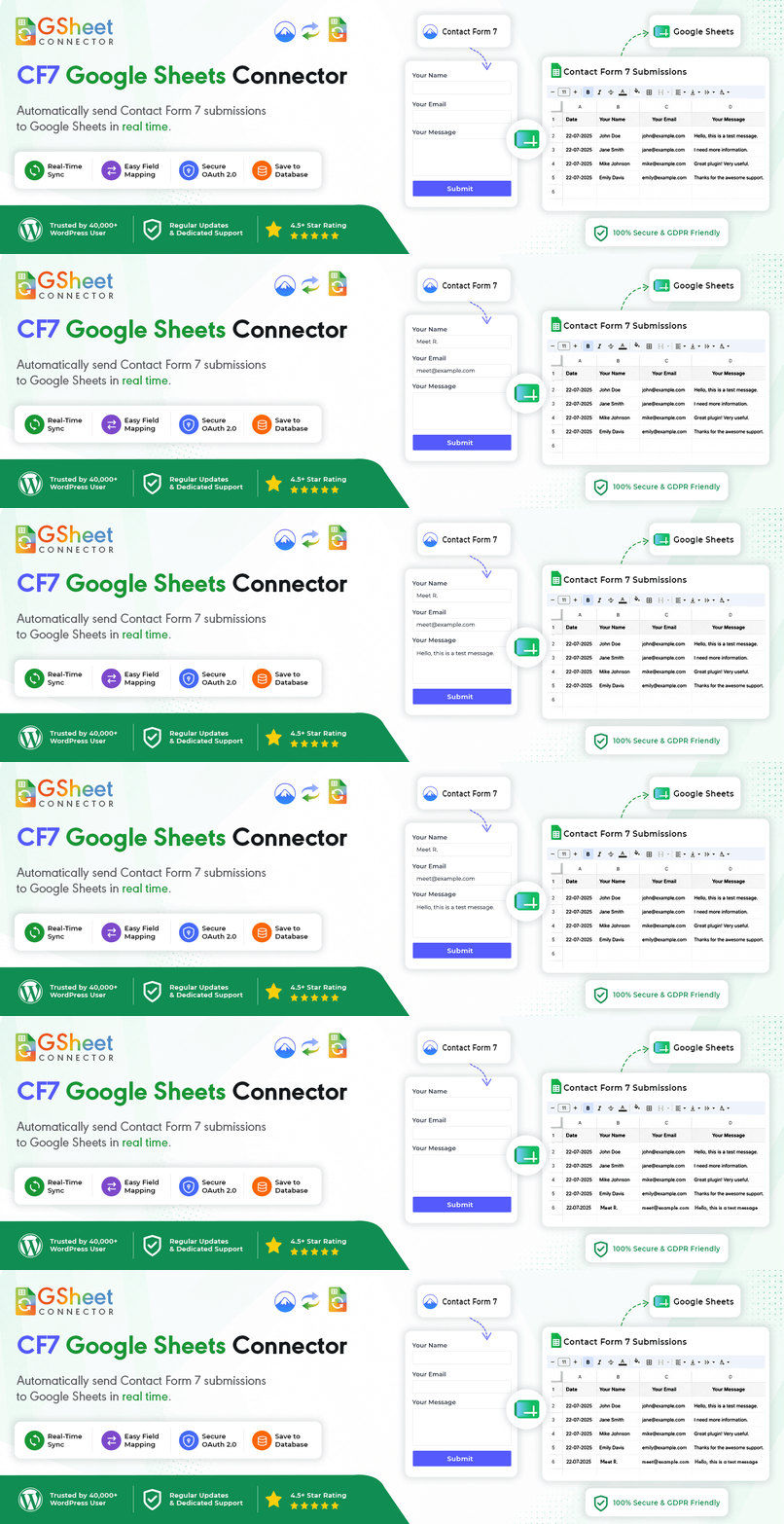
GSheetConnector is a WordPress plugin that integrates Contact Form 7 with Google Sheets, allowing you to automatically send form submissions to a Google Sheet in real time. This plugin is designed for site owners who need a reliable method to organize and access form entries without relying solely on email notifications.
With features like one-click Google OAuth 2.0 authentication and local submission backup, GSheetConnector streamlines the process of collecting and managing data from Contact Form 7. It's suitable for various types of submissions, including leads, inquiries, and registrations, making it a practical tool for teams that need to collaborate on form data.
Best for: This plugin suits site owners and teams who use Contact Form 7 and need to manage form submissions efficiently.
What it does well
Where it falls short
GSheetConnector offers a straightforward solution for integrating Contact Form 7 with Google Sheets, making data management easier for users. However, further details on support and advanced features would be beneficial.
WesternDeal's own description of GSheetConnector, lightly tidied.
CF7 Google Sheets Connector connects Contact Form 7 to Google Sheets and automatically sends form submissions to a Google Sheet in real time. Every new entry, including leads, inquiries, RSVPs, orders, and other form data, is added directly to your spreadsheet. This makes it easy to keep your Contact Form 7 entries organized, searchable, and accessible to your team without relying only on email notifications.
It’s a lightweight CF7 Google Sheets integration built for site owners who want a reliable way to connect Contact Form 7 to Google Sheets. With one-click Google OAuth 2.0 authentication, you can quickly connect your Google account, map your CF7 form to a Google Sheet, and start sending form entries automatically.
Connecting Contact Form 7 to Google Sheets gives you a simple way to collect, organize, and share form submissions without manually copying data from emails or WordPress.
wpcf7_mail_sent event.=, +, -, and @ characters from submitted values before they are sent to your spreadsheet.Connect your Google account quickly without having to create your own Google Cloud project.
For advanced setups, GSheetConnector also provides additional authentication options.
Connect Google Sheets using a Google Service Account JSON key for server-to-server authentication.
This method does not require an interactive Google login after configuration and can be useful for agencies, managed websites, and automated environments.
CF7 Google Sheets Connector PRO also provides a manual Google authentication option for organizations that prefer to use their own Google Cloud project and OAuth credentials.
Other plugins for building forms.
The best WordPress contact form plugin. Drag & Drop form builder to create beautiful contact forms, paymen...

The best anti-spam protection to block spam comments and spam in a contact form. The most trusted antispam sol...

Get a fast contact form plugin. Create advanced forms using drag and drop form builder with all smart features...

Best WordPress form builder plugin. Create contact forms, payment forms & order forms with 1000+ integrati...

Save and manage Contact Form 7 messages. Never lose important data. It is a lightweight contact form 7 databas...

Elementor forms builder to create WordPress forms like contact form, booking form, feedback form, survey form,...