
WPForms
98The best WordPress contact form plugin. Drag & Drop form builder to create beautiful contact forms, paymen...
Free
5M+ installs 4.8★ (14,369)
Easily display Contact Form 7 Entries/Submissions on your site frontend.
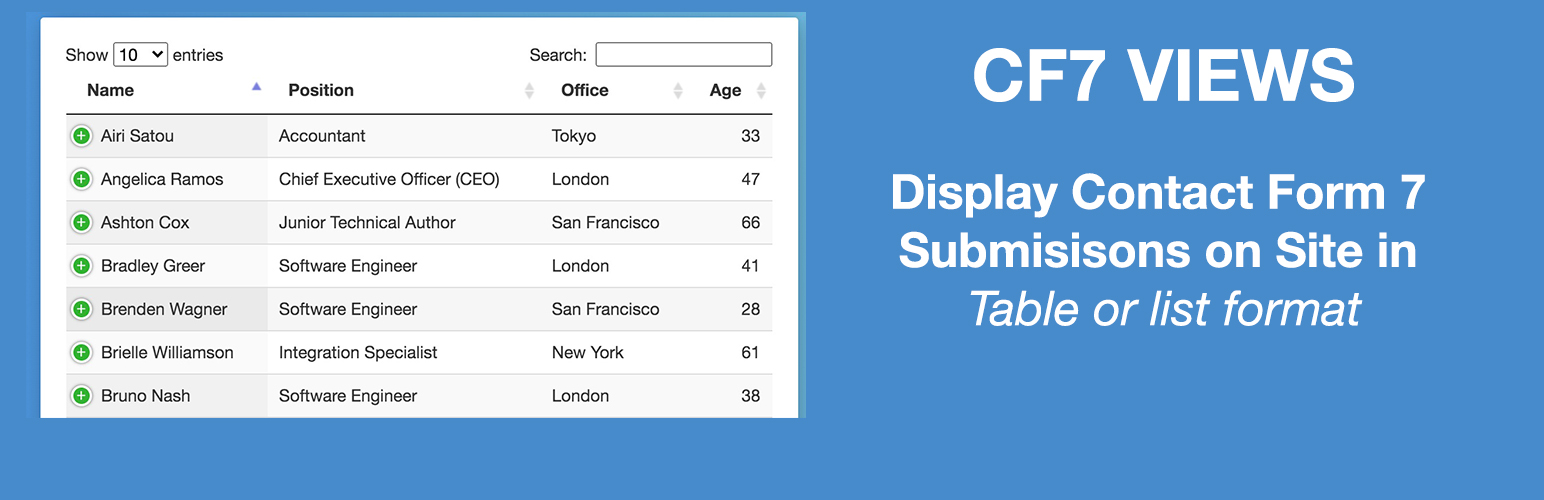
CF7 Views is a WordPress plugin designed to manage and display entries submitted through the Contact Form 7 plugin. It provides an intuitive drag and drop interface for creating various views of these submissions, such as tables and lists. The plugin requires the Flamingo plugin to save and display entries effectively.
This plugin is suitable for users who need to showcase form submissions on their site’s frontend and want to customise how these entries are presented. It offers options to set the number of submissions displayed, add custom labels for table columns, and include pagination features.
Best for: This plugin suits WordPress users who need to display and manage Contact Form 7 submissions on their website.
What it does well
Where it falls short
CF7 Views offers a straightforward solution for displaying form entries, but its reliance on the Flamingo plugin and limited features may not meet all user needs.
Aman's own description of CF7 Views, lightly tidied.
CF7 Views v3.1.7 now has inbuilt feature to saves your Contact Form entries.
CF7 Views Views is an addon for Contact Form 7 that lets you to display Contact Form 7 submissions/entries in your site frontend using intuitive drag & drop View builder.
It shows submissions saved by Flamingo plugin
You need the Flamingo plugin installed to be able to use this plugin.
You can create Table View, List View or DataTable View.
It allows you add content before & after the View.
You can set number of submissions to display on page.
Get more features in Pro version
* Edit Entries.
* List View Format.
* DataTable View Format.
* Single Entry View – Display Contact Form 7 Forms Entry details on Single Page.
* Add Search Form above or at View bottom to filter/search submissions by field values.
* Filter submissions by field values.
* Display only User submitted Contact Form 7 Submissions.
* Display only Approved Contact Form 7 Submissions.
* Sort contact form 7 submissions via field values.
Get Contact Form 7 Views PRO!
Display Contact Form 7 Entries in a multicolumn layout on your site frontend. Display data using dataTables including features like responsive layout, print, pdf, csv download entries options.
Edit Contact Form 7 Entries from site frontend within your view.
Allow users to delete their submitted entries from the site frontend. Logged-in users can delete their entries, administrators can delete any entry.
Display Search Form in your View to allow users to filter view data by any field value. Options also include searching by Entry Submission Date or Date Range e.g. Display entries submitted between two dates.
Set Filters to Filter Entries before displaying on the site frontend by using any Form field value, logged-in user meta, custom dates, etc.
E.g. Display all entries where the user selected Male as Gender field value while submitting the form.
Other plugins for building forms.
The best WordPress contact form plugin. Drag & Drop form builder to create beautiful contact forms, paymen...

The best anti-spam protection to block spam comments and spam in a contact form. The most trusted antispam sol...

Get a fast contact form plugin. Create advanced forms using drag and drop form builder with all smart features...

Best WordPress form builder plugin. Create contact forms, payment forms & order forms with 1000+ integrati...

Save and manage Contact Form 7 messages. Never lose important data. It is a lightweight contact form 7 databas...

Elementor forms builder to create WordPress forms like contact form, booking form, feedback form, survey form,...