Change WordPress Admin Logo
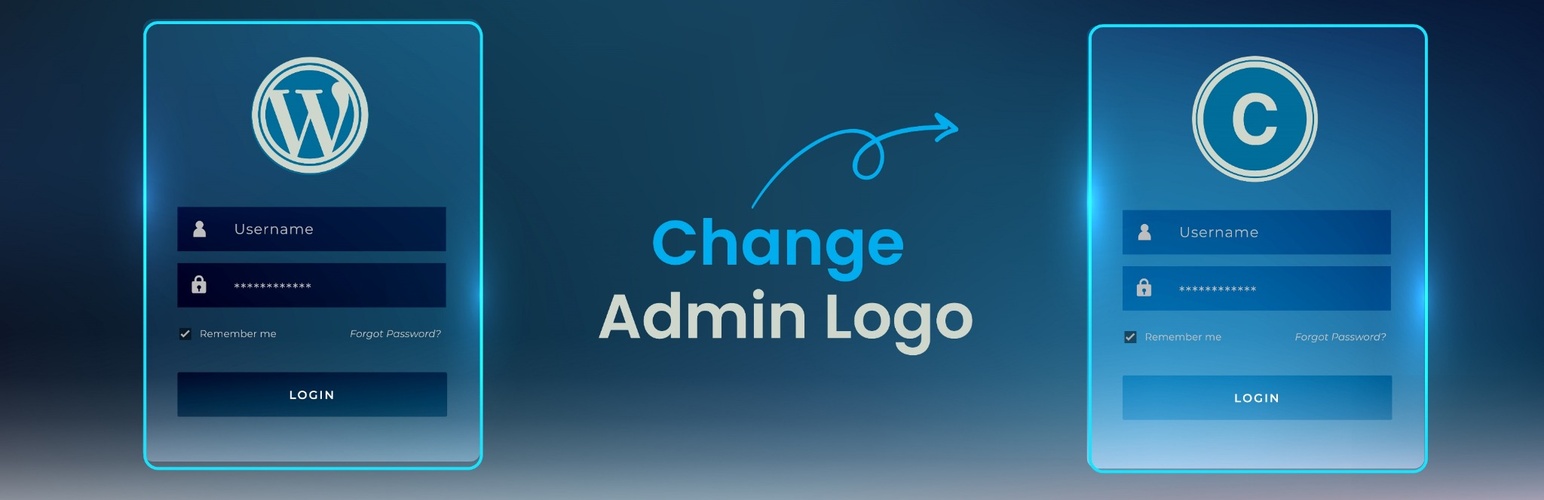
Change WordPress admin logo with your own brand. Lightweight, easy-to-use plugin with no coding needed.
The facts
- Rating
- 5★ from 8
- Active installs
- 300+
- Price
- Free
- Last updated
- 18 Jul 2025
- Added
- Feb 2022
- Requires WP
- 5.0
- Tested up to
- WP 6.9.7
- Requires PHP
- 7.0
- Downloads
- 2,129
Our analysis
AI-assistedChange WordPress Admin Logo is a plugin that enables you to replace the default WordPress logo on the login page with a custom logo. It is designed for users who want to personalise the login experience without needing to edit code or use CSS.
This plugin is suitable for both individual site owners and developers working on client projects. It offers a straightforward interface for uploading and saving your logo, making it accessible for beginners.
Best for: This plugin suits site owners and developers looking to customise the WordPress login page.
What it does well
- ✓Allows uploading of a custom logo for the login screen
- ✓User-friendly interface with no coding required
- ✓Lightweight and optimised for performance
- ✓Keeps the site looking professional and on-brand
Where it falls short
- •Limited to changing only the login logo
- •No additional features mentioned
Verdict
Change WordPress Admin Logo is a straightforward solution for personalising the login experience, though it has a narrow focus on logo changes.
From the developer
Yasar Khalifa's own description of Change WordPress Admin Logo, lightly tidied.
Change WordPress Admin Logo is a lightweight and user-friendly plugin that allows you to replace the default WordPress logo on the login page with a custom logo of your choice. Whether you’re building a site for a client or branding your own website, this plugin provides a quick and simple way to personalize the login experience—no need for CSS tweaks or code editing.
Features
- Upload your own logo for the login screen
- Simple and intuitive interface
- No coding or custom CSS required
- Lightweight and optimized for performance
- Keeps your site looking professional and on-brand
Usage
- After activation, look for the new menu item called Custom Admin Logo in your WordPress admin sidebar.
- Click on it to access the settings page.
- Upload your desired logo image.
- Save your changes. Your login screen will now display the custom logo you uploaded.