
Membership & community plugin with user profiles, registration & login, member directories, content re...
Free
200k+ installs 4.4★ (1,444)
Discussion Forum Plugin for WordPress Q&A. Build engaging community forums with voting, moderation, notifications, and AI integration.
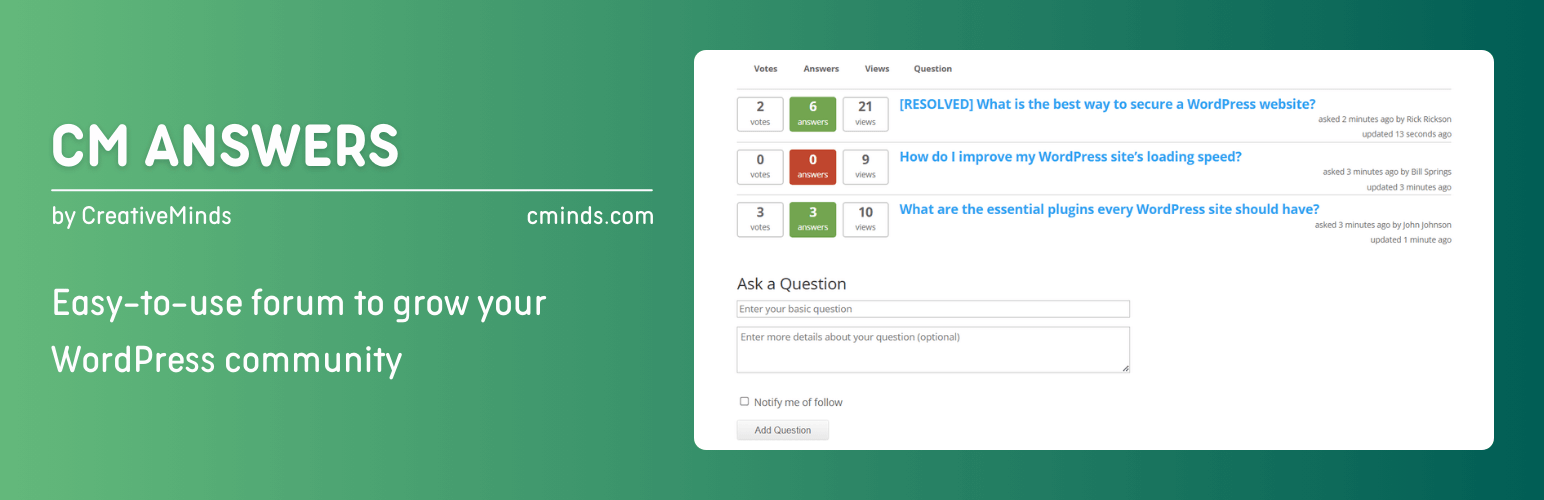
CM Answers is a WordPress plugin designed to create interactive question and answer forums on your website. It offers features for user engagement, content organization, and community interaction, making it suitable for support forums, discussion boards, or knowledge-sharing hubs.
The plugin includes tools for moderation, notifications, and user roles, allowing administrators to manage content effectively. With multilingual support and customizable options, it aims to enhance user experience and engagement on your site.
Best for: This plugin suits websites looking to build a community-driven Q&A platform.
What it does well
Where it falls short
CM Answers provides a solid foundation for creating a Q&A forum, but potential users may need to explore its features further due to limited information.
CreativeMindsSolutions's own description of CM Answers, lightly tidied.
Pro Plugin Page | Videos | Demo | User Guide | Add-ons
CM Answers is a robust WordPress question and answer plugin that transforms your website into an interactive Q&A forum. Whether you need a support forum, a community discussion board, or a knowledge-sharing hub, this discussion forum plugin provides the tools to engage users, organize content, and grow your audience.
⭐ The 2025 release adds 20+ new features, AI integrations (ChatGPT & Gemini), and over 50 customizable front-end labels – making it easier than ever to tailor your forum to your community.
With multilingual support, voting, moderation, notifications, AJAX, and shortcodes, this plugin is a complete solution for creating your own StackOverflow-style WordPress forum or Quora-style discussion platform.
Turn your site into a powerful discussion forum plugin for WordPress that boosts visibility and builds authority. Each question and answer generates indexable content, helping you rank for valuable long-tail queries like “WordPress customer support forum” or “WordPress community engagement plugin.”
Keep visitors active with features like voting, notifications, gravatar integration, and user dashboards. Encourage peer-to-peer help, reduce support load, and build trust as users see questions resolved in real time.
Admins have complete control: set roles and permissions, review posts in a moderation queue, allow or block anonymous posting, and receive notifications for all activity.
Charge for asking questions with the WordPress paid support plugin add-on, reward participation with micropayments, or even use adsense integration to monetize your discussion forum plugin. Turn your Q&A forum into a revenue-generating platform.
As an administrator, you can moderate questions and answers and receive email notifications. In addition, users can follow specific topics and receive notifications whenever new answers are posted.
Other plugins for community building.
Membership & community plugin with user profiles, registration & login, member directories, content re...

One-click like buttons your visitors actually use, plus a built-in analytics dashboard that shows what your au...

Real-time messaging and chat rooms for WordPress ecosystem: private conversations, public and private chat roo...

Number one WordPress forum plugin with AI features. Full-fledged forum solution with modern forum design. Comm...

Your content is worth sharing. Let's makes it easier!

The most customizable profiles & community builder WordPress plugin with front-end login, registration, pr...