
WPCode
93Easily add code snippets in WordPress. Insert header & footer scripts, add PHP code snippets with conditio...
Free
3M+ installs 4.9★ (1,873)
Code Snippet DM enables you to display code snippets in a stylish way inside your content.
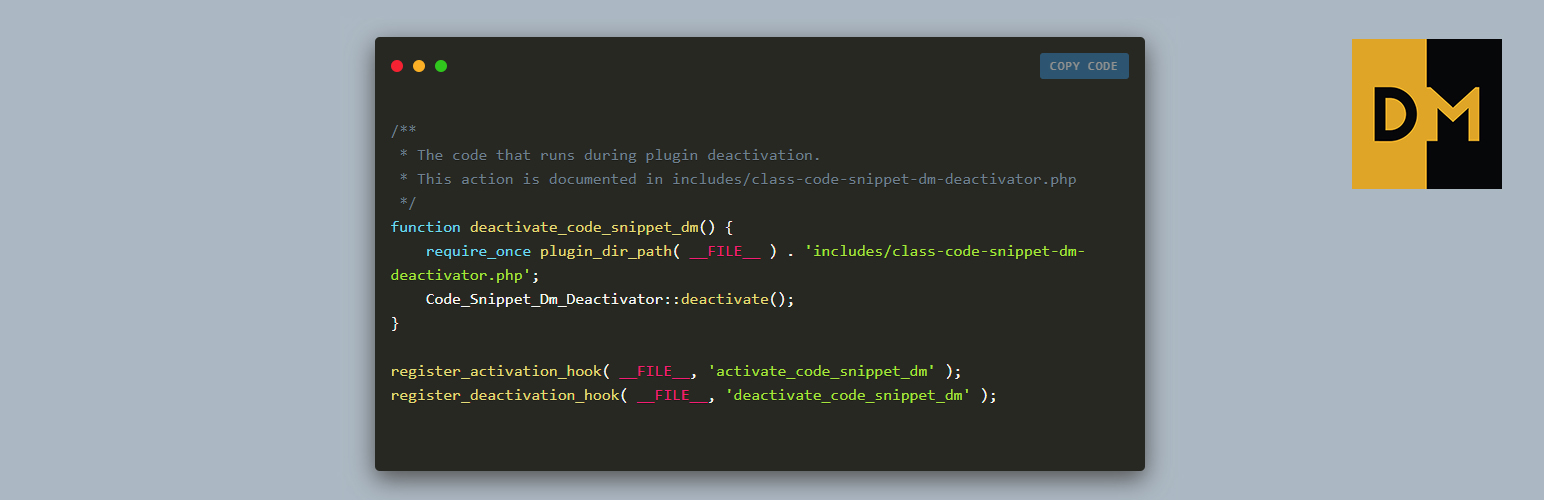
Code Snippet DM is a WordPress plugin designed to help you display code snippets within your content in a visually appealing manner. It supports Gutenberg, Elementor, and TinyMCE, allowing you to use shortcodes or custom blocks and widgets to insert your code snippets easily. The plugin also features a Copy Code button for convenient copying of the code snippets on the front end.
This plugin is suitable for developers or content creators who need to showcase code snippets stylishly on their websites. It offers customization options through sidebar settings in both Elementor and Gutenberg, although the code styling and line numbers are only visible on the front end, not in the editor.
Best for: This plugin suits developers and content creators looking to display code snippets on their WordPress sites.
What it does well
Where it falls short
Code Snippet DM provides a straightforward solution for displaying code snippets attractively, though users should be aware of the limitations in the editor preview.
George-Paul Crețu's own description of Code Snippet DM, lightly tidied.
Supports: Gutenberg, Elementor, TinyMCE and shortcode
Display your code snippets in a stylish way inside your content. The plugin uses shortcodes and also very intuitive TinyMCE interface.
Starting with v2.0.3, the plugin offers support to be used via a custom Elementor Widget.
Starting with v2.0.1, the plugin offers support to be used via a custom Gutenberg block.
It will continue to support the default way of adding the code snippet via shotcodes.
Code Snippet DM was inspired by the Carbon project.
We created a simple way to display your code snippets but also have control over the way it appears, thus making it more stylish.
Also, on the front end in the top right you will find a Copy Code button that allows you to copy to clipboard the entired code snippet.
The plugin provides you with a TinyMCE button that will allow you to display the code or an option to use a shortcode.
You can open the shorcode [dm_code_snippet] and in the content inside and close it [/dm_code_snippet].
The Widget is called “Code Snippet DM” and can be found on the Basic list of Elementor Widget after you activate the plugin. Keywords that can be used to find it: code, snippet, dm.
Once the widget is added in the Elementor editor, it can be customized via the sidebar settings that will appear for each widget. The sidebar will include all the settings that are available for the shortcode. Some of the settings will be applied in real time in your editor.
The code styling (syntax highlight) and line numbers are only available on the front-end, in the editor you will not be able to preview the correct colors for the code or the line numbers.
The block is called “Code Snippet DM” and can be found in the embed section of Gutenberg blocks. Keywords that can be used to find it: code, snippet, dm.
Once the block is added in the Gutenberg editor, it can be customized via the sidebar settings that will appear for each block. The sidebar will include all the settings that are available for the shortcode. Some of the settings will be applied in real time in your editor.
The code styling (syntax highlight) and line numbers are only available on the front-end, in the editor you will not be able to preview the correct colors for the code or the line numbers.
Other plugins for developer tooling.
Easily add code snippets in WordPress. Insert header & footer scripts, add PHP code snippets with conditio...

Easily add tracking code snippets, conversion pixels, or other scripts required by third party services for an...

Duplicate post, post order, image resize, email via SMTP, admin menu editor, custom css / code, disable gutenb...

Create custom "Shortcodes" easily for HTML, JavaScript, CSS code snippets and use the shortcodes wit...

Add PHP code to your pages and posts easily using shortcodes.

An easy, clean, and simple way to enhance your site with code snippets.