
HUSKY
87HUSKY - WooCommerce Products Filter Professional (former name is WOOF) – flexible, easy and robust professiona...
Free
80k+ installs 4.6★ (336)
Filter WooCommerce products by color, size, attribute, categories and tags. Customize your filtering and set a schedule for ordering.
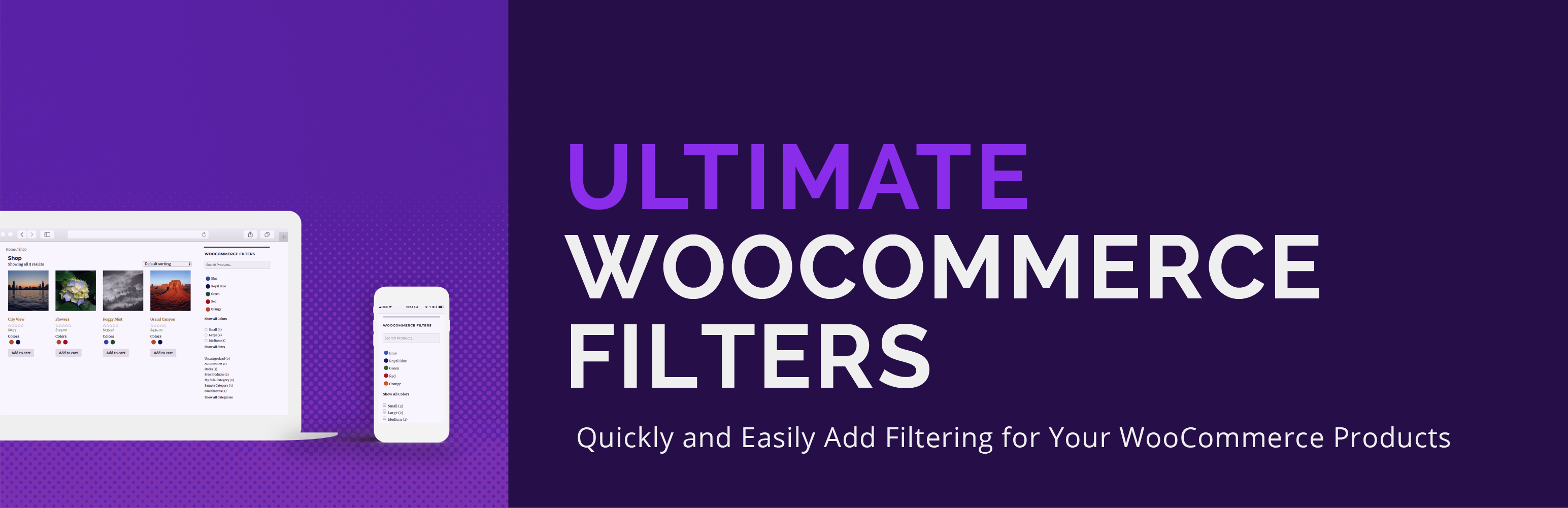
Ultimate WooCommerce Filters is a WordPress plugin designed to enhance product filtering on WooCommerce shops. It allows users to filter products by various criteria such as color, size, attributes, categories, and tags. The setup process is straightforward, enabling filters through a block, shortcode, or widget.
This plugin is suitable for WooCommerce store owners looking to improve the shopping experience by providing customers with easy-to-use filtering options. It includes features like a smart product search and a table format view for displaying products, making it easier for customers to find what they need.
Best for: WooCommerce store owners looking to enhance product filtering capabilities.
What it does well
Where it falls short
Ultimate WooCommerce Filters provides essential filtering features for WooCommerce shops. It is a practical choice for those aiming to improve product visibility and customer experience.
Rustaurius's own description of Ultimate WooCommerce Filters, lightly tidied.
Ultimate WooCommerce Filters is a plugin that allows you to filter WooCommerce products by color, size, attribute, category or tag. Easy to set up and implement via a block, shortcode or widget.
It’s very simple and quick to set up your WooCommerce filters. Use an intuitive color picker to select the colors for your shop and then, for each product, just check the ones that apply. It’s as easy as assigning a category or tag.
And it works the same way for the sizes.
For the categories and tags, it’s even easier! Ultimate WooCommerce Filters automatically recognizes the categories and tags that you already have set up in WooCommerce. It’s as simple as enabling the filtering in the plugin options. You will then automatically have all your WooCommerce categories and WooCommerce tags available as filters on your shop page.
Ultimate WooCommerce Filters includes a table format view for your shop page. With this enabled, your main WooCommerce shop page will now display in a table format, instead of the regular thumbnail format. With options to display the product title, image, price, rating and “add to cart” button, your customers can find and compare exactly what they need as quickly and easily as possible. If using this layout, we suggest to not use the widget at the same time.
Create a powerful, effective and practical product browsing experience for your customers with the ability to filter your products by WooCommerce attributes. This is the attributes functionality that is built into WooCommerce and that you already use to provide specific information about your products. In our WooCommerce filtering options, just enable which attributes you’d like to add to the filtering widget and they’ll automatically display as filters on your WooCommerce shop page. No extra setup required. This is an incredibly useful feature that brings the WooCommerce shopping experience to a whole new level for your customers!
It could not be easier to display your WooCommerce filters to your shop page. Just add our widget to your theme’s page sidebar. That’s it. The WooCommerce filter widget is already configured to only show on the WooCommerce shop page, and not your other pages.
WooCommerce Filters block: If you’re using a new block theme, we’ve also included a Gutenberg block, which you can use, instead of the widget, to add the filters to any template on your site. You can find the block by searching for WooCommerce Filters or in the Ultimate WooCommerce Filters block section/category.
[ultimate-woocommerce-filters]
Alternatively, you can place the WooCommerce filters anywhere you want on a page using the intuitive shortcode shown just above.
Other plugins for filtering products.
HUSKY - WooCommerce Products Filter Professional (former name is WOOF) – flexible, easy and robust professiona...
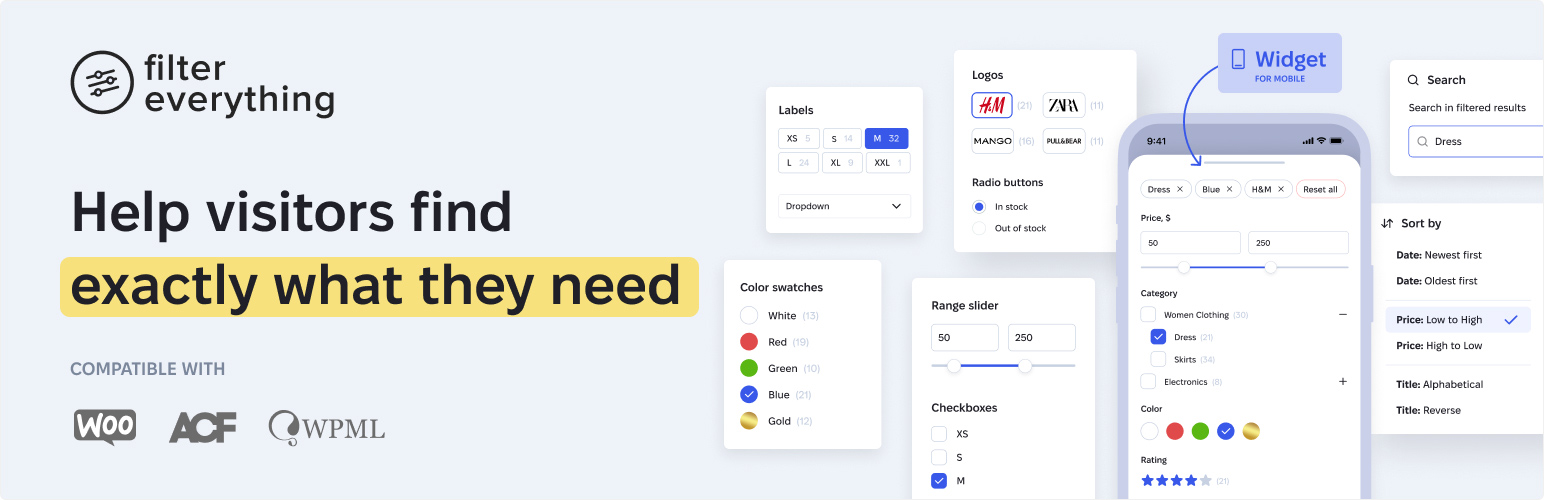
The most flexible filters for WooCommerce products & WordPress content. Includes everything needed, suppor...
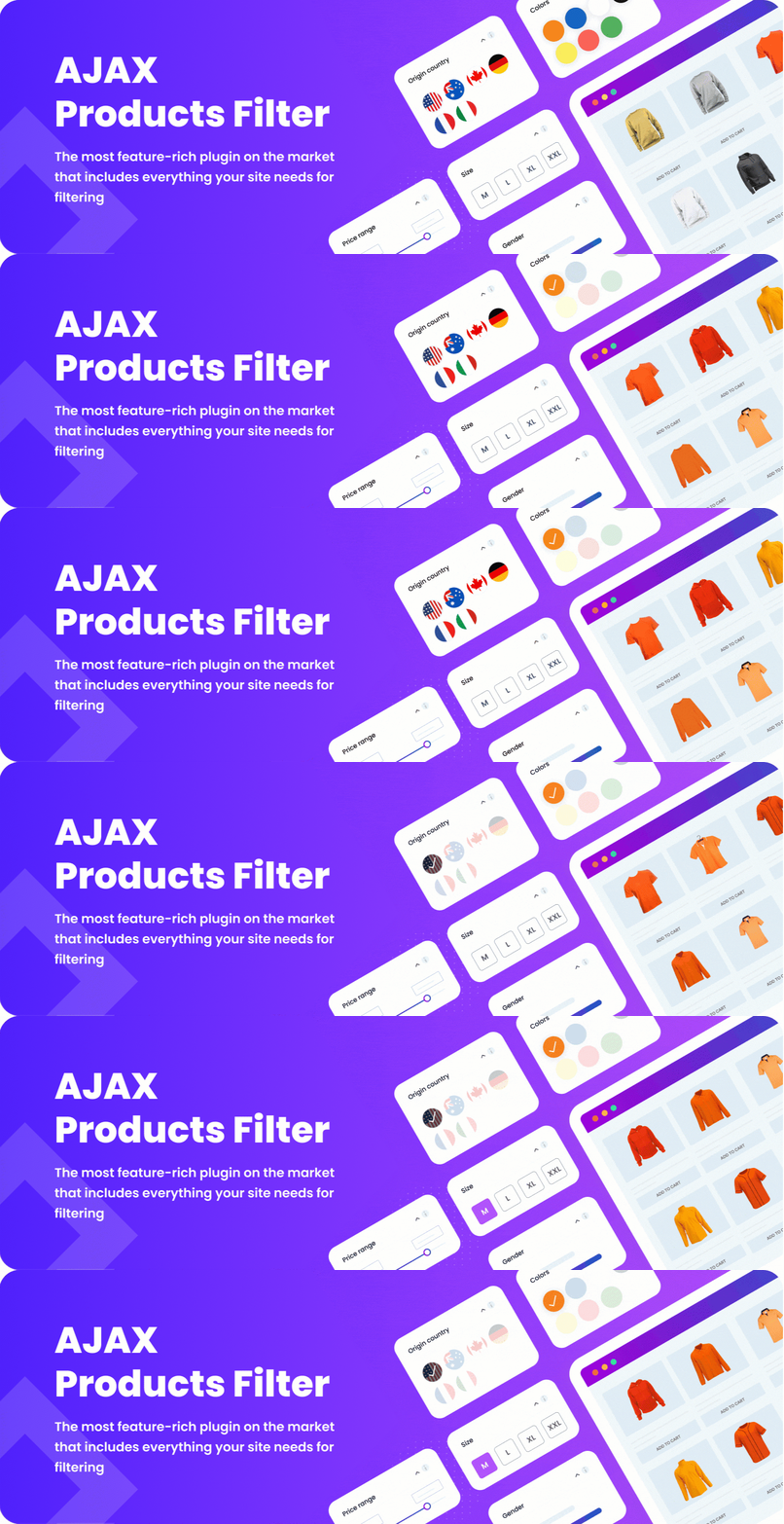
Fast and flexible AJAX product filters for WooCommerce. Filter by categories, attributes, price, tags, rating,...
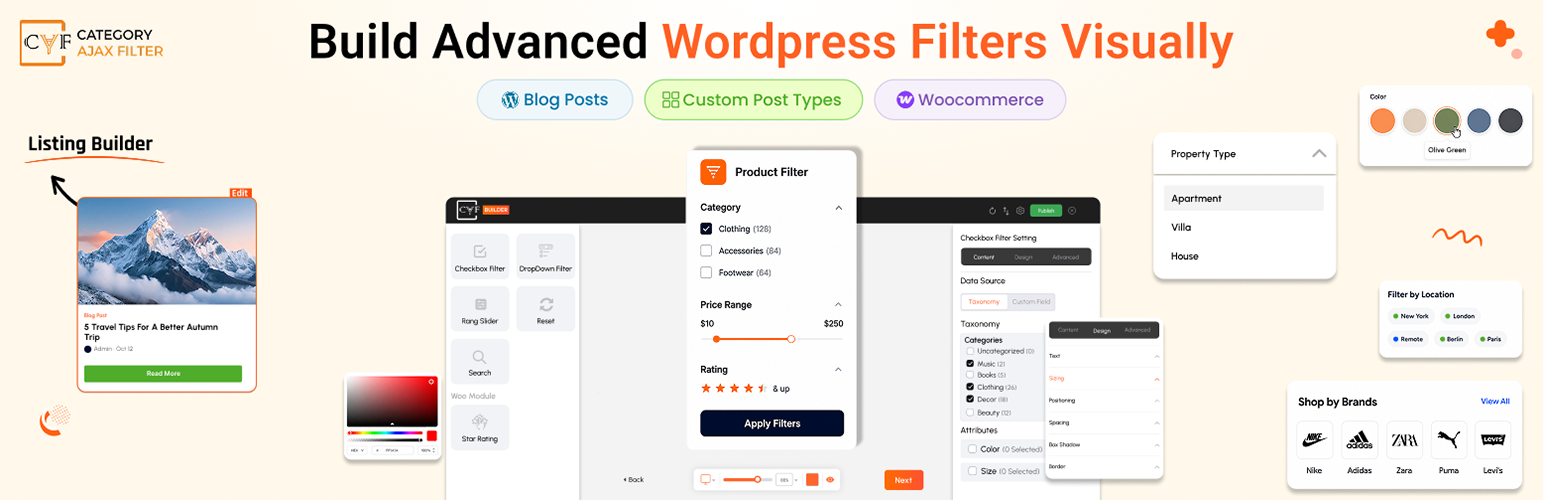
AJAX filter & WooCommerce product filter. Instantly filter posts, custom post types & products by cate...
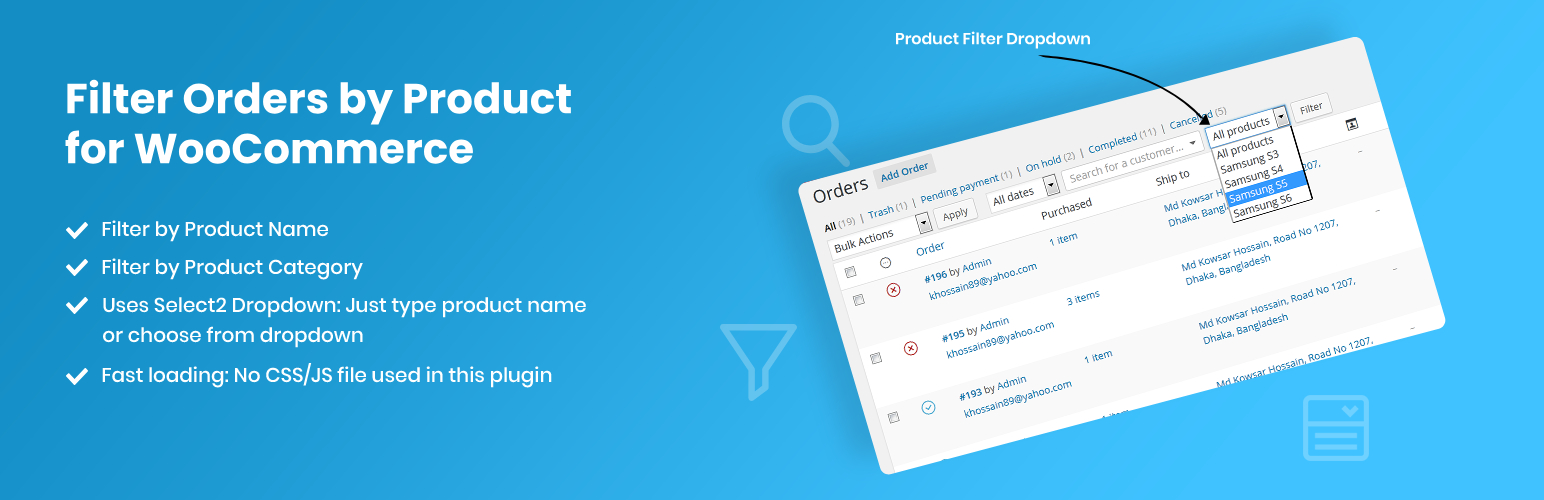
Simplify order management by filtering WooCommerce orders by any specific product or product category using th...
All-in-one products search and filtering solution for your WooCommerce shop with rich features and customizati...