CookieYes
93Cookie banner, cookie consent and cookie notice plugin for GDPR and CCPA. Auto cookie blocking, Consent Mode v...
Free
1M+ installs 4.8★ (3,228)
This plugin allows visitors to subscribe to get answers to their comments via e-mail.
Comment Reply Email Notification is a WordPress plugin that enables visitors to subscribe to email notifications for replies to their comments. It uses the 'wp_insert_comment' hook to send notifications whenever a comment is created. This plugin is suitable for websites that encourage user engagement through comments and want to keep users informed about responses.
Best for: Websites that have a commenting system and want to enhance user interaction.
What it does well
Where it falls short
This plugin provides a straightforward solution for managing comment notifications via email. It is particularly useful for sites looking to foster community engagement.
Arno Welzel's own description of Comment Reply Email Notification, lightly tidied.
This plugin allows visitors to subscribe to get answers to their comments via e-mail.
This plugin uses the “wp_insert_comment” hook, therefore, everytime a comment is created, a notification is likely to be sent. If you are importing comments into your blog, it’s a good idea to disable this plugin.
The plugin uses the standard WordPress e-mail function. If you have problems getting e-mails sent, you might try using plugins like https://wordpress.org/plugins/wp-mail-smtp/ to improve sending e-mails from your site.
The label next to the checkboxes don’t contain a whitespace. Depending on your theme you might want to add a custom style like this to get a space between the checkbox and the label:
input#cren_subscribe_to_comment, input#cren_gdpr {
  margin-right: 0.5em;
}
The plugin does not add this style be default as it depends on your theme if this is neccessary.
To customize the email template, copy the “templates” folder to your theme folder (a child theme should be used to avoid losing the custom templates when the theme is updated). The plugin will look for templates on the “/wp-content/themes/[THEME]/templates/cren/” folder; if a custom template is not found, then it will fallback to the default template.
Templates folder on GitHub: https://github.com/arnowelzel/worpdress-comment-reply-email-notification/tree/master/templates
The checkbox label can be changed with the cren_comment_checkbox_label filter. This way you can update the text to your taste and keep the plugin updated.
The GDPR checkbox label can be changed with the cren_gdpr_checkbox_label filter. This way you can update the text to your taste and keep the plugin updated.
Other plugins for privacy compliance.
Cookie banner, cookie consent and cookie notice plugin for GDPR and CCPA. Auto cookie blocking, Consent Mode v...

Formerly "Instagram Feed". Display clean, customizable, and responsive Instagram feeds from multiple...
Consent management platform for WordPress — GDPR, CCPA & ePrivacy cookie consent, autoblocking, consent re...
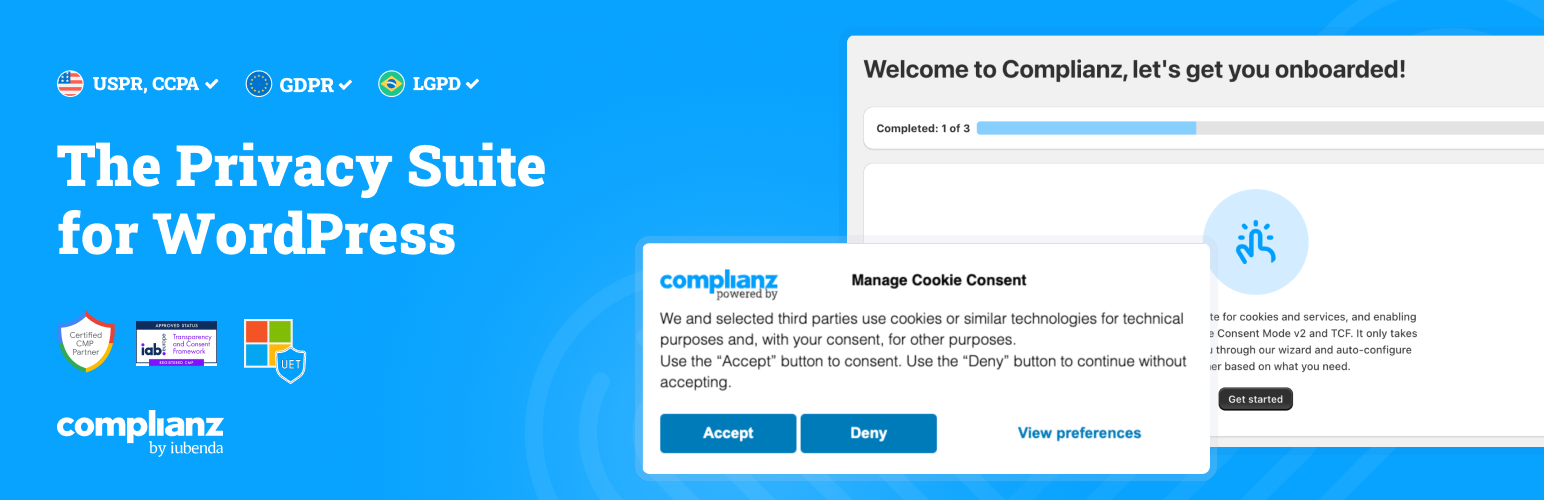
Publish your cookie banner or notice in minutes. Automatically scan cookies, and create policies to align with...

Simple, lightweight WordPress analytics with privacy-friendly visitor tracking. Cookieless and GDPR-ready. Set...

Configure your own Terms and Conditions specific to your service or webshop.