
The best anti-spam protection to block spam comments and spam in a contact form. The most trusted antispam sol...
Free
5M+ installs 4.7★ (1,186)
A simple yet effective Spam Filter. A Widget and Shortcode to display Comments with Good Karma as Testimonials. Plus the ability to Move comments and …

EZ Anti-Spam Comments with reCAPTCHA is a WordPress plugin designed to filter out spam comments using a JavaScript method. It also offers integration with Google reCAPTCHA for added security. You can manage and display testimonials using a widget or shortcode, allowing for customisation in sorting and filtering based on karma values.
This plugin is suitable for WordPress users who want to enhance their comment section's security and display positive feedback effectively. It is particularly useful for sites that receive a high volume of comments and want to maintain a clean and engaging user experience.
Best for: WordPress site owners looking to manage comments and showcase testimonials.
What it does well
Where it falls short
This plugin offers a straightforward solution for spam management and testimonial display, making it a practical choice for many WordPress users.
Eli's own description of EZ Anti-Spam Comments with reCAPTCHA, lightly tidied.
Automatic Spam Filter uses a simple yet effective JavaScript method to reject comments by robots, and now has an integration option for Google reCAPTCHA as well.
You can enter your reCAPTCHA API Keys on the Discussion Settings page in your wp-admin.
To display testimonials just place the Widget on your sidebar or insert the Shortcode into a Page or Post to display any comments with Good Karma. You can limit how many are displayed and reverse the sort order or even randomize what comments to show.
Note: You can manually edit the karma value for individual comments in the comment section of your wp-admin and then use that value to filter and display only those comments on your testimonial widget.
The following example Shortcode would display 8 Comments with the Karma Value of 100 under the heading Client Testimonials:
[TESTIMONIALS title=”Client Testimonials” karma=”100″ number=”8″ /]
Last Updated October 2024
Other plugins for stopping spam.
The best anti-spam protection to block spam comments and spam in a contact form. The most trusted antispam sol...

Allows administrators to globally disable comments on their site. Comments can be disabled according to post t...

Sophisticated antispam plugin for effective daily comment and trackback spam-fighting. Built with data protect...

Top-rated antispam for contact forms, comments, WooCommerce, eCommerce, and login. No CAPTCHAs, no friction, j...

Adds reCaptcha v2 from Contact Form 7 5.0.5 that was dropped on Contact Form 7 5.1
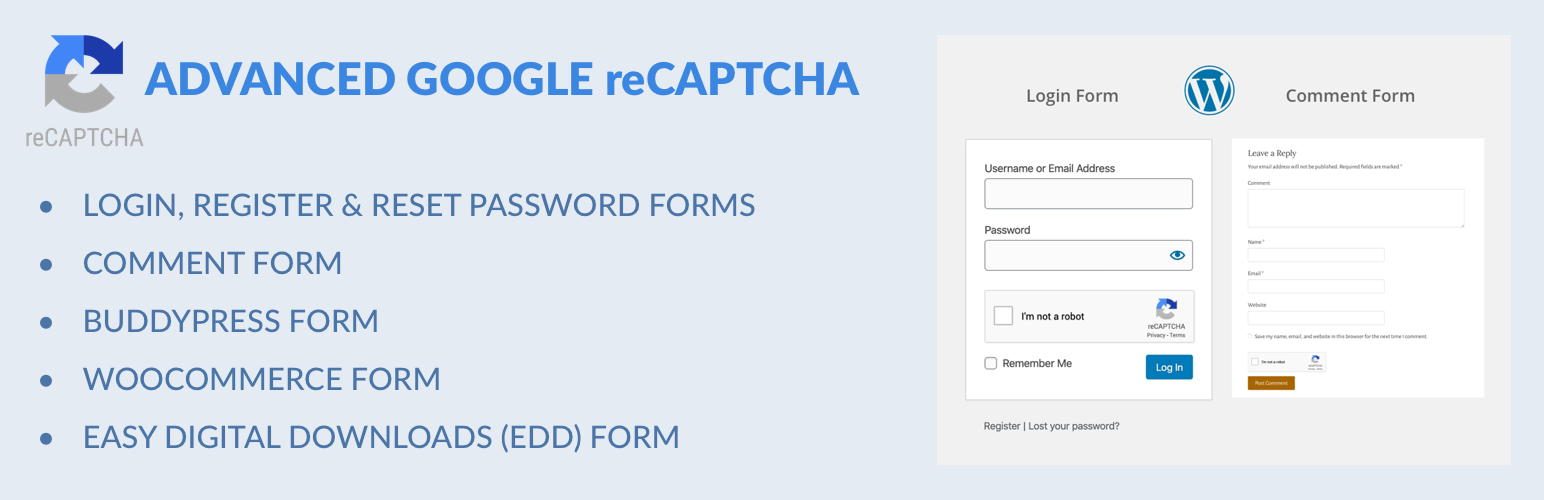
Captcha protection against spam comments & brute force login attacks using Google reCAPTCHA.