
Elementor addon offering 120+ widgets and templates — Elementor Gallery, Slider, Form, Post Grid, Menu, Accord...
Free
1M+ installs 4.9★ (4,111)
Easy to show posts, pages, custom posts in customizable grid, list, slider, accordion... Available as Widgets (for Elementor), Shortcode, and Blocks.
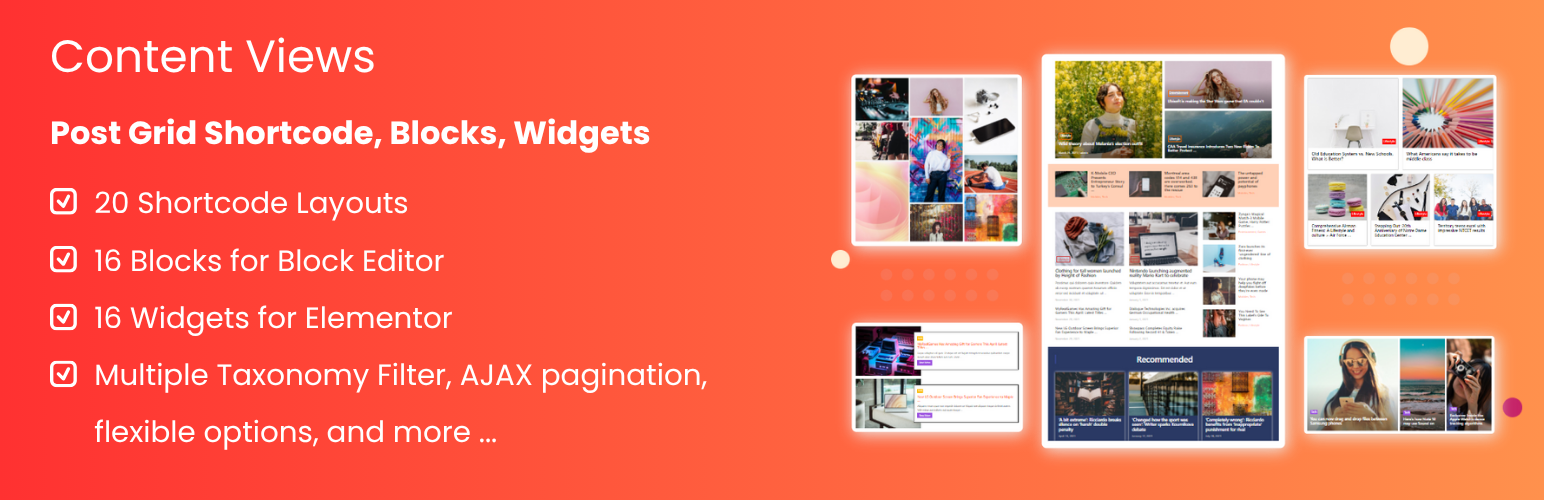
Content Views is a WordPress plugin designed to create and display posts, pages, and custom post types in various layouts such as grids, lists, sliders, and more. It supports both the Classic editor and modern page builders like Gutenberg and Elementor, making it versatile for different user preferences.
The plugin allows you to query and sort content by various criteria, including categories, tags, and custom fields. It includes a library of pre-made designs and offers extensive customization options, making it suitable for blogs, business sites, portfolios, and online shops.
Best for: This plugin suits users looking to enhance their WordPress sites with flexible content display options.
What it does well
Where it falls short
Content Views offers a robust solution for displaying various types of content in an attractive format. It is particularly useful for users who want to customise their site's layout without extensive coding.
Content Views's own description of Content Views, lightly tidied.
Content Views is the most popular grid plugin to create stunning Blogs, News, Personal, Portfolio, Business, and Shop sites.
Easy to display posts, pages, custom post types, images, and taxonomy terms in attractive grid, list, slider, accordion, pinterest, timeline, overlay, and more.
Show recent posts, category posts, tag posts, author posts, posts by keyword, posts by custom field, posts by date, etc. effortlessly.
Classic editor friendly & Gutenberg block editor ready & Elementor supported!
See Live Demo | Content Views Pro | Documentation | Support
Content Views provides a powerful shortcode feature to work with the Classic editor and page builders in 2 simple steps:
Step 1: Create a View
Start by creating a View where you can query and sort any posts, pages, custom post types by category, tag, taxonomy, custom field, post ID, post title, date, author, etc.
You can select from 20 layouts that fit your needs, customize and style them with many options.
You can also choose and import from our library of 76 stunning pre-made designs (read more).
Step 2: Add Shortcode
Add the created view shortcode to the Classic editor, page builder, widget, or anywhere you want to display your post grid.
Content Views extends the Block Editor with 16 advanced blocks and 76 prebuilt patterns to help you build WordPress websites faster and more professionally:
Content Views adds 16 amazing and feature-rich blocks to help you display WordPress posts, pages, custom post types stunningly. Using our awesome Gutenberg blocks plugin, you can build and show website content with endless customization options:
To save your time and help you to build faster in the WordPress Block editor, we created a collection of 76+ stunningly designed Gutenberg block patterns and templates that you can explore and import to the Block editor with just a few clicks. You can customize these post block patterns & templates easily in the way you want with numerous block options. You can use our pre-designed post block templates to build a complete page in just a few minutes. You also can combine the post block patterns in your own way to create unique design for your WordPress website.
Other plugins for extending a page builder.
Elementor addon offering 120+ widgets and templates — Elementor Gallery, Slider, Form, Post Grid, Menu, Accord...

Join millions who empower their websites with ElementsKit Elementor Addons. Get templates, & 100+ widgets...

Elementor addons with 18+ free widgets, Header & Footer Builder, WooCommerce widgets & templates. Trus...

Elementor Carousel, Mega Menu, Posts List/Slider, WooCommerce Widgets, Display Conditions, AI Abilities, Prema...

Elementor templates, Header footer builder, Elementor Post Grid, Woocommerce Grid builder, Slider, Forms, Gall...

Disable Gutenberg Block Editor and restore the Classic Editor and original Edit Post screen (TinyMCE, meta box...