
Elementor addon offering 120+ widgets and templates — Elementor Gallery, Slider, Form, Post Grid, Menu, Accord...
Free
1M+ installs 4.9★ (4,111)
Copy Anything to Clipboard is the #1 WordPress copy-to-clipboard plugin trusted by 10,000+ active websites with 352,151+ downloads 🚀.
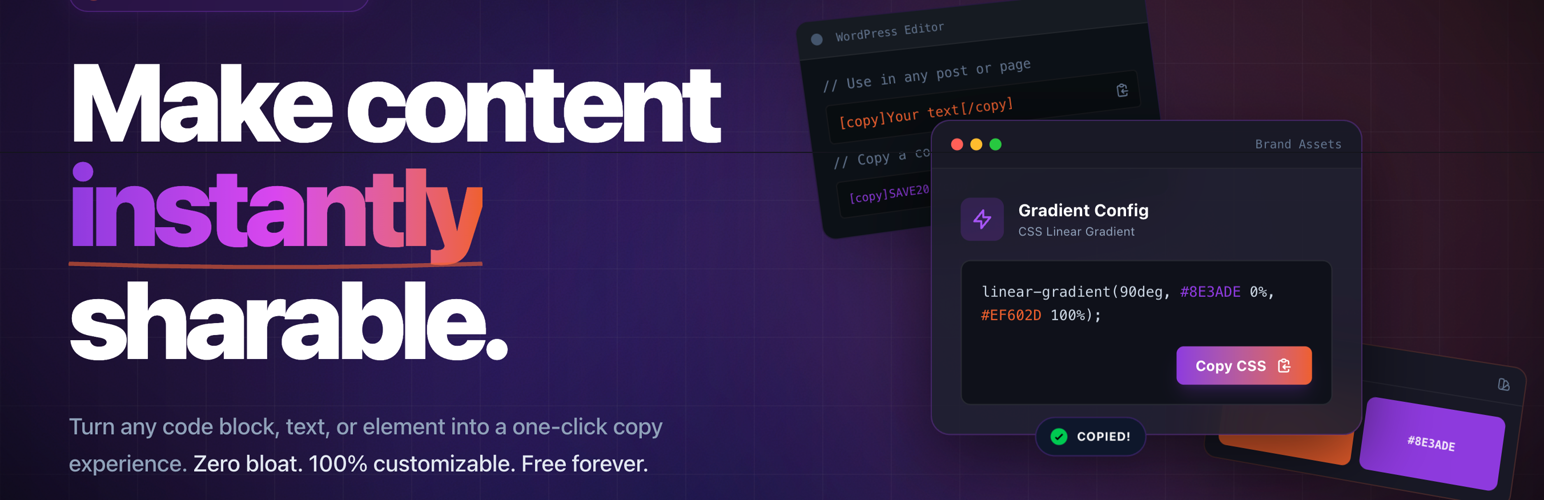
Copy Anything to Clipboard is a WordPress plugin that allows visitors to easily copy text, links, coupon codes, and code snippets with a single click. It eliminates the need for text selection, especially on mobile devices, enhancing user experience and reducing confusion around copying content.
The plugin can be integrated into various types of sites, including blogs, WooCommerce stores, and tutorial pages. It offers multiple methods for adding copy buttons, such as shortcodes, automatic injection using CSS selectors, and dedicated widgets for Elementor and Gutenberg.
Best for: This plugin is suitable for website owners who want to simplify the copying process for their visitors.
What it does well
Where it falls short
Copy Anything to Clipboard provides a straightforward solution for enhancing content sharing on WordPress sites. It is particularly useful for sites that frequently share codes or links.
Clipboard Agency's own description of Copy Anything to Clipboard for WordPress, lightly tidied.
Copy Anything to Clipboard helps visitors copy text, links, coupon codes, commands, email addresses, AI prompts, and code snippets in one click—no awkward text selection on mobile, no broken formatting in the clipboard.
Use it on blogs, docs, WooCommerce and deal sites, SaaS landing pages, tutorials, and support hubs where you want fewer “how do I copy this?” questions and smoother sharing of URLs, promos, and technical steps.
Why site owners install it
Integration options
pre, code, .coupon) plus display conditions and live preview.[copy] (alias: [ctc]) for precise placement in the editor, widgets, and templates.Highlights
You can add copy buttons anywhere on your WordPress site using one of the following methods:
EASY: Shortcodes
Manually add copy controls with [copy] anywhere in your content.
AUTOMATIC: Global Injector
Automatically inject copy buttons into any element using CS selectors like pre, code, blockquote, or any custom selector with advanced display conditions.
Elementor Widgets
Add copy buttons visually using dedicated Elementor widgets.
Gutenberg Blocks
Insert copy buttons directly inside the WordPress block editor using Gutenberg blocks.
Use [copy] anywhere you want an explicit copy control (Classic editor, Shortcode block, widget areas, patterns, or PHP templates via do_shortcode()). [ctc] is the same shortcode with a shorter name—use either.
How it works (matches the plugin code)
preset="button", preset="icon", or preset="cover".text="…" (or text wrapped between [copy] and [/copy]) is what lands on the clipboard.display="…" overrides the visible label when it must differ from the copied string (masked secrets, mailto links, etc.).text="…" + content="…" — content is copied, text is what visitors see (handy for hiding long URLs behind a short CTA).Try it on a fresh install — add a Shortcode block (or switch the block editor to Code editor), paste one snippet, Update, view the page, and tap the control.
Other plugins for extending a page builder.
Elementor addon offering 120+ widgets and templates — Elementor Gallery, Slider, Form, Post Grid, Menu, Accord...

Join millions who empower their websites with ElementsKit Elementor Addons. Get templates, & 100+ widgets...

Elementor addons with 18+ free widgets, Header & Footer Builder, WooCommerce widgets & templates. Trus...

Elementor Carousel, Mega Menu, Posts List/Slider, WooCommerce Widgets, Display Conditions, AI Abilities, Prema...

Elementor templates, Header footer builder, Elementor Post Grid, Woocommerce Grid builder, Slider, Forms, Gall...

Disable Gutenberg Block Editor and restore the Classic Editor and original Edit Post screen (TinyMCE, meta box...