Counter-Hits
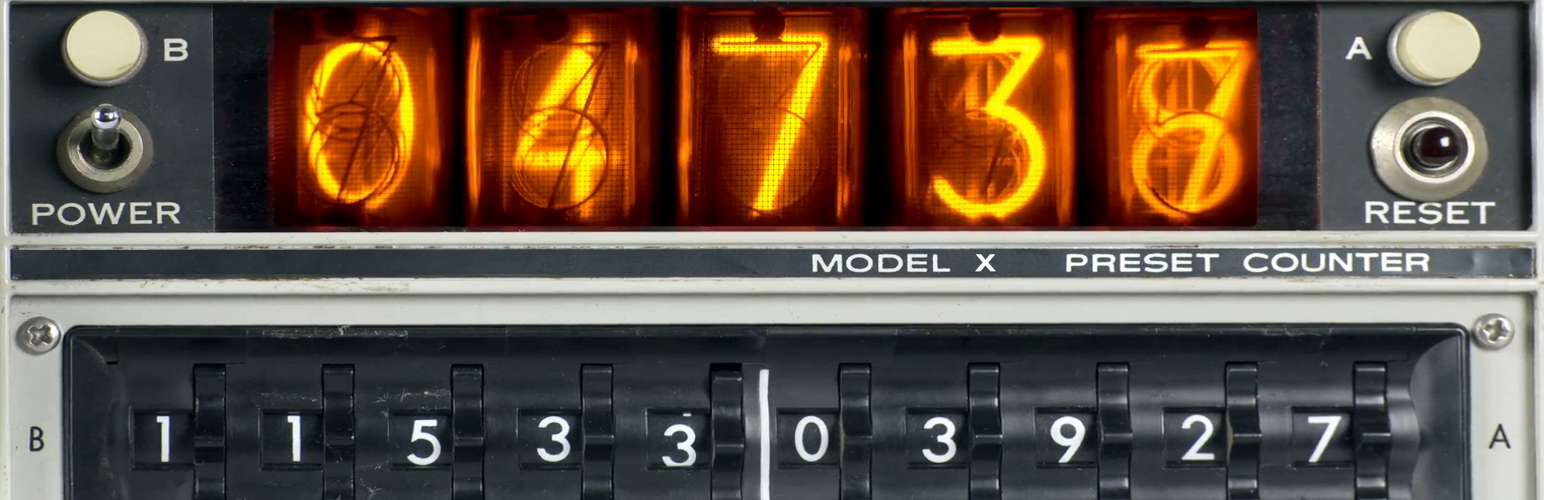
A simple, easy, fast, adaptive, local, objective counter to visit your site.
The facts
- Rating
- 5★ from 1
- Active installs
- 1k+
- Price
- Free
- Last updated
- 27 Jan 2026
- Added
- Nov 2018
- Requires WP
- 4.1
- Tested up to
- WP 6.9.7
- Requires PHP
- 5.4
- Downloads
- 12,382
Our analysis
AI-assistedCounter-Hits is a WordPress plugin that provides a simple local counter to track page views on your site. It operates without external server requests, ensuring minimal resource consumption. You can display the view count using a shortcode or PHP calls, and it allows for customisation of the display style using a specific CSS class.
This plugin is suitable for users who want to monitor page views without complex setups or additional resource usage. It is particularly useful for those who prefer a straightforward solution for tracking visitor counts on their WordPress sites.
Best for: This plugin suits WordPress users looking for a straightforward way to track page views.
What it does well
- ✓Simple local counter for tracking page views
- ✓Minimal resource consumption without external requests
- ✓Customisable display style using CSS
- ✓Easy to implement with shortcode or PHP calls
- ✓Works even if the result is not displayed
Where it falls short
- •Does not count views from Admin pages
- •Limited information on additional features
Verdict
Counter-Hits offers a basic solution for counting page views while being resource-efficient. It is ideal for users who need a simple and effective tracking tool.
From the developer
wpgear's own description of Counter-Hits, lightly tidied.
A simple, easy, fast, adaptive, local, objective counter to visit your site.
It does not use any additional requests to other servers, which means it consumes minimal resources.
Displays the count of all views of any page as a number.
You can customize your own display style. Use class: ‘wpgear_counter_hits’
Just paste Shortcode [Get_Counter_Hits] wherever you like and that’s it.
Or you can use calls in PHP scripts code: echo get_Counter_Hits ();
Features
- Simple local Counter.
- It always works, even if the result is not displayed anywhere.
-
Doesn’t count if Admin Page.
-
ShortCode for use: [Get_Counter_Hits]
- ShortCode for use with correction +100000: [Get_Counter_Hits base=”100000″]
-
PHP use: echo get_Counter_Hits ($base);
-
CSS Class ‘wpgear_counter_hits’ – for disign customisation.