
WPForms
98The best WordPress contact form plugin. Drag & Drop form builder to create beautiful contact forms, paymen...
Free
5M+ installs 4.8★ (14,369)
Add country state city dropdown CF7 in contact form 7 plugin. In PRO you can use these features on any type of form.
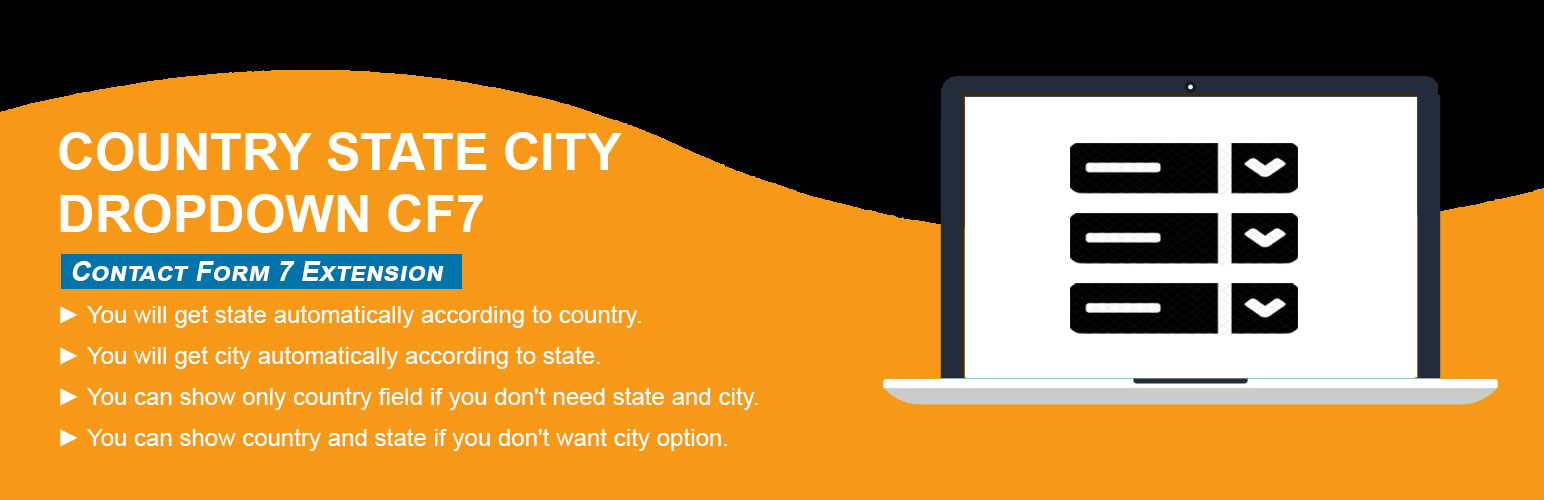
Country State City Dropdown CF7 is a WordPress plugin designed to enhance the Contact Form 7 plugin by adding dynamic dropdowns for countries, states, and cities. It allows you to create a more user-friendly form by automatically populating state and city options based on the selected country. This can streamline the data entry process for users filling out forms on your site.
This plugin is suitable for anyone using Contact Form 7 who needs to collect location information from users. It is particularly useful for websites that require detailed address information, such as e-commerce sites or service providers with location-based offerings.
Best for: This plugin is best for websites using Contact Form 7 that need to collect location data from users.
What it does well
Where it falls short
Country State City Dropdown CF7 provides a straightforward solution for adding location-based dropdowns to forms. It is a useful tool for enhancing user experience in data collection.
Trusty Plugins's own description of Country State City Dropdown CF7, lightly tidied.
Country dropdown for contact form 7 with dynamic states and cities. Country State City Dropdown CF7 plugin is an add-on of Contact Form 7 plugin to show country, state and city dropdown. This plugin add three new form tag fields that is (form-tag: country drop-down) and (form-tag: state dropdown) and (form-tag: city dropdown) in Contact form 7.
1. Supports to any type of Form (WP Forms, Ninja, Divi Contact Module, Elementor Module, Custom PHP Form etc).
2. Select Default Country with User’s IP.
3. Select Default Specific Country from list of All Countries.
4. Select Specific one or more Countries to display in the dropdown.
5. If State/City is missing then shows input text field to enter manually.
6. Have feature to add missing states/cities manually.
7. Multiple forms on same page.
8. Multiple country/state/city fields in same form.
9. Append only Cities from Country Dropdown.
10. See more at Official Website Trusty Plugins
This helps you in creating a country drop-down list with state and city. The tag field will automatically add countries name in standard drop-down field of contact form 7. State and city auto populate according to selected country from country dropdown field.
How to add the fields in the contact form 7
1.) Once you have installed, activated the Country State City Auto Dropdown plugin.
2.) Add the form-tag “country drop-down” and “state dropdown” and “city dropdown” to your form and save the changes.
Optional: if you use two location sets in one form, add the same group option on each tag, e.g. [country_auto* country-shipping group:shipping].
City is optional — country + state only works if you omit the city drop-down tag.
Use the tag generator to set a custom placeholder (enter text and check “Use this text as the placeholder”).
Requirments:
* Contact form 7 must be active plugin.
The following plugin is recommended :
* Contact Form 7 by takayukister – With Conact Form 7, you can use this plugin. Without contact form 7 this plugin have no needs.
Other plugins for building forms.
The best WordPress contact form plugin. Drag & Drop form builder to create beautiful contact forms, paymen...

The best anti-spam protection to block spam comments and spam in a contact form. The most trusted antispam sol...

Get a fast contact form plugin. Create advanced forms using drag and drop form builder with all smart features...

Best WordPress form builder plugin. Create contact forms, payment forms & order forms with 1000+ integrati...

Save and manage Contact Form 7 messages. Never lose important data. It is a lightweight contact form 7 databas...

Elementor forms builder to create WordPress forms like contact form, booking form, feedback form, survey form,...