Creative Commons
Official Creative Commons plugin for licensing your content. With Creative Commons licenses, keep your copyright AND share your creativity.
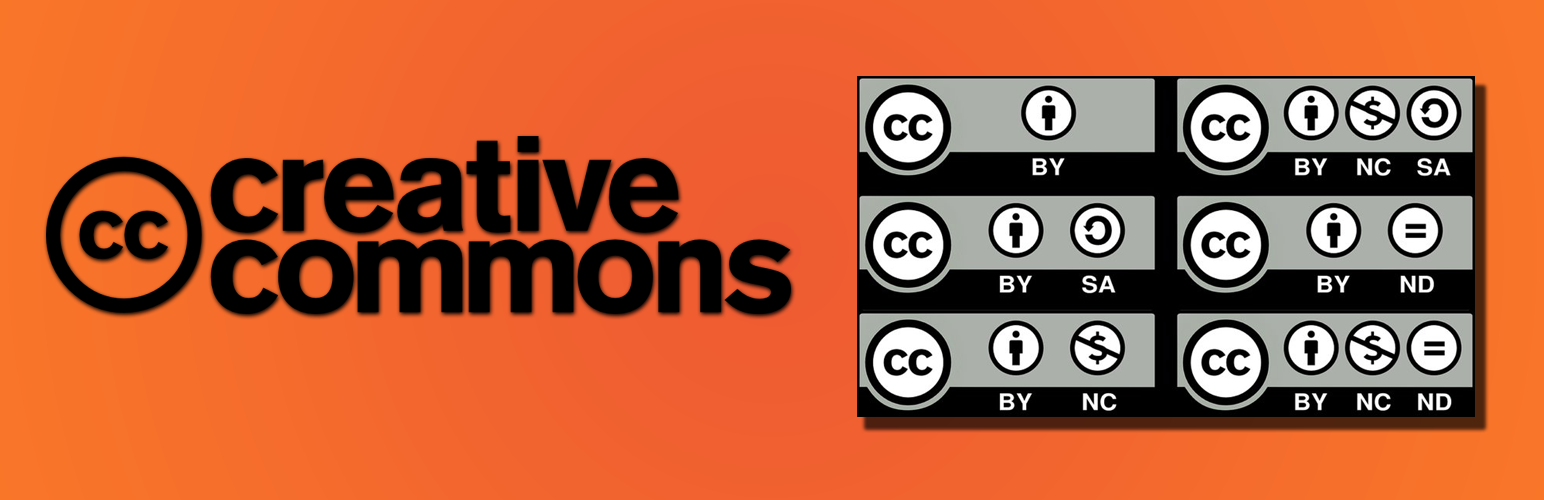
The facts
- Rating
- 5★ from 1
- Active installs
- 700+
- Price
- Free
- Last updated
- 9 Sep 2022
- Added
- Sep 2019
- Requires WP
- 3.1
- Tested up to
- WP 6.0.14
- Requires PHP
- 5.6.20
- Downloads
- 20,684
Our analysis
AI-assistedThe Creative Commons WordPress plugin allows authors to license their content with a Creative Commons license. It supports both single WordPress installations and WordPress Multisite setups, enabling users to display and manage licenses for their sites, posts, and pages.
This plugin is suitable for photographers, creatives, and anyone who wants to protect their content while sharing it under specific terms. It provides options to license content differently across a network or to apply a uniform license across all content.
Best for: This plugin suits photographers and creatives looking to license their content online.
What it does well
- ✓Allows licensing of content with Creative Commons licenses
- ✓Supports both single and multisite WordPress installations
- ✓Includes options for different licenses per post or page
- ✓Provides easy integration with Gutenberg blocks
- ✓Displays license information with a widget or footer
Where it falls short
- •Limited information on user experience and support
- •No details on additional features or updates since September 2022
Verdict
The Creative Commons plugin offers essential licensing features for WordPress users. It is a practical tool for those who want to manage content licensing effectively.
From the developer
Timid Robot's own description of Creative Commons, lightly tidied.
The Creative Commons WordPress plugin gives authors the ability to license content with a Creative Commons license (Choose a License). With this plugin you can:
- License your blog (single WordPress install)
- Display license for the site, posts and pages
- Prevent license changes per site (all pages on a site must use the same license)
- License your WordPress Network (WordPress Multisite install)
- License some of your sites differently in your WordPress Network
- Prevent license changes in your WordPress Network (all pages on all sites need to use the same license)
- License all your content with the same license (license per author)
- License some posts, pages, or images differently from your default license (per content license)
- License posts and pages by simply including CC Gutenberg blocks for each license required (Gutenberg License Blocks)
- Display license information with “One Click Attribution” for images
The default license for the site used by the plugin is the Creative Commons Attribution-ShareAlike (CC BY-SA) license. This can be easily changed including attribution, depending on the permissions by a user with the role: superadmin, site admin or author.Selecting a license is straight forward. If you are not sure about what license to use, you can use the linked license chooser.
The selected license can be displayed as a widget or a footer or both at the same time. In Appearance > Widgets, the CC License widget can be dragged to any widget area like the side-bar and all other available areas. You can also include the license in footer. We recommend using the widget for better compatibility with your theme. You can use individual licenses in posts or pages using Gutenberg blocks.