
SureRank SEO
90Lightweight SEO assistant for meta tags, schema and structured data, XML sitemaps, Open Graph previews, robots...
Free
400k+ installs 4.8★ (41)
CS Size Chart is a WooCommerce plugin that allows store owners to create and display accurate size charts and size guides on product pages.
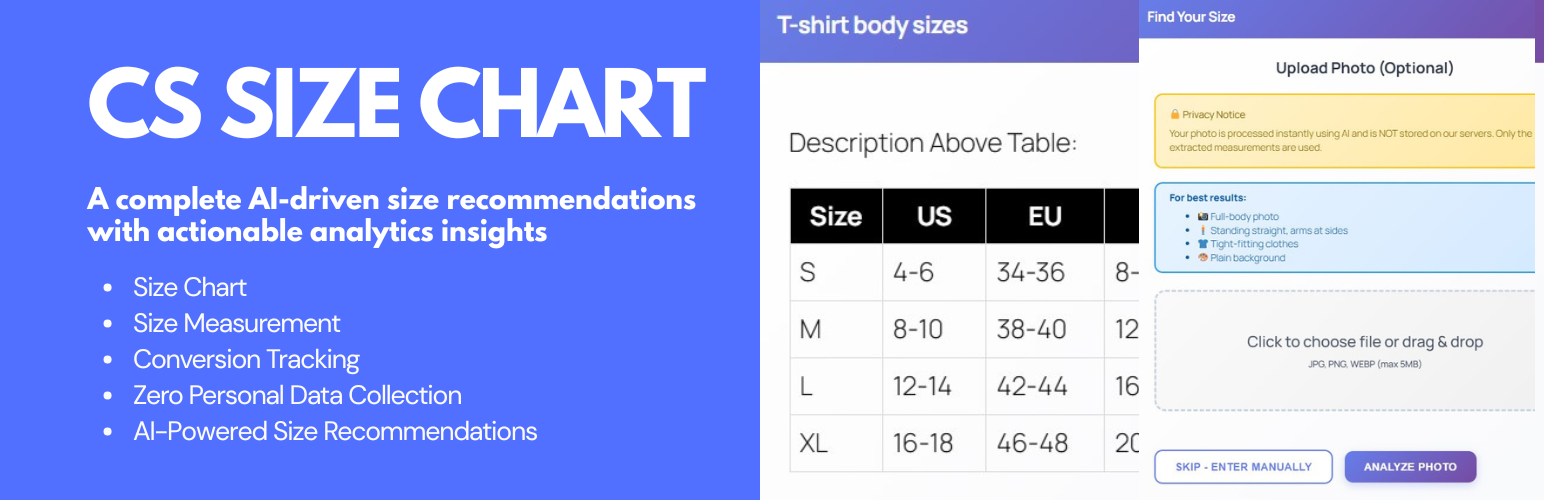
CS Size Chart is a WordPress plugin designed for WooCommerce store owners to create and display size charts on product pages. It aims to help customers select the correct size by providing clear measurement tables and instructions, which can reduce size-related returns. The plugin supports unlimited size charts and offers various display options, including product tabs and popups.
The plugin is suitable for clothing, footwear, and apparel stores that need to accommodate different sizing systems. Core functionality operates on your WordPress site, and optional AI features can be enabled with an OpenAI API key, although these are disabled by default.
Best for: This plugin is best for WooCommerce stores selling clothing, footwear, and apparel.
What it does well
Where it falls short
CS Size Chart provides a practical solution for size-related issues in online shopping, particularly for fashion retailers. Its optional AI features add value, but they require additional setup.
Shuva Sutradhar's own description of CS Size Chart, lightly tidied.
CS Size Chart is a WooCommerce plugin that allows store owners to create and display accurate size charts and size guides on product pages.
By providing clear measurement tables and sizing instructions directly within the shopping experience, the plugin helps customers choose the correct size before purchasing, reducing confusion and minimizing size-related returns.
Store owners can create unlimited size charts, use predefined templates, and assign charts globally, by category, or per individual product. The plugin is suitable for clothing, footwear, and apparel stores that use regional or international sizing systems.
CS Size Chart is designed to be lightweight, privacy-friendly, and easy to use. Core functionality runs entirely on your WordPress site and follows WordPress coding standards.
Optional AI-powered size recommendations are available but disabled by default. These features only work if the site owner provides their own OpenAI API key and explicitly enables them.
All AI-related functionality is optional, disabled by default, and only runs after manual configuration.
Create a size chart
Assign the chart
Display the chart
Analytics (optional)
No personally identifiable information is stored.
AI size quiz and photo measurements (optional)
OpenAI API
* Used only for optional AI size recommendations
* Data sent: quiz inputs and optional photos
* Data stored: recommendation results only
* Privacy Policy: https://openai.com/privacy
* Terms: https://openai.com/terms
The plugin is not affiliated with or endorsed by OpenAI.
Other plugins for charts and graphs.
Lightweight SEO assistant for meta tags, schema and structured data, XML sitemaps, Open Graph previews, robots...

Turn your data into WordPress apps with tables, forms, charts & maps — no code required, with optional hoo...

Create interactive images with clickable hotspots, using modern image maps for WordPress. Perfect for floor pl...

The best WordPress table plugin. Create responsive, and searchable tables and charts from Excel (.xlsx, .xls o...

Control how your WordPress posts, pages, WooCommerce products, and custom post types look when shared on Faceb...

The simple method to add Open Graph metadata to your entries so that they look great when shared on sites.