
WPCode
93Easily add code snippets in WordPress. Insert header & footer scripts, add PHP code snippets with conditio...
Free
3M+ installs 4.9★ (1,873)
Easily add custom CSS and JavaScript code to your WordPress site, with draft previewing, revisions, and minification!
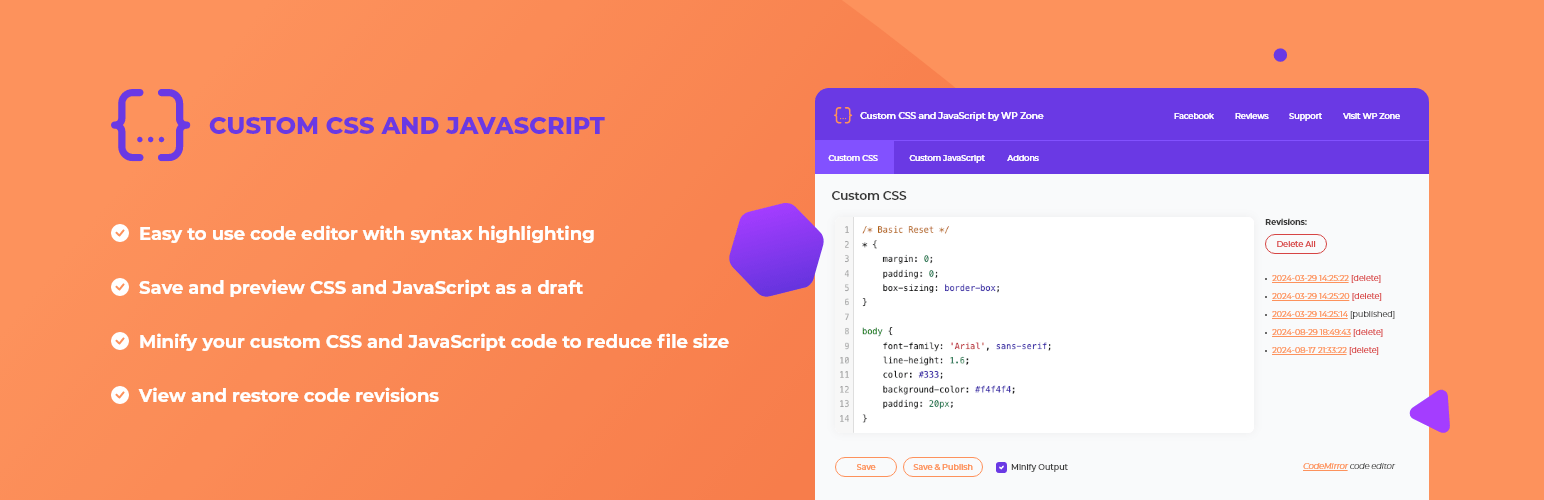
Custom CSS and JavaScript is a WordPress plugin that enables you to add site-wide CSS styles and JavaScript code to your WordPress site. It is particularly useful for overriding theme styles and enhancing client-side functionality. The plugin features a code editor with syntax highlighting, AJAX saving, and options to save and preview changes as drafts for users with the necessary permissions.
The plugin also allows users to view and restore past revisions, automatically minifies code for performance, and serves custom code from the filesystem. The Developer Edition offers additional features like dividing code into virtual files, live previews, and file upload/download capabilities. Access to the plugin's features can be controlled based on user roles and capabilities.
Best for: This plugin suits WordPress users looking to customise their site's appearance and functionality through code.
What it does well
Where it falls short
Custom CSS and JavaScript provides a practical solution for users wanting to implement custom code on their WordPress sites, with features that cater to both casual users and developers.
WP Zone's own description of Custom CSS and JavaScript, lightly tidied.
This plugin allows you to add custom site-wide CSS styles and JavaScript code to your WordPress site. Useful for overriding your theme’s styles and adding client-side functionality.
Features:
Now available! Custom CSS and JavaScript Developer Edition:
Alternatively, you can manually upload the plugin to your wp-content/plugins directory.
If you like this plugin, please consider leaving a comment or review.
In the Custom CSS and JavaScript WordPress plugin, access to plugin features is determined by user capabilities. Users with the edit_theme_options capability will enjoy full access to all the plugin’s features.
By default, the “Administrator” and “Editor” roles come equipped with the edit_theme_options capability. However, site administrators have the flexibility to customize these capabilities and assign them to other roles or individual users through plugins or custom code.
Furthermore, to provide users with enhanced control, we’ve introduced a custom capability known as wpz_custom_css_js. Users possessing both the wpz_custom_css_js and edit_posts capabilities can be granted access to the plugin’s features.
WP Zone has built a bunch of plugins, add-ons, and themes. Check out other favorites here on the repository and don’t forget to leave a 5-star review to help others in the community decide.
To view WP Zone’s premium WordPress plugins and themes, visit our WordPress products catalog page.
Other plugins for developer tooling.
Easily add code snippets in WordPress. Insert header & footer scripts, add PHP code snippets with conditio...

Easily add tracking code snippets, conversion pixels, or other scripts required by third party services for an...

Duplicate post, post order, image resize, email via SMTP, admin menu editor, custom css / code, disable gutenb...

Create custom "Shortcodes" easily for HTML, JavaScript, CSS code snippets and use the shortcodes wit...

Add PHP code to your pages and posts easily using shortcodes.

An easy, clean, and simple way to enhance your site with code snippets.