Custom Global Variables
Easily create custom variables that can be accessed globally in Wordpress and PHP. Retrieval of information is extremely fast, with no database calls.
The facts
- Rating
- 5★ from 10
- Active installs
- 5k+
- Price
- Free
- Last updated
- 22 Mar 2023
- Added
- Apr 2016
- Requires WP
- 3.0.1
- Tested up to
- WP 6.1.12
- Requires PHP
- 5.6
- Downloads
- 21,798
Our analysis
AI-assistedCustom Global Variables is a WordPress plugin that allows you to create and manage custom variables for your website. You can store information such as phone numbers, addresses, social media links, and HTML snippets, which can then be accessed globally throughout your site. This helps avoid the need to update information in multiple places, streamlining your content management.
The plugin retrieves variables locally, which can lead to faster load times for your pages. It offers a shortcode for easy display of variables and allows access via PHP superglobals, making it suitable for users comfortable with coding.
Best for: This plugin is suitable for WordPress users who need to manage frequently changing information across their site.
What it does well
- ✓Free to use from the WordPress.org directory
- ✓Allows creation of custom variables for various information
- ✓Access variables globally in WordPress and PHP
- ✓Improves load times by storing variables locally
- ✓Easy to use with shortcode syntax
Where it falls short
- •Limited feature information provided
- •Requires some familiarity with PHP for full use
Verdict
Custom Global Variables provides a straightforward solution for managing site information efficiently. It is a useful tool for those looking to simplify updates and improve performance.
From the developer
akirak's own description of Custom Global Variables, lightly tidied.
Create your own custom variables to manage information on your website such as:
- Phone numbers
- Addresses
- Social media links
- HTML snippets
- And anything else
test
Easily access them globally in WordPress and PHP.
Why you need it
Rather than having to change something like an email address across multiple pages, you can do it in one place. Avoid the pitfalls of hard coding information in your WordPress theme that is likely to change.
Why it’s better
- Your variables are stored and retrieved locally without any calls to the database. That means faster load times for your pages!
- Variables can be accessed easily in PHP from the global scope.
Usage
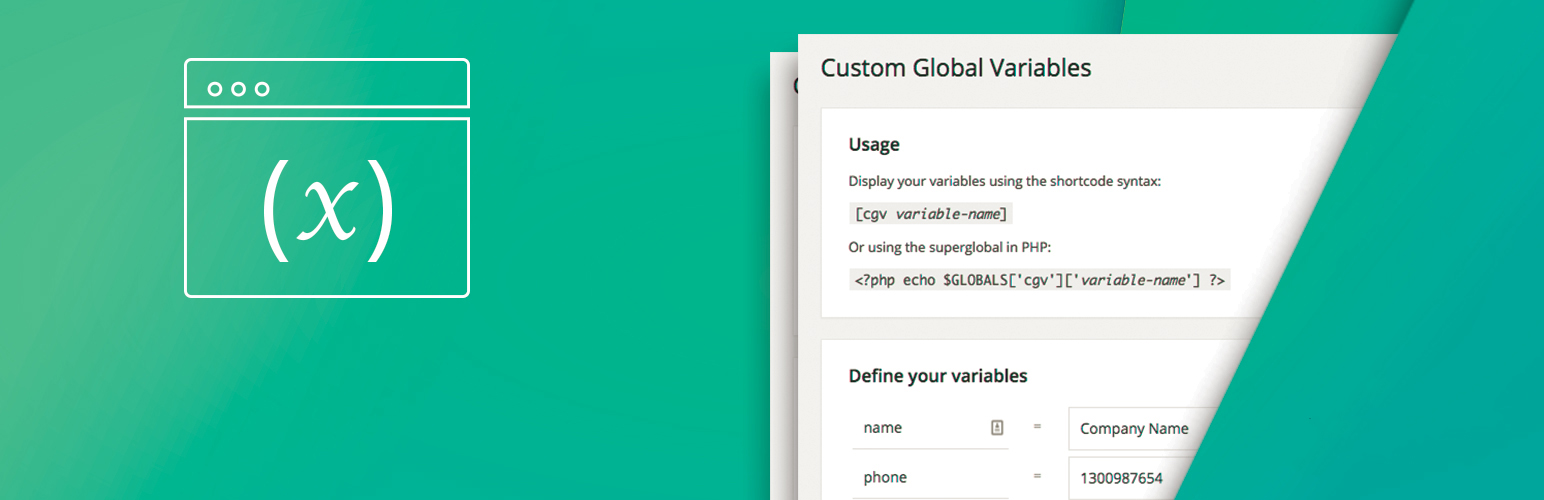
Display your variables using the shortcode syntax:
[cgv variable-name]
Or using the superglobal in PHP:
<?php echo $GLOBALS['cgv']['variable-name'] ?>