
WooCommerce Variation Swatches replaces boring variation dropdowns with engaging color, image, and label swatc...
Free
300k+ installs 4.8★ (919)
When manually editing orders from admin dashboard, add custom products directly to orders without adding them to the product catalog.
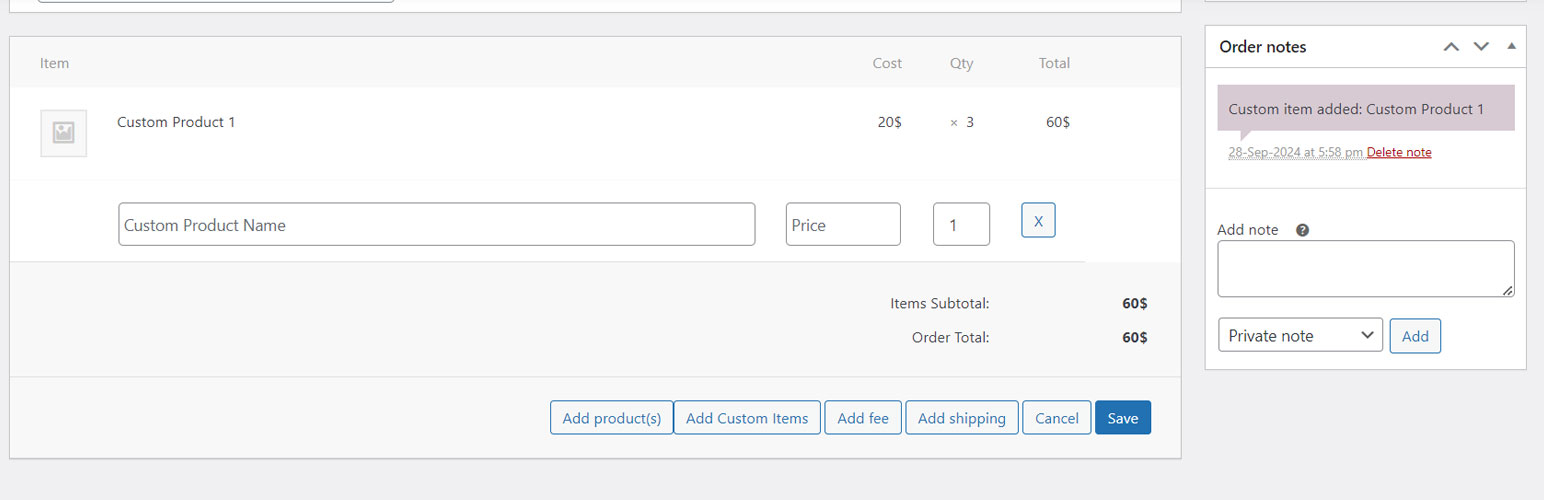
Custom Product in Woo Order is a WordPress plugin designed for WooCommerce store owners. It allows you to add one-time custom products to customer orders directly from the admin 'Edit Order' page without cluttering your product catalog.
The plugin enables shop admins to add multiple custom items to an order, which behave like regular products in WooCommerce, including support for metadata and tax. This is particularly useful for handling special requests or custom items that are not part of the standard product offerings.
Best for: This plugin suits WooCommerce store owners who need to manage custom orders efficiently.
What it does well
Where it falls short
Custom Product in Woo Order provides a straightforward solution for adding custom items to orders without affecting the product catalog. It is beneficial for store owners dealing with unique customer requests.
wizbee IT's own description of Custom Product in Woo Order, lightly tidied.
Custom Product in Woo Order is the perfect solution for WooCommerce store owners who need to add one-time custom products to customer orders without cluttering their product catalog.
This plugin lets shop admins seamlessly add multiple custom items to an order from the admin “Edit Order” page, and these items behave exactly like regular products in WooCommerce, with support for metadata, tax, and more. The added custom items will also be included in any invoice, packing slip, or email generated for the order.
This is ideal for scenarios where customers request products not listed in the store catalog, and the store owner does not want to permanently add them for the sake of a single order.
Go to Edit Order Page: Access the “Orders” section from the WooCommerce dashboard and select the order you want to edit.
Make the Order Editable: Ensure the order is in an editable state. If necessary, change the order status to allow modifications.
Click “Add item(s)”: To begin adding a custom item, click the “Add item(s)” button, which will open up the section for adding products.
Add Custom Product: Once the item section is open, you’ll see the button “Add Custom Item(s)”. After click, it will add fields to input custom item details. Enter the product name, price, and quantity for the custom product.
Add Multiple Custom Products: Click “Add Custom Item(s)” button again to input more products. Each time click on the button will add fields to add a new custom item.
Remove Custom Product: If needed, remove any custom items by clicking the “X” next to the custom product fields.
Save Order: Once you have added all the necessary custom products, click Save to update the order. It will show an alert about recalculating, click OK.
See the FAQ for more information.
If you find Easy Duplicate Woo Order helpful, please consider leaving a positive review on WordPress.org. Your feedback helps us improve and reach more users.
Other plugins for product customisation.
WooCommerce Variation Swatches replaces boring variation dropdowns with engaging color, image, and label swatc...
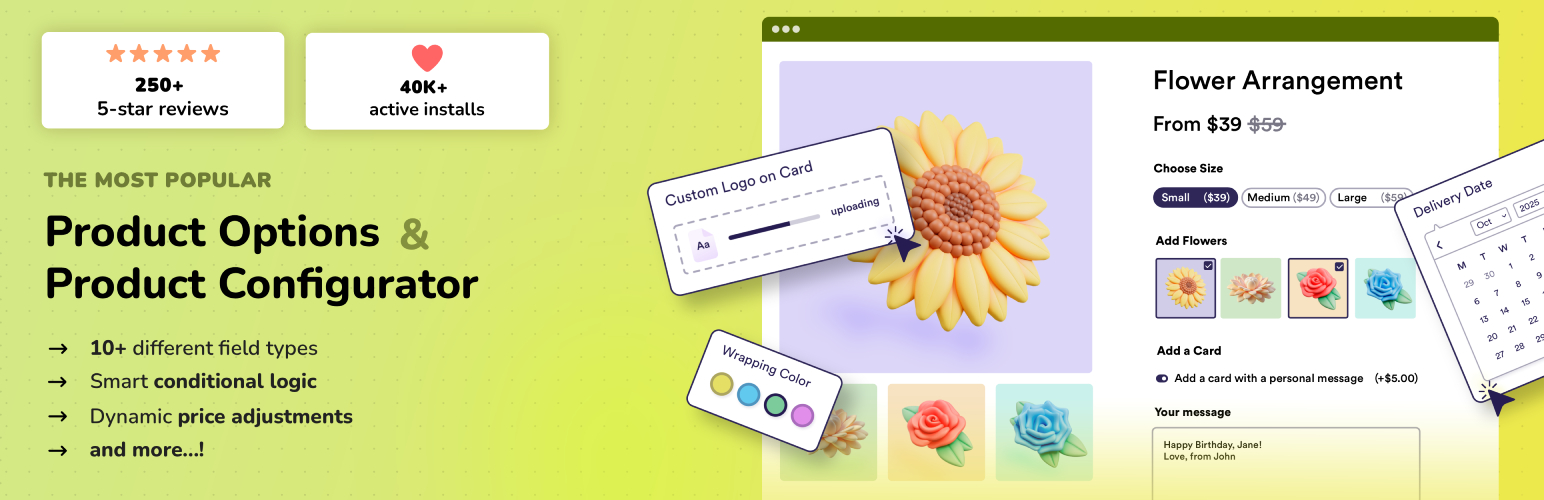
Add options (addons) to your WooCommerce products so your customers can personalize their products. Product fo...

Variation Swatches for WooCommerce replaces dropdowns with color, image & size swatches, helping shoppers...

WooCommerce Product Addons Add custom fields to your WooCommerce product page. With an easy-to-use Custom Form...

WooCommerce Extra Product Options plugin lets you add product addons (custom products field) of 20 different f...

WCBoost – Variation Swatches is the ultimate plugin to display WooCommerce product variations in style.