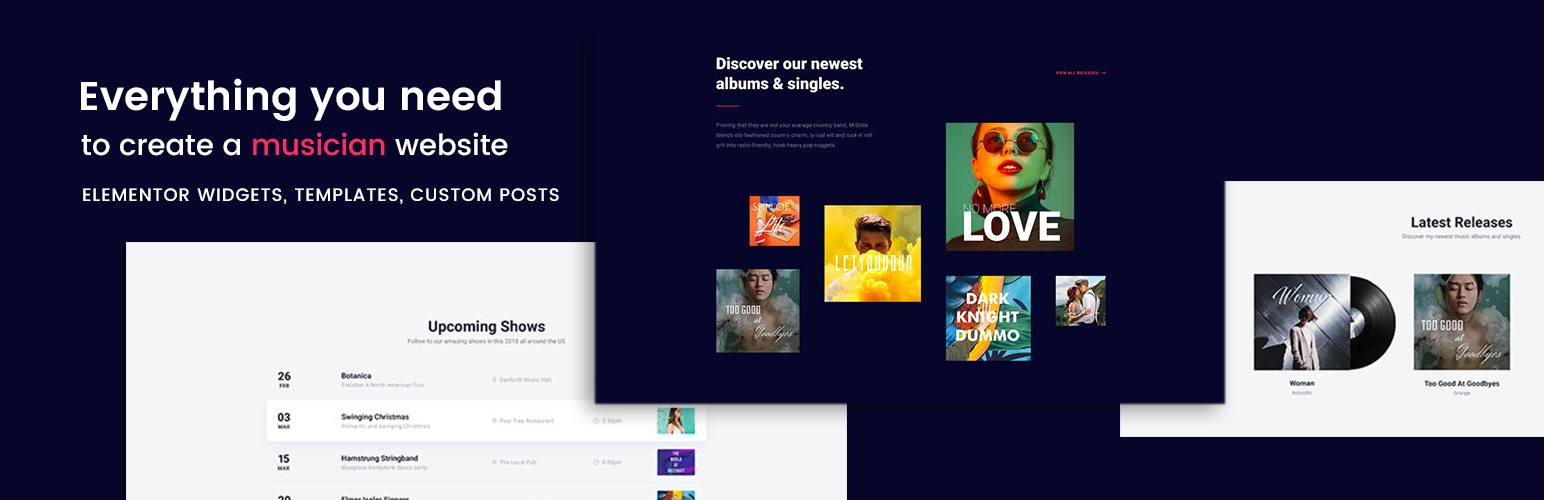
Build music, band, DJ, and artist websites with Elementor widgets for events, albums, audio players, videos, a...
Free
400+ installs 4.3★ (6)
Add your Songkick artists tour dates list in any place of your website.

Show your artists tour dates from Songkick is a WordPress plugin that allows you to display a list of tour dates for your favourite artists on your website. You can insert this information using Gutenberg blocks, widgets, or shortcodes, providing flexibility in how you present the data.
The plugin offers configuration options such as showing other artists, a subscribe button, and custom styling for text and backgrounds. It is designed for users who want to keep their audience updated on concert dates for selected artists, making it suitable for music-related websites or blogs.
Best for: This plugin is best for music-related websites looking to display artists' tour dates.
What it does well
Where it falls short
This plugin provides a straightforward way to showcase artists' tour dates, though its limitations and low directory score may be a consideration for some users.
covalenciawebs's own description of Show your artists tour dates from Songkick, lightly tidied.
With this plugin you can add your favorite artists tour dates list in any place of your website.
You can insert it using:
It includes all configurable options available in songkick:
– Show other artists.
– Show Subscribe button.
– Use my theme styles.
– Theme background light or dark.
– Text color.
– Background color.
Once the extension is installed you will have a new menu option: Songkick.
At this page you can add 3 different artists. You can search the artist by name and it will show you its ID. Then you must copy this ID in the fields “Artist 1 ID”, “Artist 2 ID” or “Artist 3 ID”.
The other options are for styling the list if you use shortcodes. If you use widget or Gutenberg block you will have this options in the configuration.
After all you must save changes at the end of the page.
To use the shortcode you must add the title and the Artist Field where you previously put the ID. IT would be like this:
[cvw_songkick_events id=”1″ title=”Next concerts of Music group name”]
If you use the widget or the Gutenbergt block you will have a select of the artist to show.
Other plugins for artists and galleries.
Build music, band, DJ, and artist websites with Elementor widgets for events, albums, audio players, videos, a...

Since 2019, Tip Jar WP has helped creators like you earn over $1,000,000 combined! Made for creators, artists,...

The Themes Artist Demo Importer plugin allows you to import demo content for a variety of free themes from The...

Create images with AI. Sell personnalized WooCommerce products (frames, mugs). Upscale any image. Generate pub...

This plugin lets you display events for a Songkick user, artist, venue, or metro area on your WordPress blog,...

Display a "Sold Out!" badge on out-of-stock products. Show the text and colors you want. Perfect for...