Dashboard Welcome for Elementor
Replaces the default WordPress dashboard welcome panel with custom designed Elementor template.
The facts
- Rating
- 4.1★ from 23
- Active installs
- 10k+
- Price
- Free
- Last updated
- 13 May 2026
- Added
- Jul 2018
- Requires WP
- 6.3
- Tested up to
- WP 7.0.4
- Requires PHP
- 7.4
- Downloads
- 171,563
Our analysis
AI-assistedDashboard Welcome for Elementor is a WordPress plugin that allows you to customise the WordPress welcome panel using Elementor. You can create personalised layouts that include various elements such as headings, contact information, forms, videos, images, and affiliate links. The plugin also enables you to display different templates based on user roles.
To use it, you create a layout with Elementor, then select the desired layout for specific user roles in the plugin settings. This makes it suitable for users who want to tailor the dashboard experience for different team members or clients.
Best for: This plugin is best for WordPress site administrators who use Elementor and want to personalise the dashboard for different users.
What it does well
- ✓Customises the WordPress welcome panel using Elementor
- ✓Supports various content types like images and videos
- ✓Allows template display based on user roles
- ✓Easy to set up with a simple dropdown selection
Where it falls short
- •Limited information on additional features or support
- •No details on compatibility with other plugins
Verdict
Dashboard Welcome for Elementor provides a straightforward way to enhance the WordPress dashboard experience. It is useful for those looking to customise their site’s backend for various user roles.
From the developer
IdeaBox Creations's own description of Dashboard Welcome for Elementor, lightly tidied.
Dashboard Welcome by PowerPack Elements gives you full control over the WordPress welcome panel using Elementor. You can personalize the dashboard with content and design built with Elementor. You can add heading, contact information, form, video, images, affiliate links, etc.
PLUS, you can display a template as per the user role.
How this works?
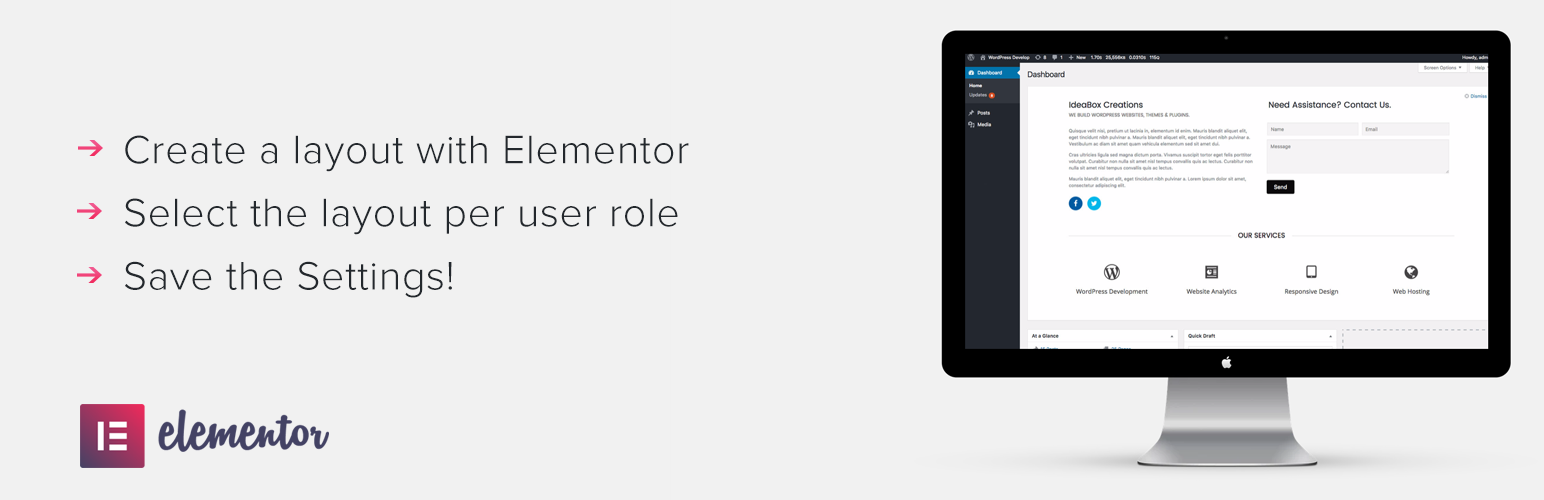
- Create a layout with Elementor.
- Go to plugin settings and select the layout from dropdown for any user role.
- Save the setting. Done!
Our other Elementor addons
PowerPack for Elementor – Extend Elementor with 50+ Creative Widgets and build beautiful websites.