Dinosaur Game
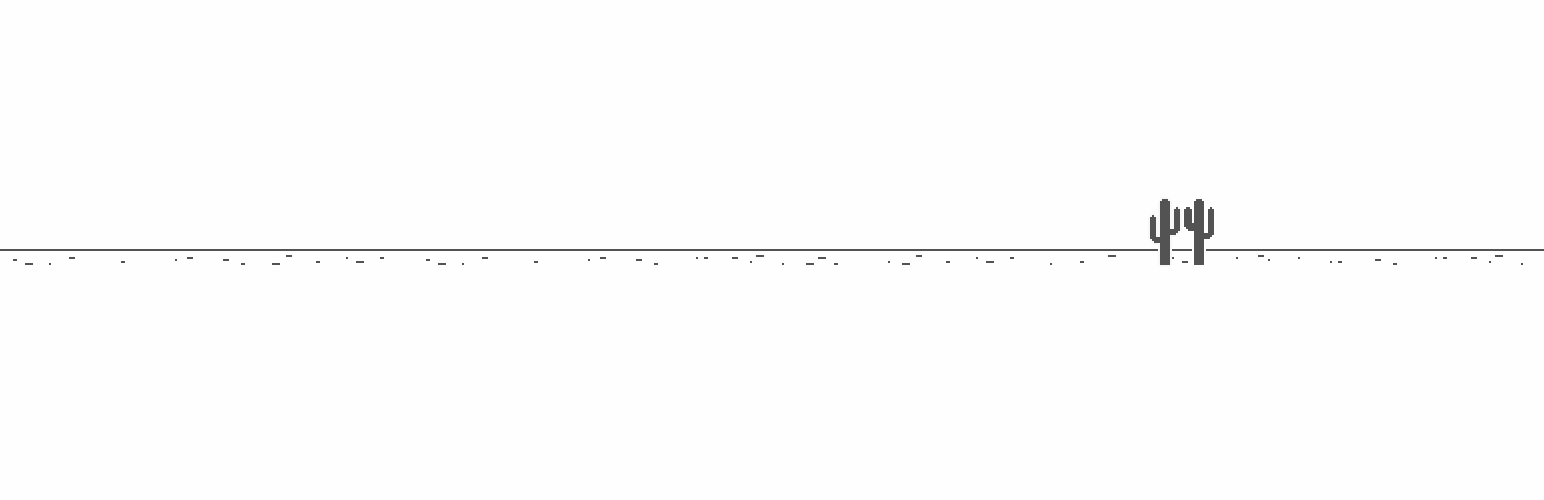
Add the dinosaur game from Google Chrome to your site using the [dinosaur-game] shortcode.
The facts
- Rating
- 5★ from 13
- Active installs
- 1k+
- Price
- Free
- Last updated
- 19 Jul 2026
- Added
- Feb 2019
- Requires WP
- 3.3
- Tested up to
- WP 7.0.4
- Requires PHP
- 5.2.4
- Downloads
- 90,104
Our analysis
AI-assistedThe Dinosaur Game plugin allows you to embed the Google Chrome dinosaur game directly onto your WordPress site. You can use the [dinosaur-game] shortcode to place the game wherever you want on your pages or posts.
The game involves jumping over obstacles and enemies to run as far as possible. Controls include the space bar or up key to jump, and the down key to crouch. On mobile devices, you can tap the game area to jump.
Best for: This plugin is suitable for websites looking to add a simple game for user engagement.
What it does well
- ✓Free to use from the WordPress.org directory
- ✓Easy to install and implement with a shortcode
- ✓Engaging game for users to enjoy on your site
- ✓High rating of 5 out of 5 from 13 ratings
- ✓Active installation count of 1,000
Where it falls short
- •Limited feature information provided
- •No additional game modes or customisation options mentioned
Verdict
The Dinosaur Game plugin provides a straightforward way to include a fun game on your site, though it lacks extensive features or customisation options.
From the developer
Chris David Miles's own description of Dinosaur Game, lightly tidied.
This plugin lets you add the dinosaur game from Google Chrome onto your WordPress site.
To use it, install the plugin, and use the [dinosaur-game] shortcode wherever you’d like the game to appear.
How to play
- Jump to start a game.
- The object of the game is to run as far as possible. Enemies and obstacles will try to block your path.
- Use the space bar or up key on your keyboard to jump over them. The down key lets you crouch. On mobile, tap on the game area to jump.