Disable Fatal Error Handler
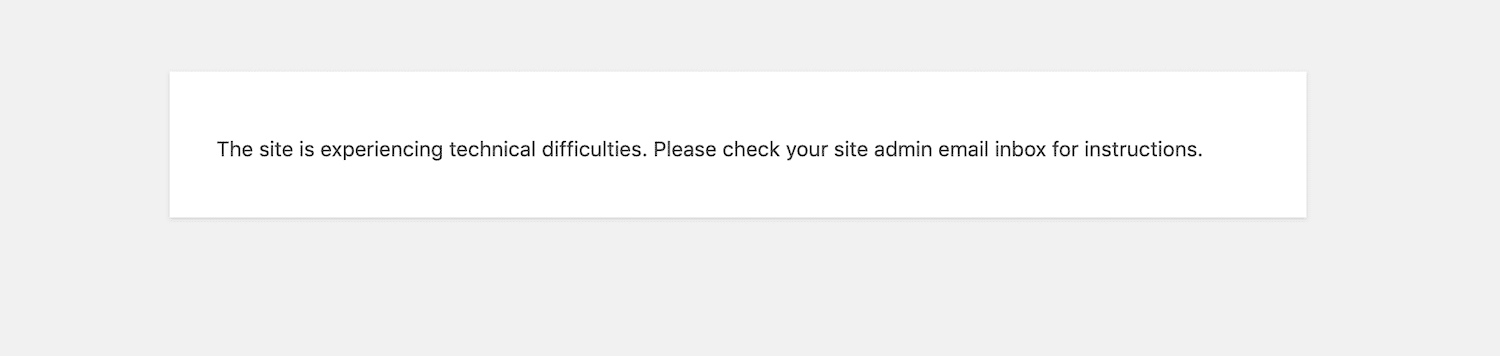
Your website will not send any email in case of fatal errors.
The facts
- Active installs
- 200+
- Price
- Free
- Last updated
- 21 May 2026
- Added
- Feb 2021
- Requires WP
- 4.6
- Tested up to
- WP 7.0.4
- Requires PHP
- 5.6
- Downloads
- 2,962
Our analysis
AI-assistedDisable Fatal Error Handler is a WordPress plugin that prevents your website from sending emails when a fatal error occurs. This can be useful for developers or site administrators who are actively working on a site and do not want to be notified of every fatal error via email.
The plugin works by adding a constant to the wp-config.php file, which stops the email notifications. It is designed for those who prefer a straightforward solution without needing to manually edit configuration files.
Best for: This plugin is suitable for developers and site administrators who want to manage fatal errors without email notifications.
What it does well
- ✓Prevents email notifications for fatal errors
- ✓Easy to activate and use
- ✓Suitable for developers working on a site
Where it falls short
- •Limited information available about the plugin's performance
- •No published rating or extensive user feedback
Verdict
Disable Fatal Error Handler provides a simple solution for managing fatal error notifications, but lacks extensive user feedback and performance details.
From the developer
Jose Mortellaro's own description of Disable Fatal Error Handler, lightly tidied.
Activating Disable Fatal Error Handler your website will not send any email in case of fatal errors.
When you work on a website and you don’t want the administrators receive an email every time the website triggers a fatal error, just activate this plugin.
Disable Fatal Error Handler adds a constant in wp-config.php. You would not need this plugin if you remembered that constant and you have access via FTP.
In my case I prefer remembering “Disable Fatal Error Handler”, search it in the plugins page, install and activate it, and that’s it.
Help
If you need help open a thread on the support forum of this plugin.
Please, before posting enable the debugging in wp-config.php. Need a step-by-step guide? Read this detailed tutorial on how to enable debugging in WordPress to learn more.