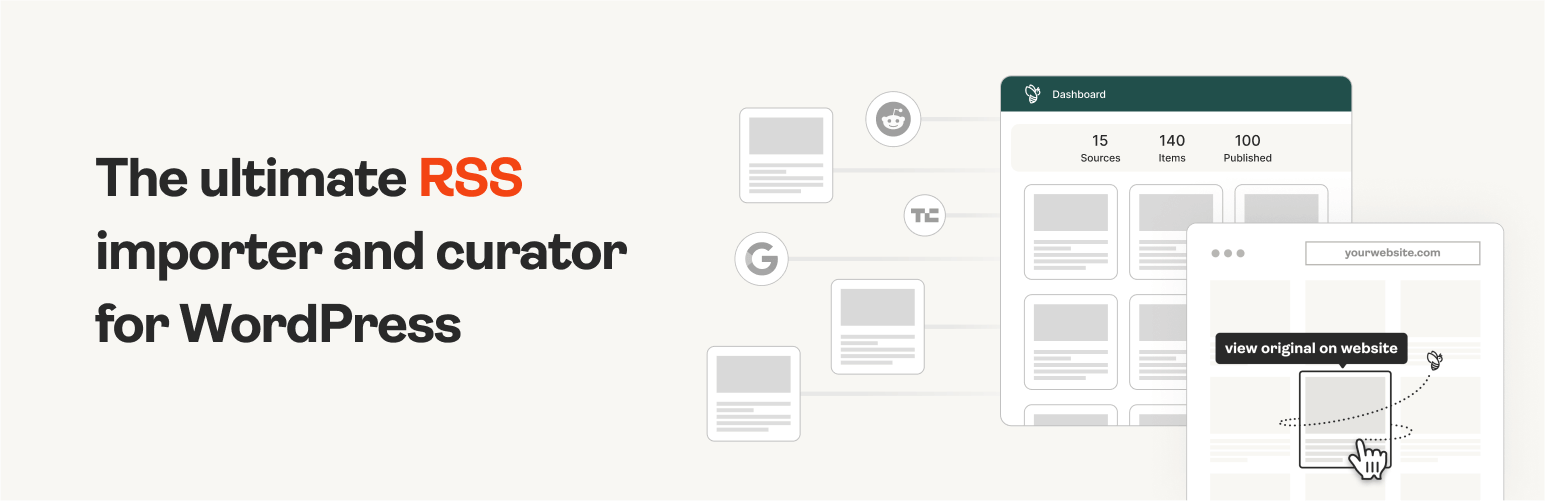
The #1 WordPress RSS aggregator to quickly import RSS feeds, build a news aggregator, and for easy autobloggin...
Free
40k+ installs 4.5★ (562)
This tiny and lightweight plugin removes all the rss feeds and hides usernames.

Disable Feeds And Hide Usernames is a WordPress plugin designed to remove various RSS feeds from a site and to hide WordPress usernames. By eliminating these feeds, it aims to streamline content delivery for simple CMS sites where feeds may not be necessary.
Additionally, the plugin hides usernames to enhance security, making it more difficult for potential attackers to guess usernames through common methods. It is suitable for users looking to improve their site's security and reduce unnecessary feed outputs.
Best for: This plugin is best for WordPress site owners concerned about security and unnecessary RSS feeds.
What it does well
Where it falls short
Disable Feeds And Hide Usernames offers basic functionality for improving site security and managing feeds, but its age and limited updates may be a concern for some users.
thapa.laxman's own description of Disable Feeds And Hide Usernames, lightly tidied.
removes the rss feeds like below. For a simple CMS site it is not required.
* http://example.com/feed/
* http://example.com/feed/rss/
* http://example.com/feed/rss2/
* http://example.com/feed/rdf/
* http://example.com/feed/atom/
WordPress usernames can easily be guessed. If guessed it makes the attackers’ life easier especially in case of a targeted WordPress hack attack. Attackers can use a tool such as WPScan to guess your WordPress username or simply by entering a URL such as the following:
http://www.example.com/?author=1
If the author ID is valid then they will be redirected to the author URL, for example:
http://www.example.com/author/admin
The above is possible even when you change the WordPress user IDs. For example if you changed the user ID to 1000, then by requesting the URL http://www.example.com/?author=1000 the attacker can guess the username. This means that you would be delaying the guessing attack but not completely eliminating it.
WordPress usernames can also be found in the source of rss feeds.
hides the usernames to make it harder for the attacker.
Other plugins for aggregating content.
The #1 WordPress RSS aggregator to quickly import RSS feeds, build a news aggregator, and for easy autobloggin...
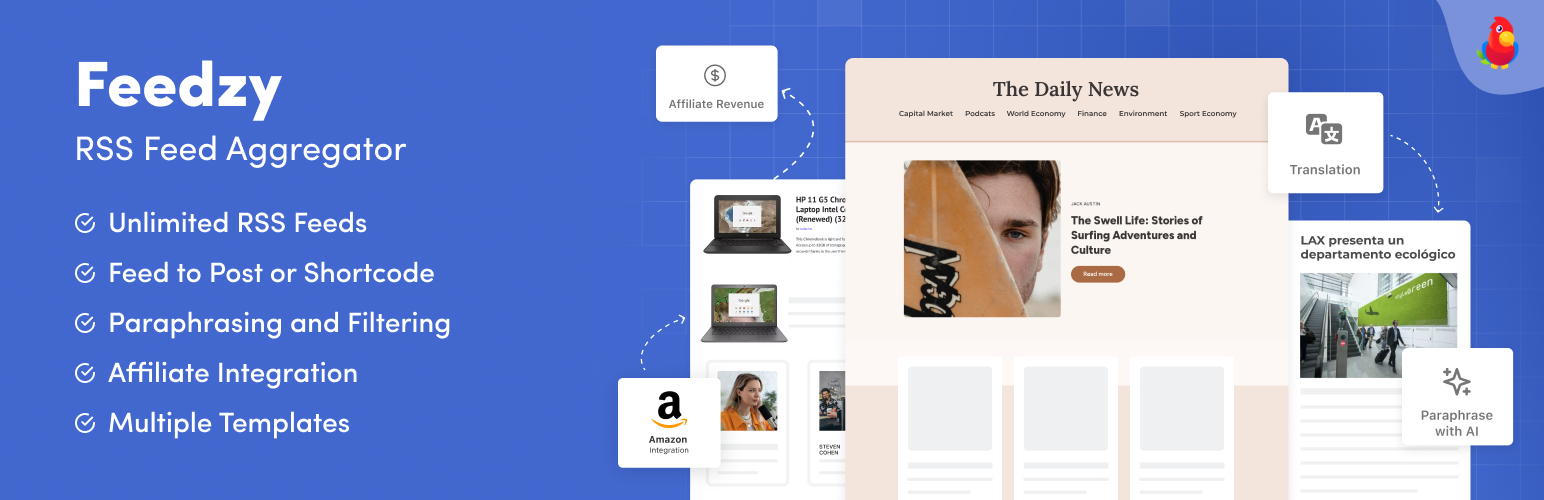
The most powerful WordPress RSS aggregator, helping you curate content, autoblog, import RSS & display unl...

Ditty offers a range of content display options, including its signature news ticker and customizable layouts.

Podcasting the way it's meant to be. No mess, no fuss - just you and your content taking over the world.

GN Publisher makes RSS feeds that comply with the Google News RSS Feed Technical Requirements for including yo...

Hide posts or WooCommerce products from the homepage, archives, search, RSS, REST API, sitemaps and SEO tools...