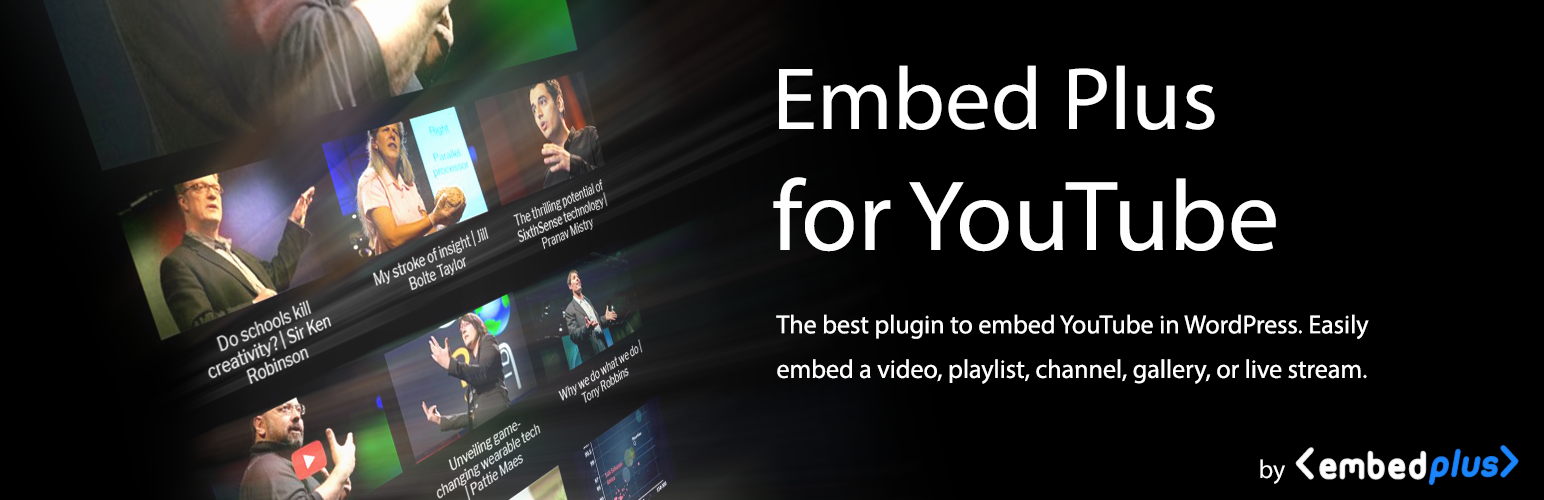
A multi-featured plugin to embed YouTube in WordPress. Embed a video, YouTube channel gallery, playlist, or Yo...
Free
100k+ installs 4.6★ (572)
Add a collection of helpful shortcodes to your site.

DobsonDev Shortcodes is a WordPress plugin that provides a collection of shortcodes for embedding various types of content, including PDFs, GitHub gists, Twitch streams, and videos from YouTube and Vimeo. It includes a TinyMCE Plugin that adds a button to the editor, allowing users to easily insert shortcodes with a user-friendly interface.
This plugin is suitable for users who want to enhance their WordPress site with multimedia content and interactive elements without needing extensive coding knowledge. It is particularly useful for developers and content creators in the gaming and media sectors, as well as those who want to share code snippets and related posts.
Best for: This plugin suits developers and content creators looking to embed multimedia and interactive elements in their WordPress sites.
What it does well
Where it falls short
DobsonDev Shortcodes offers a straightforward way to add various types of content to your site. However, its lack of recent updates may be a concern for some users.
DobsonDev's own description of DobsonDev Shortcodes, lightly tidied.
A collection of helpful shortcodes that I use in my own work that I wanted to share with the WordPress Community. If you want to suggest any shortcodes please email me at alex@dobsondev.com. Please download from the Offical WordPress Repository for easiest installation. If you would like to donate please click here.
As of version 2.0.0 DobsonDev Shortcodes includes a TinyMCE Plugin that provides a button and user interface for adding the shortcodes. The button is the DobsonDev Shortcodes logo and if you click on it you will see a dropdown menu with all of the different shortcodes available to you. Click on the shortcode you want and a popup will appear (for the most part – three of the shortcodes just appear in the editor and you can fill their content in) containing the different attributes for that shortcode. The required attributes are marked with stars and you must fill them in. The other optional attributes can either be filled in to include them or left blank to leave them out.
Embed PDF
[embedPDF source=”http://yoursite.com/path-to-the-pdf.pdf” width=”###” height=”###”]
This Shortcode will embed a PDF into the page rather than making it a seperate link that must be clicked to be viewed. It is displayed in the browsers default PDF reader since it is embedded as an application. The source attribute is the URL of the PDF and is required. The width and height attribute will set the size of the embedded application, and are both optional. If they are not entered then the width is set to 100% and the height to 600.
Please note that setting the width to “auto” will not work. Rather, please set the width to “100%” to get the same effect. If you are looking to add your own custom CSS to the container around the PDF embed, the class is “div.dobdev-pdf-container”. This should only be done by someone experienced using CSS, otherwise the results could cause harm to the layout of your site.
Embed GitHub Gists
[embedGist source=”http://gist.github.com/your-account/gist-id”]
This Shortcode will embed a GitHub Gist into the page. The Gist will be embedded in a little box that makes it easy to share code samples with other developers (or whoever you want to share them with). The source attribute is the URL to the Gist and is required.
If you are looking to add some custom CSS to the Gists, they are automatically put into “div.gist” by GitHub. Use that class when doing any CSS changes. This should only be done by someone experienced using CSS, otherwise the results could cause harm to the layout of your site.
Embed GitHub Repo Readme
[embedGitHubReadme owner=”Owner_of_Repo” repo=”Repo_Name” cache_id=”id”]
This shortcode will display the contents of any GitHub repository’s README file. The markdown will displayed as HTML output onto the page. This shortcode uses GitHub API calls to ensure that as you update you README file the output from this shortcode will also update.
The style will match that of your default page style, but if you want to change the style just wrap the shortcode inside of a div and then edit as much as the style as you want.
Other plugins for video content.
A multi-featured plugin to embed YouTube in WordPress. Embed a video, YouTube channel gallery, playlist, or Yo...

High performance YouTube video, playlist and audio-only embeds which don't slow down your blog and offer...

Video gallery plugin for WordPress with a built-in HTML5 player. Embed YouTube, Vimeo, Dailymotion, Rumble, an...

Modern responsive YouTube video gallery helps your website getting noticed from visitors, increase the reach a...

Responsive HTML5 video player for WordPress. Embed MP4, WebM, OGG, YouTube & Vimeo with shortcodes or bloc...

Makes video thumbnails, allows resolution switching, and embeds responsive self-hosted videos and galleries.