WPThumbs
Themes Plugins By purpose By industry Best-of lists Fix it guides
Free Plugin by howdytheme v1.0

Donation or Tip For WooCommerce

Let WooCommerce customers add a donation or tip at cart or checkout. Choose predefined amounts or a free-text input, fixed or percentage, with full st …

Donation or Tip For WooCommerce

The facts

Rating
5★ from 2
Active installs
100+
Price
Free
Last updated
29 Jun 2026
Added
Oct 2023
Requires WP
5.5
Tested up to
WP 7.0.4
Requires PHP
7.0
Downloads
2,006

Our analysis

AI-assisted

Donation or Tip For WooCommerce is a WordPress plugin that integrates a donation or tip widget into your WooCommerce cart and checkout pages. It allows customers to contribute an additional amount voluntarily, which can be used for various causes such as charity or team tips, all without leaving the checkout process.

The plugin is managed through a user-friendly settings panel within the WooCommerce admin, enabling you to configure the widget's appearance and functionality without any coding. It supports both fixed and percentage donations, offers predefined amounts, and includes a reporting dashboard for tracking contributions.

Best for: This plugin is suitable for online stores wanting to collect voluntary contributions from customers.

What it does well

  • Fully configurable donation or tip widget
  • No coding required for setup
  • Supports fixed and percentage donations
  • Includes a reporting dashboard
  • Compatible with WooCommerce Blocks

Where it falls short

  • Requires WooCommerce to function
  • Limited information on user experience or support

Verdict

Donation or Tip For WooCommerce provides a straightforward solution for adding donation options to your WooCommerce store. It is useful for various types of online businesses looking to enhance customer engagement through voluntary contributions.

From the developer

howdytheme's own description of Donation or Tip For WooCommerce, lightly tidied.

Donation or Tip For WooCommerce is a free WordPress plugin that adds a fully configurable donation or tip widget to your WooCommerce cart and checkout pages. Let customers voluntarily contribute an extra amount to your store — whether as a charitable donation, a tip for your team, a carbon-offset contribution, or any other cause — without leaving the checkout flow.

The entire widget is managed from a clean, modern React-powered settings panel inside your WooCommerce admin. No shortcodes, no page builder blocks, no code editing. Enable, position, style, and manage donations entirely from one dedicated settings page, with a live donation report showing every order that included a contribution.

Requires WooCommerce to be installed and activated.

Why Use Donation or Tip For WooCommerce?

WooCommerce has no built-in way to collect voluntary extra payments from customers at checkout. This plugin adds that capability in the most flexible way possible — with two distinct donation modes, fixed and percentage amount support, a fully styled widget, multiple placement positions on both cart and checkout pages, and a built-in reporting dashboard, all for free.

Whether you run a nonprofit store, want to collect tips for your fulfillment team, offer a “round up for charity” option, or simply want to give customers a way to show appreciation, this plugin handles every use case without modifying your theme or requiring developer work.

Free Features

General Settings

  • Enable / Disable Donation — Toggle the entire donation and tip functionality on or off from the admin panel with a single switch, without deactivating the plugin
  • Donation Type: Predefined Values — Offer customers a set of preset donation amounts displayed as clickable buttons or a dropdown selector
  • Donation Type: Free Text Input — Let customers type in any custom donation or tip amount manually, with a choice between fixed value and percentage at the time of input
  • Predefined Amount Type — Choose whether predefined values represent fixed currency amounts or percentages of the cart subtotal
  • Predefined Values List — Enter any comma-separated list of amounts (e.g. 5, 10, 15, 20) to display as preset donation options
  • Currency Symbol — Set the currency symbol displayed alongside predefined donation values in the frontend widget
  • “Other” Option Button — Show an “Other” button alongside predefined values that reveals a free-text input field for a custom amount
  • Show / Hide Remove Donation Button — Optionally display a remove button that lets customers withdraw their donation before submitting the order
  • Show on Cart Page — Enable or disable the donation widget on the WooCommerce cart page independently
  • Show on Checkout Page — Enable or disable the donation widget on the WooCommerce checkout page independently
  • Cart Page Position — Choose exactly where the widget appears on the cart page: before the cart, in the cart collaterals area, or after the cart
  • Checkout Page Position — Choose exactly where the widget appears on the checkout page: before the form, after order review, after billing form, or after the full checkout form
  • WooCommerce Blocks Compatibility — Fully compatible with the WooCommerce Cart Block and Checkout Block in addition to the classic shortcode-based pages

Style Settings

  • Predefined Value Display Style — Switch between displaying predefined values as pill buttons or as a compact dropdown selector
  • Donation Button Font Size — Set the font size of the main donation / add button in pixels
  • Donation Alert Font Size — Set the font size of the success alert message shown after a donation is added
  • Remove Button Font Size — Set the font size of the remove donation button independently
  • Predefined Value Font Size — Set the font size displayed inside the predefined value buttons or dropdown
  • Predefined Button Padding — Control the top/bottom and left/right padding of predefined value buttons independently for precise layout control
  • Alert Text Color — Set the color of the success alert message shown after a donation is applied
  • Donation Button Background Color — Customize the background color of the main add-donation button
  • Donation Button Text Color — Customize the text color of the main add-donation button
  • Remove Button Background Color — Set the background color of the remove donation button
  • Remove Button Text Color — Set the text color of the remove donation button
  • Predefined Button Default Background Color — Set the default background color of predefined value buttons
  • Predefined Button Default Text Color — Set the default text color of predefined value buttons
  • Predefined Button Hover Background Color — Set the background color of predefined value buttons on hover
  • Predefined Button Hover Text Color — Set the text color of predefined value buttons on hover
  • Predefined Button Active Background Color — Set the background color of the currently selected predefined value button
  • Predefined Button Active Text Color — Set the text color of the currently selected predefined value button

Donation Report

  • Built-in Donation Report Dashboard — A dedicated Donation Report tab inside your WooCommerce admin lists every order that included a donation or tip, with order ID, customer name, donation value, and date
  • Total Donation Summary — See the total donations collected across all orders at a glance, with a per-page total in the report table
  • Search and Filter — Search the donation report by customer name or order ID to find specific entries quickly
  • Sortable by Amount — Sort the entire donation report by donation value in ascending or descending order with a single click
  • Pagination Controls — Navigate large donation lists with full pagination, configurable rows-per-page (5, 10, 25, 50, or 100), and smart page number display
  • Direct Order Links — Each row in the report links directly to the WooCommerce order edit screen for quick review
  • Donation Saved to Order Meta — The donation or tip amount is stored as order meta (donation_price) on every WooCommerce order, making it available for custom queries, exports, and third-party integrations
  • Guest & Registered Customer Support — Donations are correctly attributed to both guest checkouts and logged-in customer accounts in the report

Pro Version Features

Unlock the following advanced controls with the Pro Version:

  • Custom Field Title — Change the main title shown above the donation widget on the frontend (e.g. “Add a Tip”, “Support Our Cause”, “Round Up for Charity”) — fully editable in the Pro version
  • Custom “Other” Option Text — Translate or customize the label of the “Other” button that reveals the free-text input field
  • Custom Remove Donation Button Text — Change the label of the remove donation button from the default “Remove” to any text in any language
  • Custom Donation Button Text — Change the label of the add-donation button from the default “Add donation” to any custom text
  • Custom Donation Amount Label Text — Change the label shown next to the donation line item on the cart and checkout order summary (e.g. “Tip for our team”, “Charity donation”)
  • Custom Alert Success Message Text — Customize the confirmation message shown to the customer after they successfully add a donation

Read the full description on the official page →

Tagged as

Alternatives

Other plugins for collecting donations.

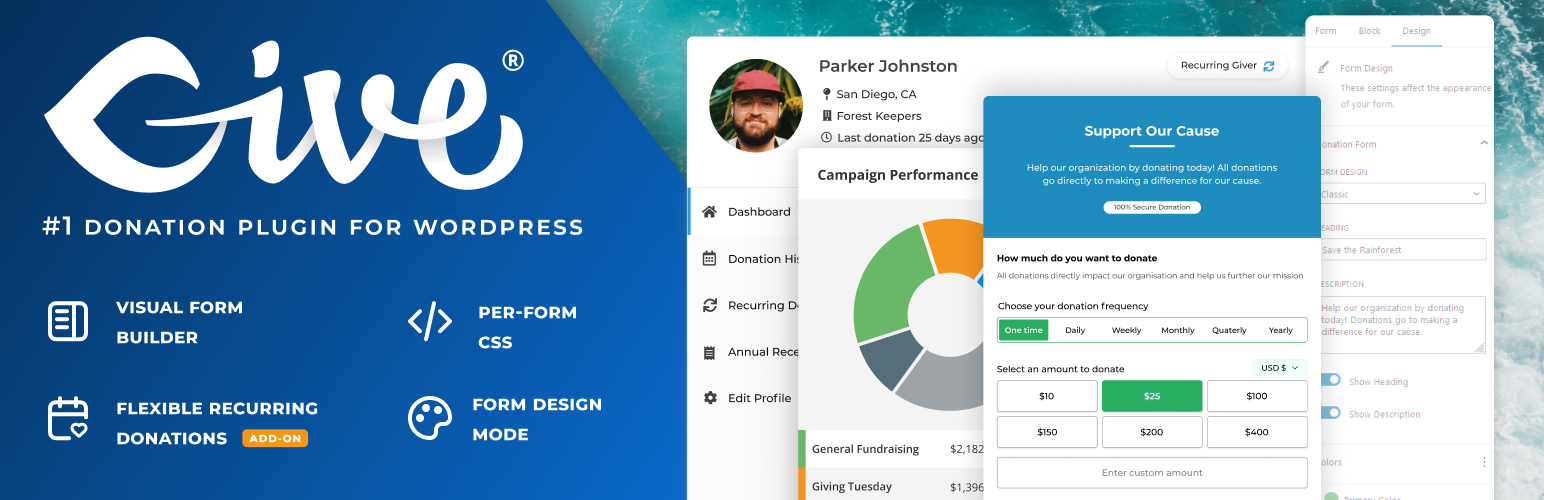
GiveWP

GiveWP

90

Accept donations and begin fundraising with GiveWP, the highest rated WordPress donation plugin for online giv...

Free 100k+ installs 4.6★ (705)
Charitable

The best WordPress donation plugin. Create fundraising donation forms, accept recurring donations, easy donor...

Free 10k+ installs 4.9★ (216)
Donations via PayPal

Easy, simple setup to add a PayPal Donation button as a Widget or with a shortcode.
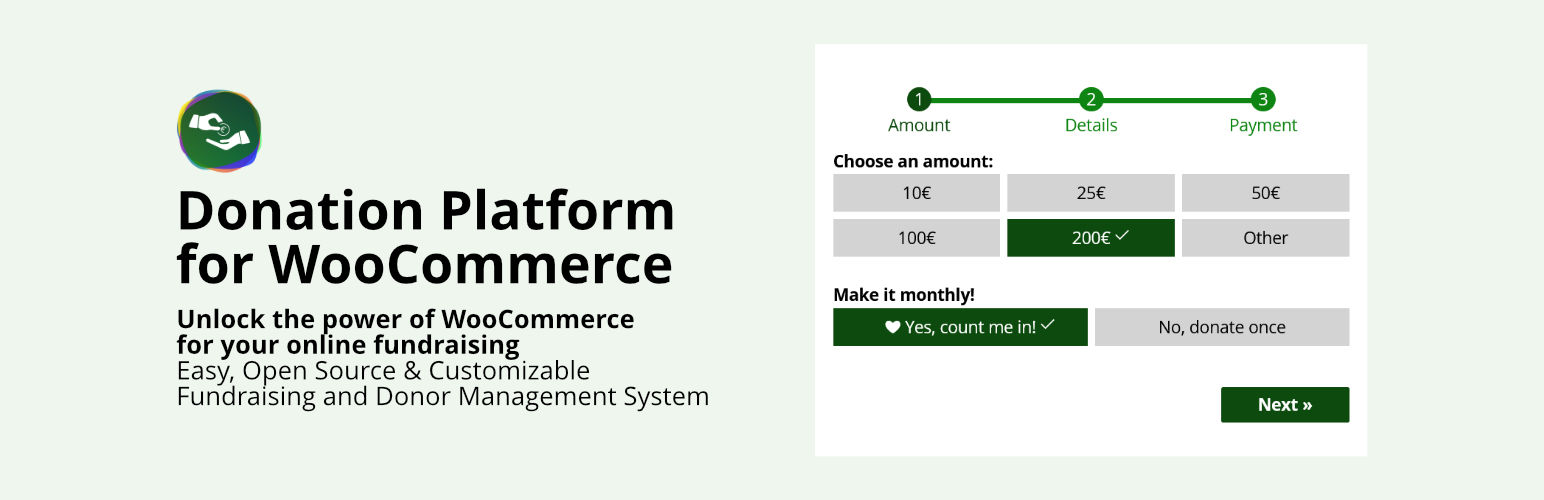
Free 20k+ installs 4.7★ (27)
Easy Accept Payments via PayPal

Easy to use Wordpress plugin to accept PayPal payments for a service or product or donation in one click
Free 7k+ installs 4.5★ (34)
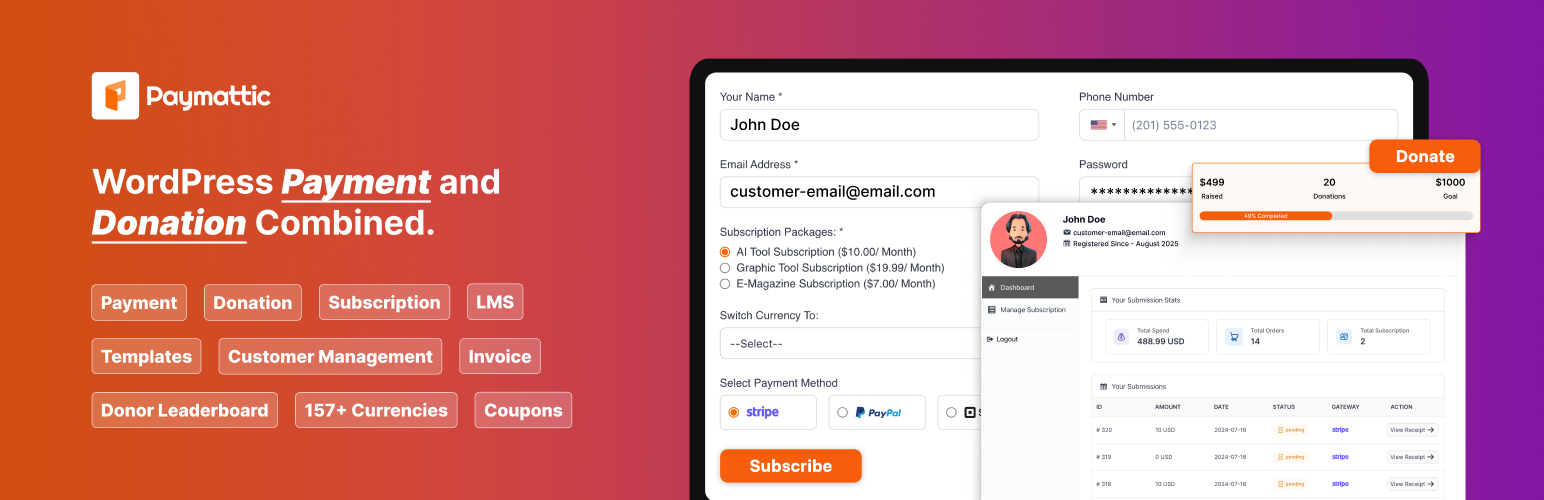
Paymattic

Create payment form, donate button to accept payments and donations. Manage subscription payment, recurring do...

Free 3k+ installs 4.8★ (44)