Dynamic Year Block
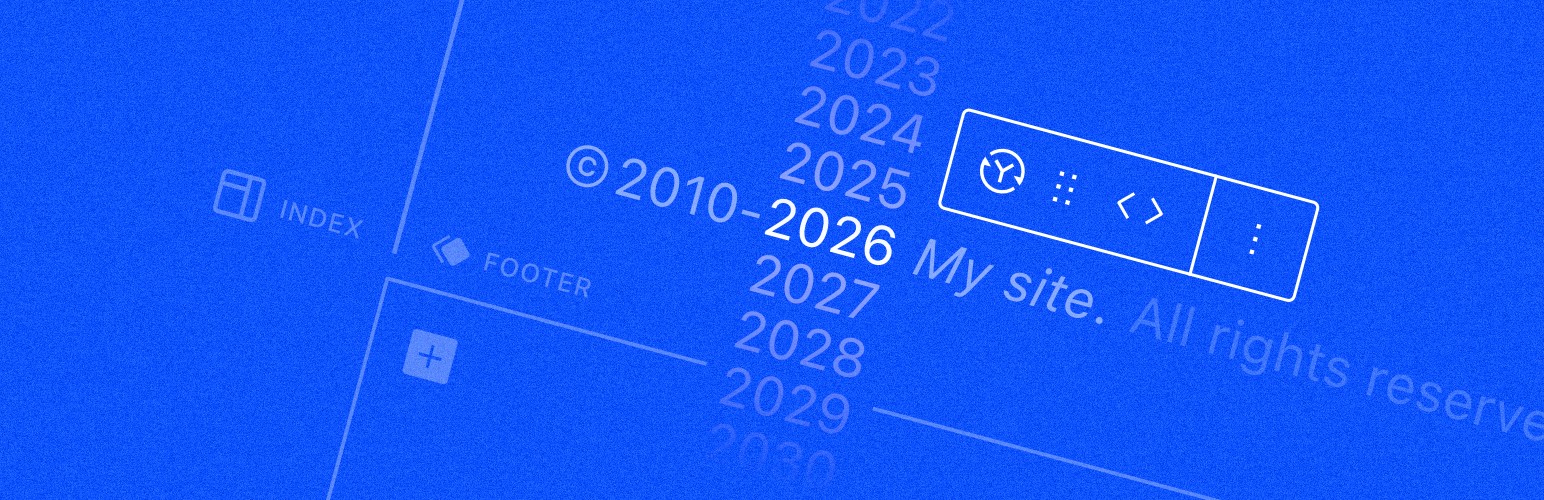
A block that always displays the current year in your footer copyright notice.
The facts
- Rating
- 5★ from 8
- Active installs
- 2k+
- Price
- Free
- Last updated
- 17 Aug 2026
- Added
- Jun 2022
- Requires WP
- 6.4
- Tested up to
- WP 7.1
- Requires PHP
- 7.4
- Downloads
- 21,090
Our analysis
AI-assistedThe Dynamic Year Block is a WordPress plugin that automatically updates the copyright year in your website footer. It eliminates the need for manual edits each year by changing the year to the current one at the turn of the year.
This plugin is compatible with both classic and block themes and is particularly useful in the Site Editor, allowing you to visually modify the footer template without coding. You can also add a background image and link to your Privacy Policy page easily.
Best for: This plugin is suitable for website owners looking to simplify copyright management in their footers.
What it does well
- ✓Automatically updates copyright year
- ✓Works with classic and block themes
- ✓Allows visual editing in the Site Editor
- ✓Includes options for background image and Privacy Policy link
- ✓Free to download from the WordPress repository
Where it falls short
- •Requires configuration of timezone settings
- •Limited information on additional features
Verdict
The Dynamic Year Block offers a straightforward solution for keeping copyright information up to date, making it a practical choice for many WordPress users.
From the developer
Marcio Duarte's own description of Dynamic Year Block, lightly tidied.
🆕 New features: now you can add a background image and the link to your Privacy Policy page with a couple of clicks.
The Dynamic Year Block will automatically update the copyright year in your website footer. At the turn of each year, the number will automatically change to reflect the current year, freeing you from manually editing the year every new year’s eve.
The plugin works for both classic and block themes, but it is especially useful in the context of the Site Editor, where you can visually change the footer template part without messing with code. Just insert the Dynamic Year Block, enter your copyright notice and you’re done. 💪
You can open this WordPress Playground site in your browser to quickly test it.
⚠️ Important: please configure your timezone in “Settings → General → Timezone” in your WordPress dashboard, so that the year displayed by the block matches your server time and the timezone set in WordPress.
This is a community plugin that can always be downloaded for free without any paid subscription from the official WordPress repository.