Easy Hide Admin Menu Items
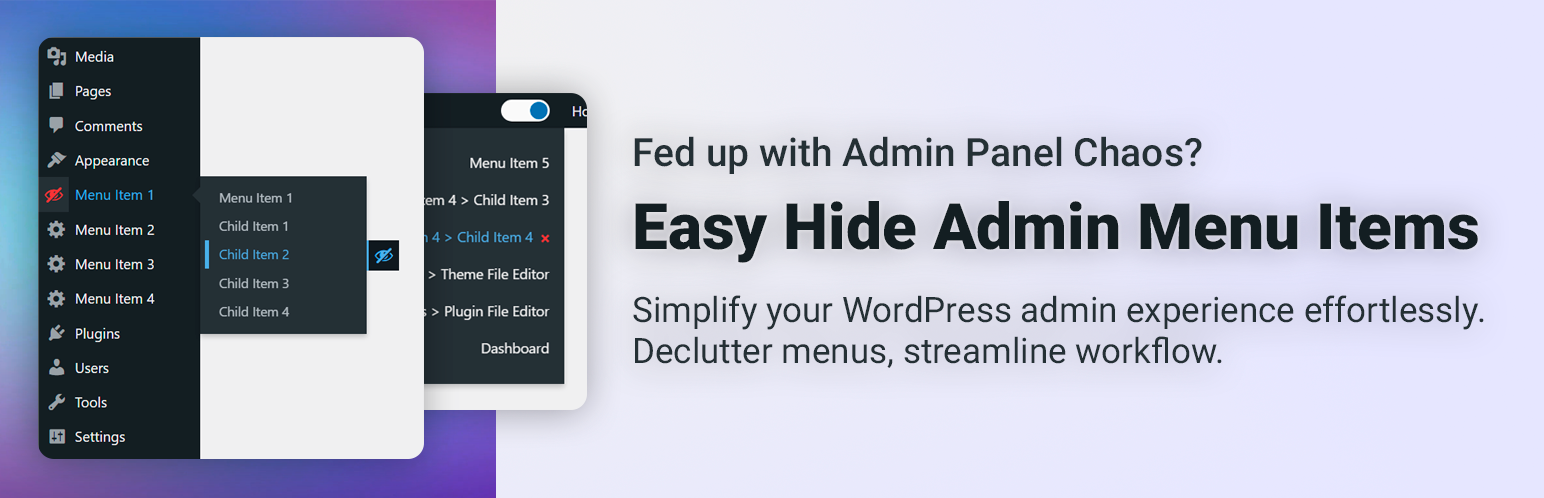
Simplify your WordPress admin experience effortlessly. Declutter menus, streamline workflow.
The facts
- Rating
- 5★ from 12
- Active installs
- 1k+
- Price
- Free
- Last updated
- 4 Mar 2026
- Added
- Feb 2024
- Requires WP
- 5.9.0
- Tested up to
- WP 6.9.7
- Requires PHP
- 7.0
- Downloads
- 9,496
Our analysis
AI-assistedEasy Hide Admin Menu Items is a WordPress plugin that allows you to hide unnecessary menu items in the admin panel. This can help reduce clutter and make navigation more straightforward, especially on sites with many plugins and settings.
The plugin offers options for both global and user-specific settings, allowing you to customize the visibility of menu items according to your preferences. You can find the settings under Appearance → Admin Menu Settings, making it easy to tailor your admin experience.
Best for: This plugin is suitable for WordPress site administrators looking to simplify their admin panel.
What it does well
- ✓Hides unnecessary menu items for a cleaner admin panel
- ✓Offers both global and user-specific settings
- ✓Allows hiding of child menus for focused navigation
- ✓Easy access to settings under Appearance → Admin Menu Settings
- ✓Instant application of menu customizations upon activation
Where it falls short
- •Limited information on advanced features or support
- •No details on compatibility with specific themes or plugins
Verdict
Easy Hide Admin Menu Items can help streamline the WordPress admin experience by allowing users to hide unwanted menu items. It is a practical tool for those managing complex sites with many plugins.
From the developer
campusboy's own description of Easy Hide Admin Menu Items, lightly tidied.
Easy Hide Admin Menu Items is a plugin designed for the convenience of using the WordPress admin panel by hiding unnecessary menu items. On some websites, the admin panel can become cluttered with various menus and settings, and Easy Hide Admin Menu Items is intended to help users easily customize their administrative space.
Why is it convenient?
On some websites with numerous plugins and extensions, the admin panel can become confusing due to an excess of menus. Easy Hide Admin Menu Items allows you to easily hide the items you don’t need, providing cleanliness and convenience in usage.
Plugin Settings
In our plugin, you can locate the settings within the following menu:
Appearance → Admin Menu Settings
Within this menu, you’ll find the settings for our plugin.
Additional Description
Easy Hide Admin Menu Items offers a seamless solution for customizing your WordPress admin panel to suit your preferences. With the settings conveniently located under Appearance → Admin Menu Settings, you have the power to tailor your admin experience effortlessly.
Key Features:
- Instant Menu Concealment: Upon activation, the plugin allows you to immediately hide menus, ensuring instant application of your customization choices.
- Child Menu Hiding: Enable the option to hide child menus, providing a cleaner and more focused navigation experience.
- Global or User-Specific Settings: Choose between global settings for all users or empower each user to personalize their admin menu visibility.
- Global Settings: Changes apply to everyone. If the admin hides a menu, it’s hidden for all users.
- User-Specific Settings: Each user can customize their menu visibility individually.
Enhance your WordPress admin panel experience by effortlessly managing menu items and optimizing the interface according to your specific needs. Experience a clutter-free and user-friendly environment with Easy Hide Admin Menu Items.