
ECS
88Seven free modules for Elementor: dark mode, container layouts, mobile menu, editorial text, style presets, JS...
Free
100k+ installs 4.6★ (117)
Allow for granular editorial access control for all post types in WordPress

Editorial Access Manager is a WordPress plugin that allows you to control access to specific posts based on user roles or individual users. It is designed for situations where the default user roles in WordPress do not provide enough flexibility for managing post editing permissions.
You can configure access settings directly from the edit post screen in the WordPress admin area, using the 'Editorial Access Manager' meta box. This plugin is suitable for users who need to manage post access for contributors or other roles on a more granular level.
Best for: This plugin suits site administrators who need detailed control over post editing permissions for various users and roles.
What it does well
Where it falls short
Editorial Access Manager provides a straightforward solution for managing post access, though its lack of recent updates and limited settings may be a concern for some users.
Taylor Lovett's own description of Editorial Access Manager, lightly tidied.
A simple plugin to let you control who has access to what posts. By default in WordPress, we can create users
and assign them to roles. Roles are automatically assigned certain capabilities. See the codex article for a list of
Roles and Capabilities. Sometimes default roles are not enough,
and we have one-off situations. Editorial Access Manager lets you set which users or roles have access to specific
posts. Perhaps you have a user who is a Contributor, but you want them to have access to edit one specific page? This
plugin can help you.
There are no overarching settings for this plugin. Simply go to the edit post screen in the WordPress admin and
configure access settings in the “Editorial Access Manager” meta box in the sidebar.
In the “Editorial Access Manager” meta box, enable custom access management by “Roles”. Once enabled, the post can only be
edited by users that fall into those roles. However, no matter what, the Administrator role can always edit any post.
This if for safety reasons. You can also only use roles that have the “edit_posts” capability; therefore “Subscriber” by
default cannot be used.
In the “Editorial Access Manager” meta box, enable custom access management by “Users”. Once enabled, the post can only be
edited by designated users. However, no matter what, any administrator can edit any post. This if for safety reasons.
You can also only use users that have the “edit_others_posts” capability; therefore “Subscriber” users by default
cannot be used.
Fork the plugin on Github
Other plugins for news sites and magazines.
Seven free modules for Elementor: dark mode, container layouts, mobile menu, editorial text, style presets, JS...

Design professional blogs with advanced Gutenberg blocks, premade templates, dynamic post grids, and smart fil...

Take control of your WordPress core XML Sitemap and add a Google News Sitemap.
The #1 WordPress RSS aggregator to quickly import RSS feeds, build a news aggregator, and for easy autobloggin...
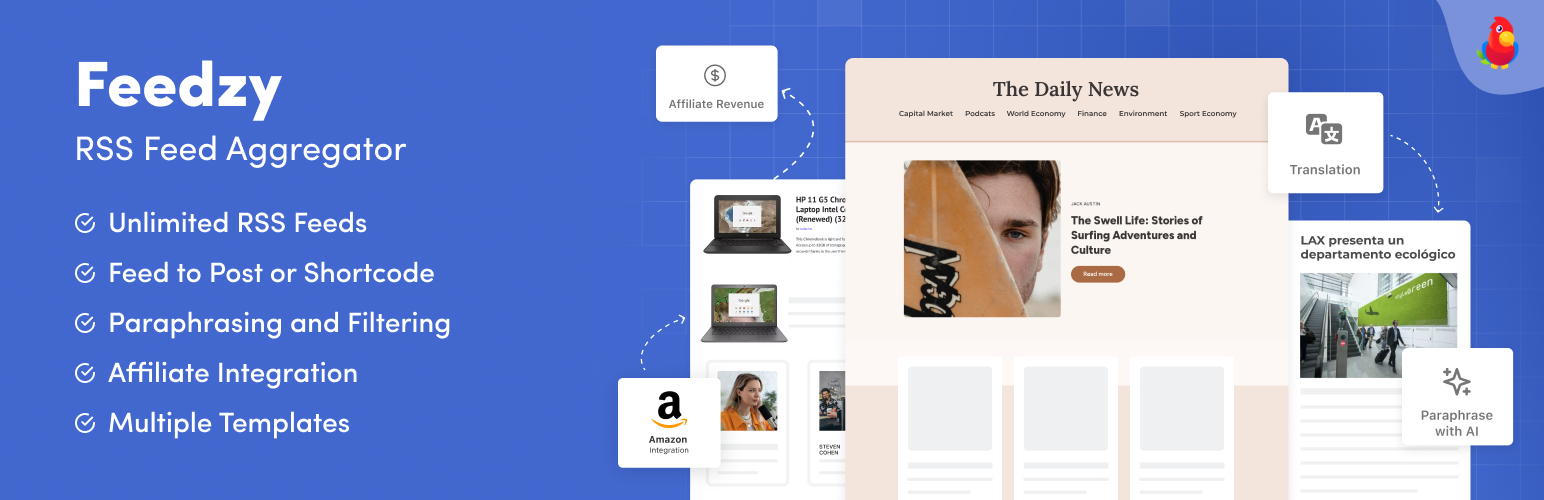
The most powerful WordPress RSS aggregator, helping you curate content, autoblog, import RSS & display unl...

Ditty offers a range of content display options, including its signature news ticker and customizable layouts.