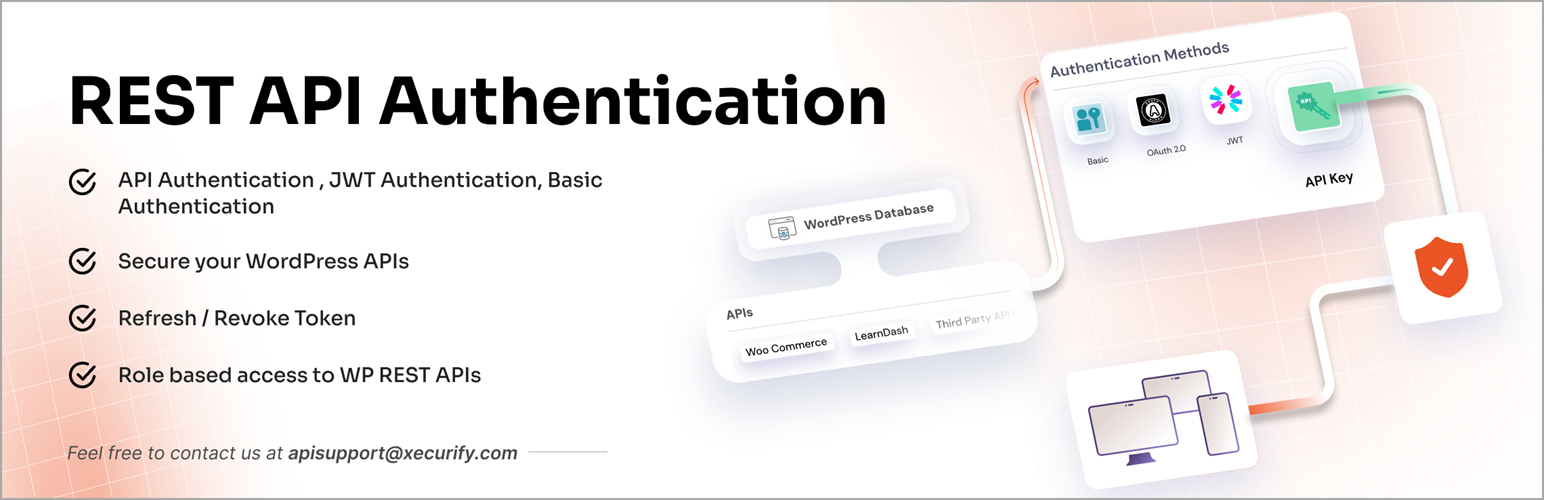
Secure and protect WordPress REST API from unauthorized access using JWT token, Basic Authentication, API Key,...
Free
20k+ installs 4.4★ (74)
The user friendly NFT and ERC20 tokens Ethereum Wallet with BSC and Polygon support for your WordPress site and WooCommerce store.

The Ethereum Wallet plugin for WordPress allows users to create an Ethereum wallet automatically upon registration. It enables users to send Ether or ERC20/NFT tokens from their newly created wallets, making it suitable for those looking to integrate cryptocurrency functionality into their WooCommerce store.
This plugin is particularly useful for non-technical customers who want to obtain an Ethereum account address to purchase NFTs or ERC20 tokens. It can be enhanced with the EthPress NFT Access Add-On for managing access to WooCommerce products and content.
Best for: This plugin suits WooCommerce store owners looking to offer cryptocurrency transactions.
What it does well
Where it falls short
The Ethereum Wallet plugin provides essential functionality for integrating Ethereum wallets into a WordPress site. It is a straightforward solution for those interested in cryptocurrency commerce.
ethereumicoio's own description of Ethereum Wallet, lightly tidied.
The WordPress Ethereum Metamask Wallet Connect plugin auto-creates a user wallet upon registration and allows user to send Ether or ERC20/NFT tokens from it.
Binance Smart Chain (BSC), Polygon and any other EVM-compatible blockchain is supported in the PRO version!
It is a valuable addition for the Cryptocurrency Product for WooCommerce plugin.
Using these two plugins your non-techie customers can register to obtain an Ethereum account address and then buy your NFT or ERC20 tokens to be sent to this new address.
The supported EthPress NFT Access Add-On can be used to control access for WooCommerce products, simple pages and posts.
The live demo wallet can be tested here: Ethereum Wallet Demo.
To show user’s Ethereum account address insert the [ethereum-wallet-account] shortcode wherever you like.
Attributes:
label You can use label="My label" attribute to set your own label text.nolabel And nolabel="yes" attribute to display no label at all.Custom Account label display example:
[ethereum-wallet-account label="My label"]
Account display without label example:
[ethereum-wallet-account nolabel="yes"]
Other plugins for crypto and Web3 projects.
Secure and protect WordPress REST API from unauthorized access using JWT token, Basic Authentication, API Key,...

Crypto payment gateway for WooCommerce and Easy Digital Downloads. Accept 100+ coins: Bitcoin, Ethereum, BNB,...
ABC Crypto Checkout is a powerful cryptocurrency payment gateway for WooCommerce that lets you accept Bitcoin,...
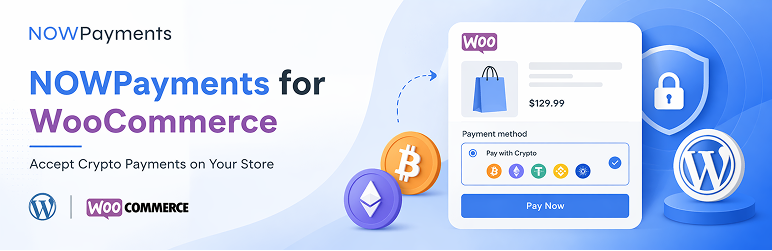
Accept Bitcoin, Ethereum, and 300+ cryptocurrencies in WooCommerce using the official NOWPayments crypto payme...

Accept Bitcoin/USDT payments on your WooCommerce website. Crypto payments go directly to your wallet.
Instant Approval High Risk Merchant Gateway with instant payouts to your USDC POLYGON wallet using fiat to cry...