
The best anti-spam protection to block spam comments and spam in a contact form. The most trusted antispam sol...
Free
5M+ installs 4.7★ (1,186)
This plugin helps to comply with the latest EU directive 2023/2673 by embedding a withdrawal button within your WooCommerce store.

EU Order Withdrawal Button for WooCommerce is a WordPress plugin designed to help WooCommerce store owners comply with the EU directive 2023/2673. It allows customers to submit withdrawal requests for their orders, including options for partial withdrawals.
The plugin features a shortcode for embedding a withdrawal request form, management tools for handling requests, and the ability to send confirmation emails. It also includes guest order validation, spam protection, and GDPR compliance features, making it suitable for online shops that need to adhere to EU regulations.
Best for: This plugin is best for WooCommerce store owners who need to comply with EU withdrawal regulations.
What it does well
Where it falls short
The plugin provides essential features for managing order withdrawals in compliance with EU law. It is a practical solution for WooCommerce sites serving customers in the EU.
vendidero's own description of EU Order Withdrawal Button for WooCommerce, lightly tidied.
EU Order Withdrawal Button for WooCommerce adds compliance with the EU directive 2023/2673 to WooCommerce. With the help of this little plugin you may easily allow your customers to submit (partial) withdrawal requests to their orders.
After installation, a new page (withdraw from contract) is created as a draft. This page includes the [eu_owb_order_withdrawal_request_form] shortcode to output the withdrawal form.
If you don’t want the button to be injected automatically, disable the related setting and either use the shortcode [eu_owb_order_withdrawal_button] to output the button or manually create a link to your withdrawal page within your theme or pagebuilder.
Use our plugin Shiptastic for WooCommerce to handle returns with ease. After confirming a withdrawal request, Shiptastic automatically adds a return shipment including all items of the original request. Provide your customer with all the information needed to return the goods to you. Use Shiptastic to exclude certain products from being returnable at all.
Other plugins for stopping spam.
The best anti-spam protection to block spam comments and spam in a contact form. The most trusted antispam sol...

Allows administrators to globally disable comments on their site. Comments can be disabled according to post t...

Sophisticated antispam plugin for effective daily comment and trackback spam-fighting. Built with data protect...

Top-rated antispam for contact forms, comments, WooCommerce, eCommerce, and login. No CAPTCHAs, no friction, j...

Adds reCaptcha v2 from Contact Form 7 5.0.5 that was dropped on Contact Form 7 5.1
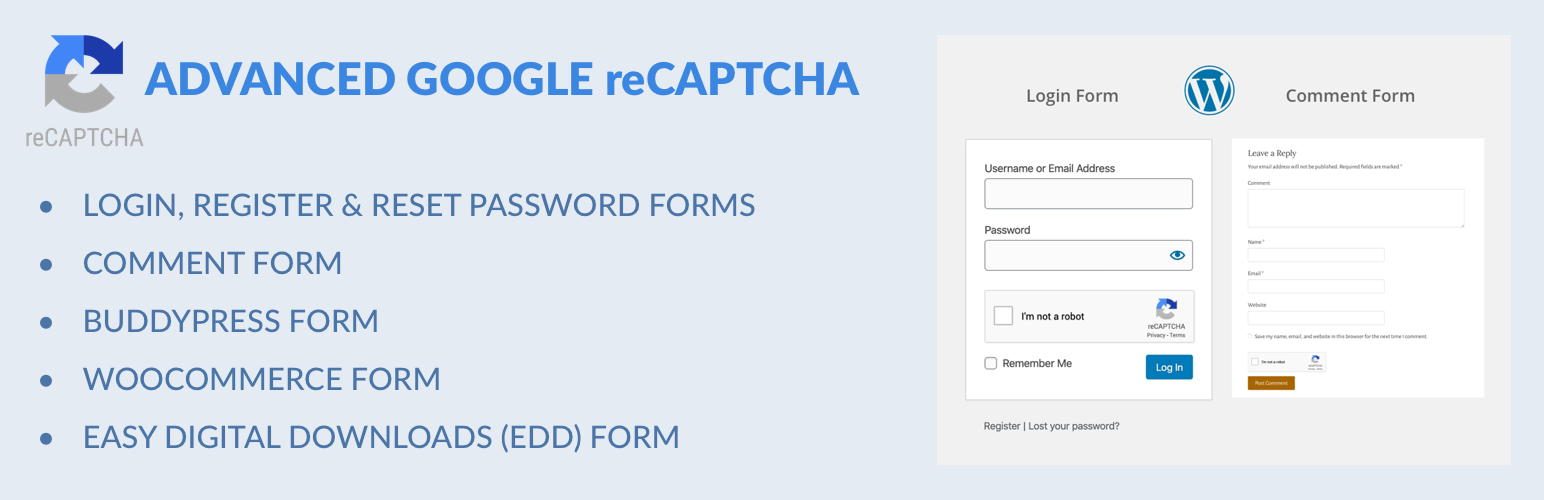
Captcha protection against spam comments & brute force login attacks using Google reCAPTCHA.