
Easily manage events and sell tickets on your WordPress site. Sugar Calendar is easy-to-use, reliable, and exc...
Free
10k+ installs 4.5★ (24)
Event search and filter bar for The Events Calendar. Add an event search box, date filters and filtered event lists anywhere with a shortcode.
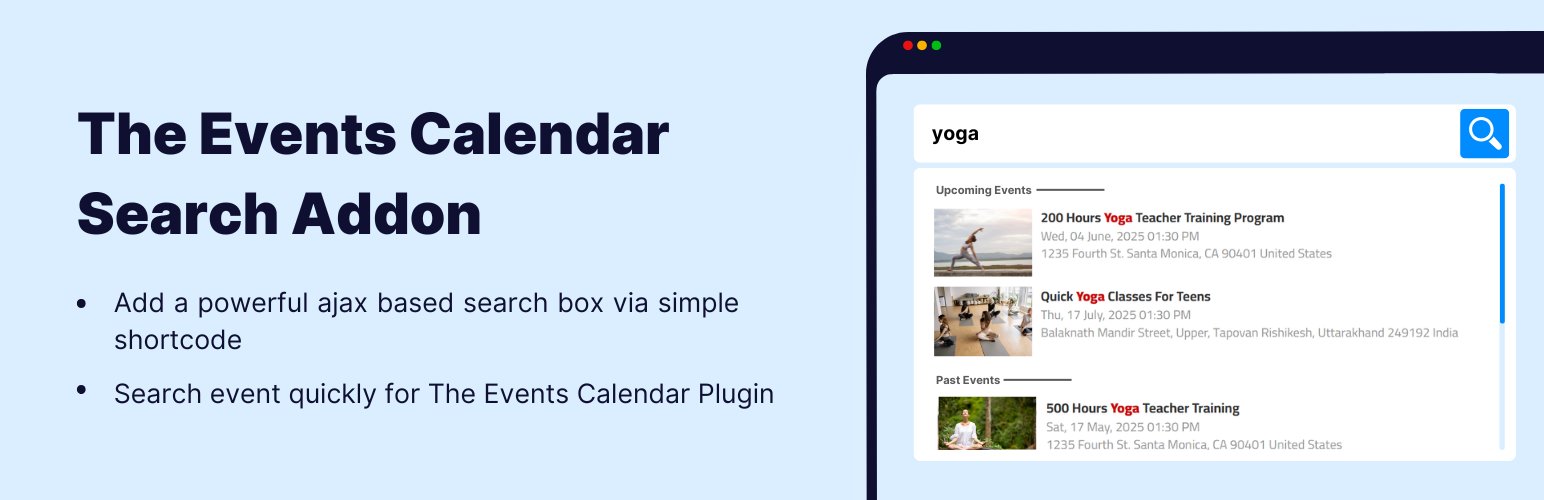
Events Search & Filter Bar for The Events Calendar is a WordPress plugin designed to enhance the functionality of The Events Calendar. It allows visitors to search for events by name, filter them by date range, and view results on the same page, providing a more efficient way to navigate a long list of events.
This plugin is suitable for anyone managing events, conferences, webinars, or similar activities using The Events Calendar. It integrates seamlessly with various themes and page builders, making it accessible for a wide range of WordPress users.
Best for: This plugin is best for WordPress users who manage events with The Events Calendar and need a search and filter solution.
What it does well
Where it falls short
Events Search & Filter Bar for The Events Calendar offers useful search and filtering capabilities for event management. It is a practical addition for those looking to improve user experience on their events page.
CoolHappy's own description of Events Search & Filter Bar for The Events Calendar, lightly tidied.
Give your visitors a real way to find events instead of scrolling a long event calendar.
Events Search & Filter Bar is a free event search plugin and events filter bar for The Events Calendar. Visitors type an event name, narrow it to a date range, and see matching events on the same page — with a shareable URL for every filtered view.
Front-end event search and filtering is normally a paid feature in the events calendar ecosystem. This event calendar addon gives you a real, working one for free.
This plugin does not replace your WordPress event calendar — it makes the one you already have findable. If you run The Events Calendar to manage events, conferences, webinars, workshops, classes, gigs or local meetups, and your events page has grown into a long list, this adds the search and filtering layer that list is missing.
It works on any WordPress site running The Events Calendar (free or Pro), with any theme, and with the block editor, Elementor, Divi, Beaver Builder, Bricks and WPBakery — because the bar is placed with a simple shortcode.
Drop this on any page, post or widget area:
[events-calendar-search]
Out of the box that’s an event search box with type-ahead suggestions. Turn on the date filter and a results region in the settings panel, and the panel writes the shortcodes for you — including the second tag that marks where the filtered event list appears:
[events-calendar-search facets="search,date" results-mode="inline" target="events"]
[events-calendar-search-results target="events"]
You never have to type either by hand. Design the bar in the panel, then copy both tags with one click.
Every attribute below is optional. Leave one out and it inherits your saved setting, so a bare [events-calendar-search] follows the settings panel and you only add an attribute where one placement should differ.
Other plugins for event and conference organisers.
Easily manage events and sell tickets on your WordPress site. Sugar Calendar is easy-to-use, reliable, and exc...

Sell event tickets with WooCommerce. Event registration, recurring events, RSVP, attendee management & eve...

The all in one Events Manager for WordPress: create and manage events, sell event tickets online easily. No Co...

Simple Event Registration & RSVP Management for WordPress
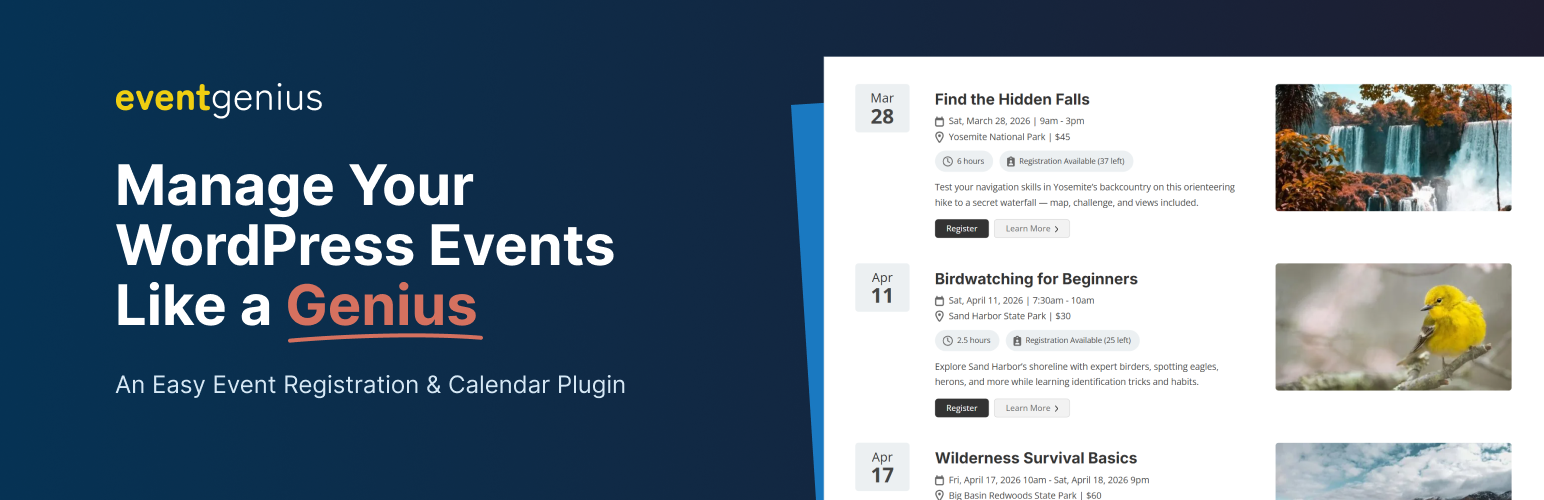
Event management plugin for WordPress with built-in registrations, recurring events, tickets, and calendars. R...

Xylus WP Event Aggregator: Easy way to import Eventbrite events, MeetUp events, Social site Events into your W...