
Boost your sales with a free WooCommerce Wishlist feature. Let your customers save and share their favorite p...
Free
100k+ installs 4.7★ (499)
Ever Compare is a WordPress plugin for product compare, is a powerful tool that helps you to enable compare button for WooCommerce product.

Ever Compare is a WordPress plugin designed for WooCommerce that allows users to compare products on e-commerce sites. It provides various features to help customers make informed purchasing decisions by comparing attributes like quality, price, and size. The plugin is user-friendly and offers options for customisation, including the ability to set up a compare page and configure button settings.
This plugin is suitable for online shops that want to enhance customer experience by providing a straightforward product comparison tool. It is particularly beneficial for e-commerce sites with a diverse range of products, enabling users to easily evaluate their options before making a purchase.
Best for: This plugin suits e-commerce sites looking to improve product comparison functionality.
What it does well
Where it falls short
Ever Compare offers a practical solution for product comparison in WooCommerce, though further details on support and performance would be beneficial.
HT Plugins's own description of Ever Compare, lightly tidied.
In your online shop, helping customers make prompt and easy buying decisions is vital to obtain customer satisfaction. The idea of product comparison in e-commerce sites has become widespread since the product comparison feature is helpful for the buyers while comparing between different items with various attributes, such as quality, price, weight, color, size, etc., and making a final buying decision.
If you want to integrate outstanding and modern product comparing features on your WooCommerce site, the Ever Compare Plugin will be a powerful and handy tool to get started.
All the essential settings of a standard Product Comparison Plugin are available here. You can choose a Compare Page for the Compare Table and also choose the fields to be shown in the table. Besides, there are various button settings, such as Compare Button Text, Compare Added Button Text, etc. Furthermore, there are options to show the compare button both in the product list and single product page and enable or disable Open Popup.
Finally, this impressive product comparison plugin is fully user-friendly, well-documented, and entirely responsive. Try Ever Compare Plugin to compare between different products on your web page like a pro!
We have a lot of plugins and extensions that might interest you. Try out other projects by following this link:
Other plugins for wishlists and comparisons.
Boost your sales with a free WooCommerce Wishlist feature. Let your customers save and share their favorite p...

WPC Smart Wishlist is a simple but powerful tool that can help your customer save products for buying later.

WooCommerce builder for Elementor & Gutenberg, offering product templates, product sliders, shopping cart,...
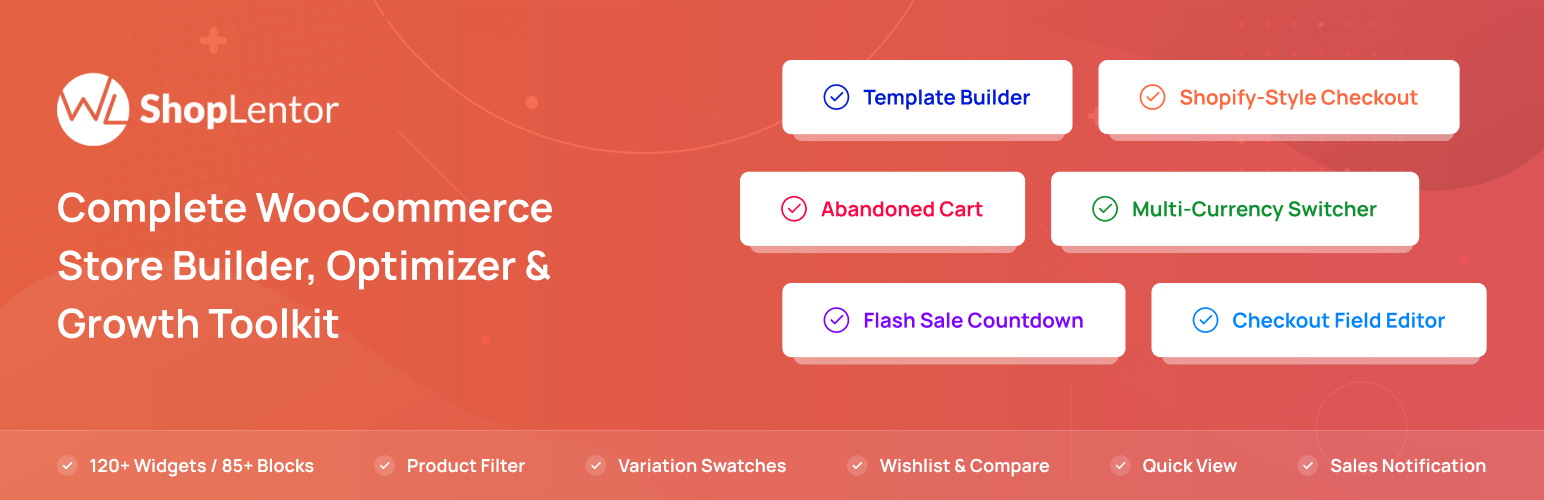
ShopLentor – More than a WooCommerce builder. A complete growth plugin to boost conversions, UX, and sales for...
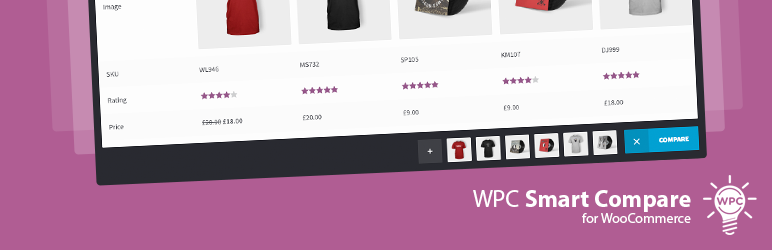
It helps customers compare products with mighty AJAX, doesn't require opening a new page or iframe, and a...
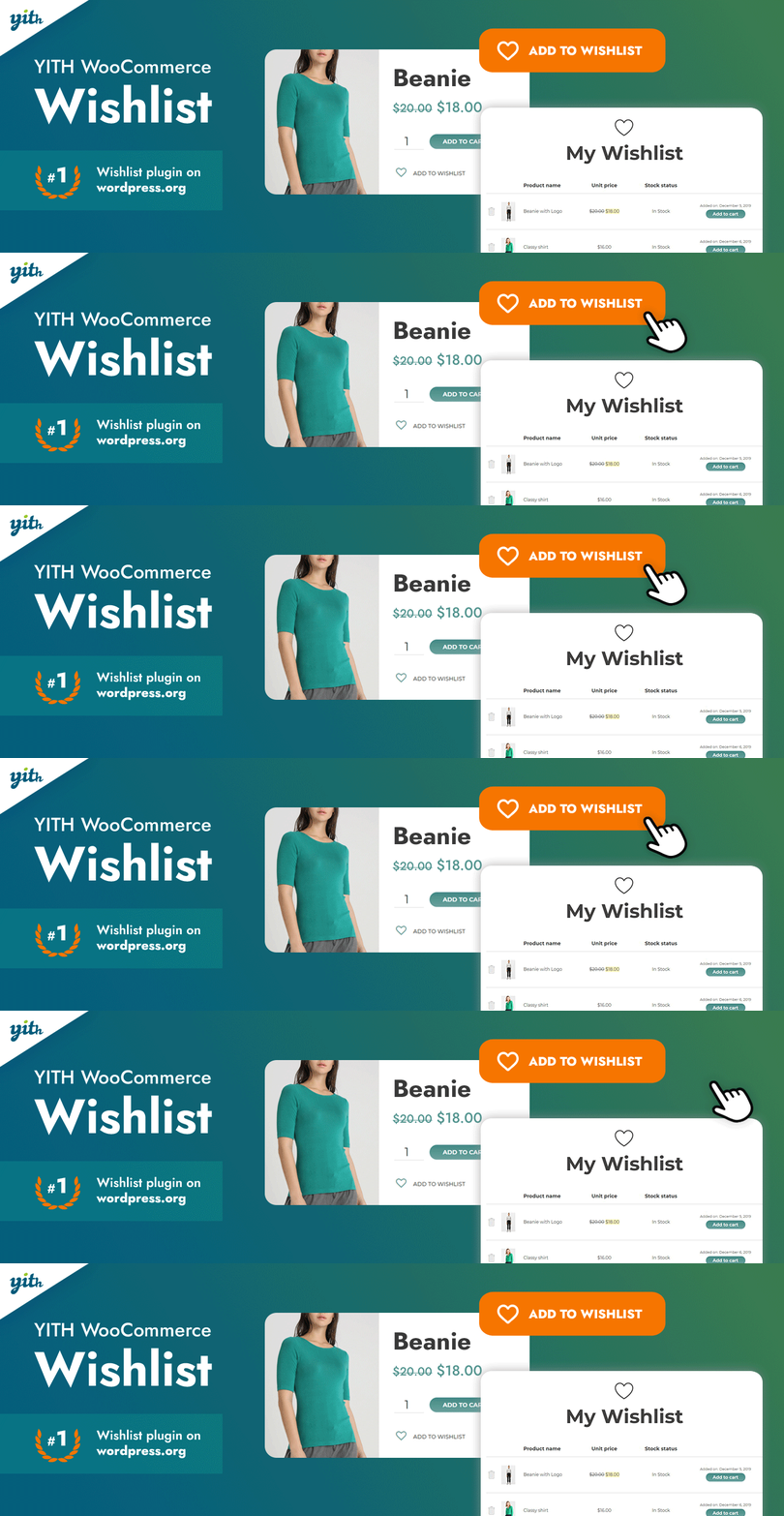
YITH WooCommerce Wishlist add all Wishlist features to your website. Needs WooCommerce to work. WooCommerce 11...