
WooCommerce Variation Swatches replaces boring variation dropdowns with engaging color, image, and label swatc...
Free
300k+ installs 4.8★ (919)
This plugin lets you set a custom logo for Twenty Twenty WordPress theme's cover template, change the footer credits lines (copyright and powered …

Extra Options For The Twenty Twenty Theme is a WordPress plugin designed to enhance the functionality of the Twenty Twenty theme. It allows you to set a custom logo for the cover template, use a transparent header, and modify or remove footer credits. The plugin provides these features through the Customizer interface.
This plugin is suitable for users of the Twenty Twenty theme who want to personalise their site with a custom logo and footer text. It is particularly useful for those looking to create a unique header experience without adopting the full cover template.
Best for: This plugin suits users of the Twenty Twenty theme who want to customise their site's appearance.
What it does well
Where it falls short
Extra Options For The Twenty Twenty Theme offers basic customisation features for the Twenty Twenty theme. It is a straightforward tool for enhancing your site's identity and footer, but its current limitations may not meet all user needs.
acosmin's own description of Extra Options For The Twenty Twenty Theme, lightly tidied.
This plugin lets you set a custom logo for Twenty Twenty WordPress theme’s cover template, change the footer credits lines (copyright and powered by WordPress) & use a transparent header with a hero block. More options to come.
You can use this option to select a custom logo, with a transparent background (.png), that will be used only when the cover page template is detected. This helps because your custom logo might not be perceivable if the cover overlay is of the same color.
This option can be found in: Customizer > Site Identity > Cover Template Logo.
Use the transparent header used by the Cover Page template whitout actually selecting that template. This is great if you want to use a custom Hero section (cover block for example). It will also disable the title h1 tag (for SEO reasons), so make sure you add a h1 tag on the page (maybe via cover block). The logo can be set using the previous option.
This option can be enabled on a per post/page basis. When you edit/create a new page, open the plugin sidebar (Twenty Twenty Extras) and toggle Transparent header.
These options will allow you to easily change/remove the “copyright” and “powered by WordPress” lines located in the footer. You can use text, plain html, emojis or some of the custom placeholders. The Customizer will offer live preview for these options.
These options can be found in: Customizer > Footer.
Stay tuned!
Other plugins for product customisation.
WooCommerce Variation Swatches replaces boring variation dropdowns with engaging color, image, and label swatc...
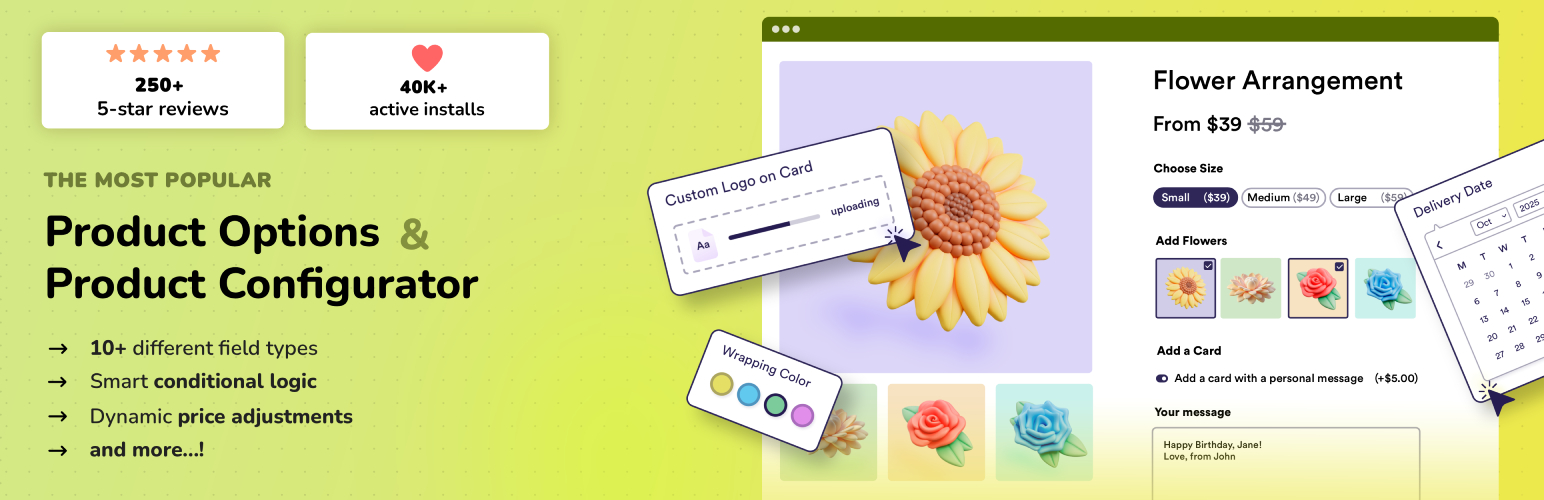
Add options (addons) to your WooCommerce products so your customers can personalize their products. Product fo...

Variation Swatches for WooCommerce replaces dropdowns with color, image & size swatches, helping shoppers...

WooCommerce Product Addons Add custom fields to your WooCommerce product page. With an easy-to-use Custom Form...
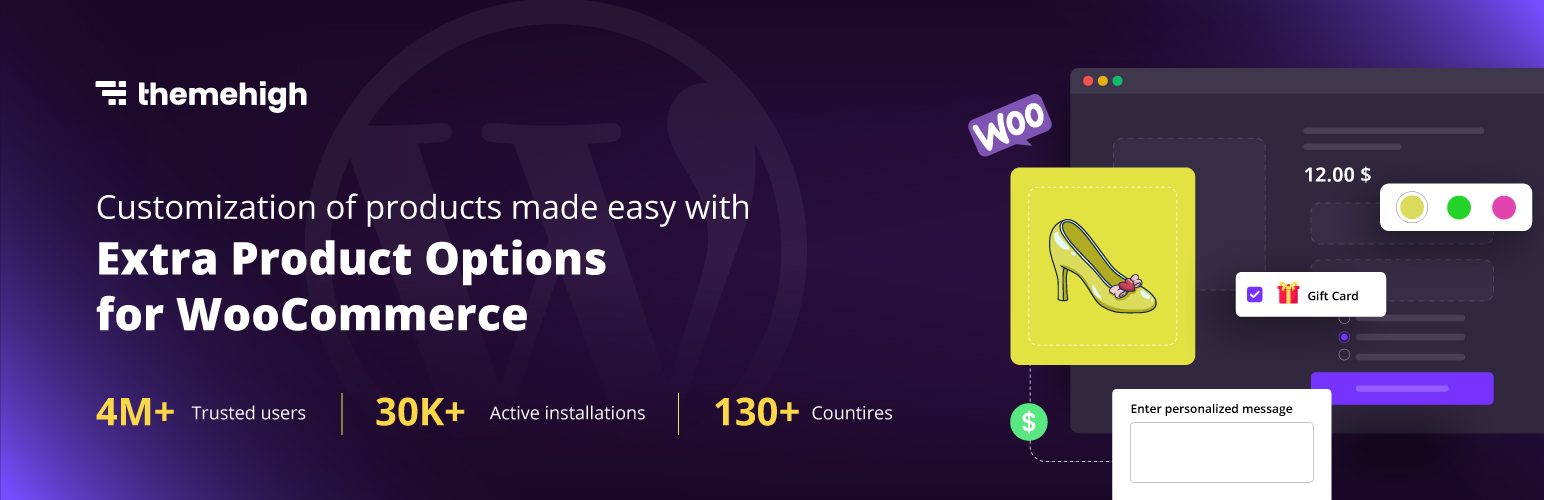
WooCommerce Extra Product Options plugin lets you add product addons (custom products field) of 20 different f...

WCBoost – Variation Swatches is the ultimate plugin to display WooCommerce product variations in style.